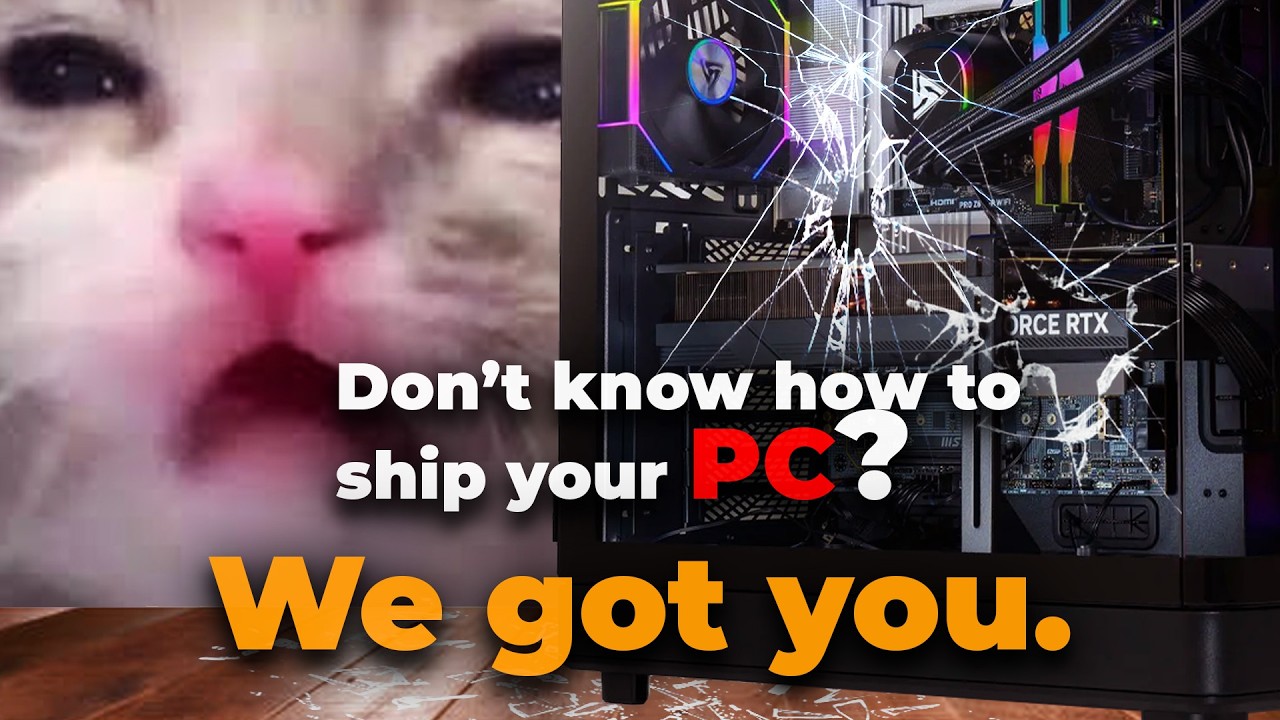
How To Safely Transport Your Desktop PC Without Damage
Автор: Newegg Studios
Загружено: 2026-01-16
Просмотров: 63
Описание:
Learn how to safely transport or ship your desktop PC without damaging critical components.
In this Newegg guide, we walk through best practices for protecting your graphics card, CPU cooler, storage drives, and internal connections when moving or shipping a computer.
Whether you’re relocating, selling a PC, or shipping one across the country, following these steps can help prevent costly damage and ensure your system arrives safely.
#PCBuilding #DesktopPC #Newegg #PCTips #TechTips #ComputerCare
Get in the game! Join the Newegg Gamer Community today! https://newegg.io/e121dcd
Join our influencer program: https://www.newegg.com/creators
-----
Legal:
Newegg Inc. provides the information contained herein as an educational service. Although we believe the information in this presentation to be accurate and timely, because of the rapid changes in the industry and our reliance on information provided by outside sources, we make no warranty or guarantee concerning the accuracy or reliability of the content or other material which we may reference. This presentation is provided on an "as is" basis without warranties of any kind, expressed or implied, including but not limited to warranties of title, non-infringement or implied warranties of merchantability or fitness for a particular purpose. This video/audio file is the property of Newegg Inc. Newegg Inc. grants permission to distribute, rebroadcast or copy this file, provided that (1) the below copyright notice appears in all copies (2) is for non-commercial use only and (3) is not modified in any way. Copyright © 2025 Newegg Inc. All rights reserved.
Повторяем попытку...
Доступные форматы для скачивания:
Скачать видео
-
Информация по загрузке:





