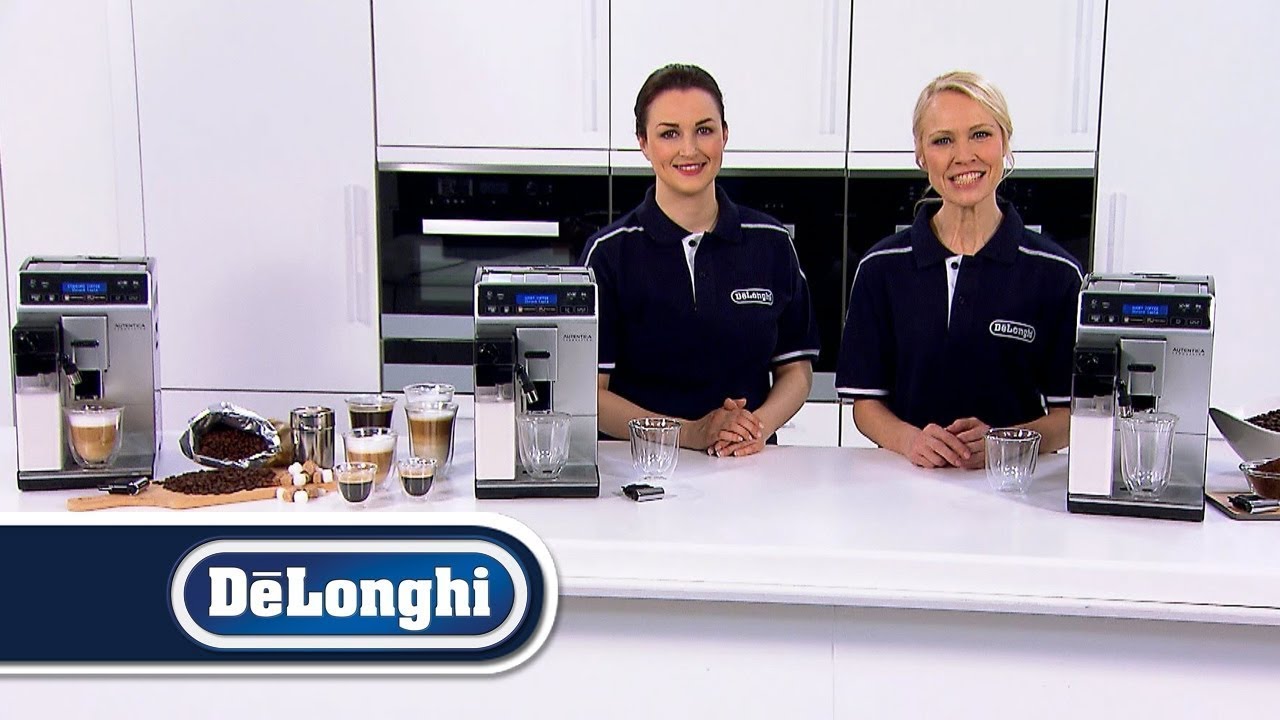
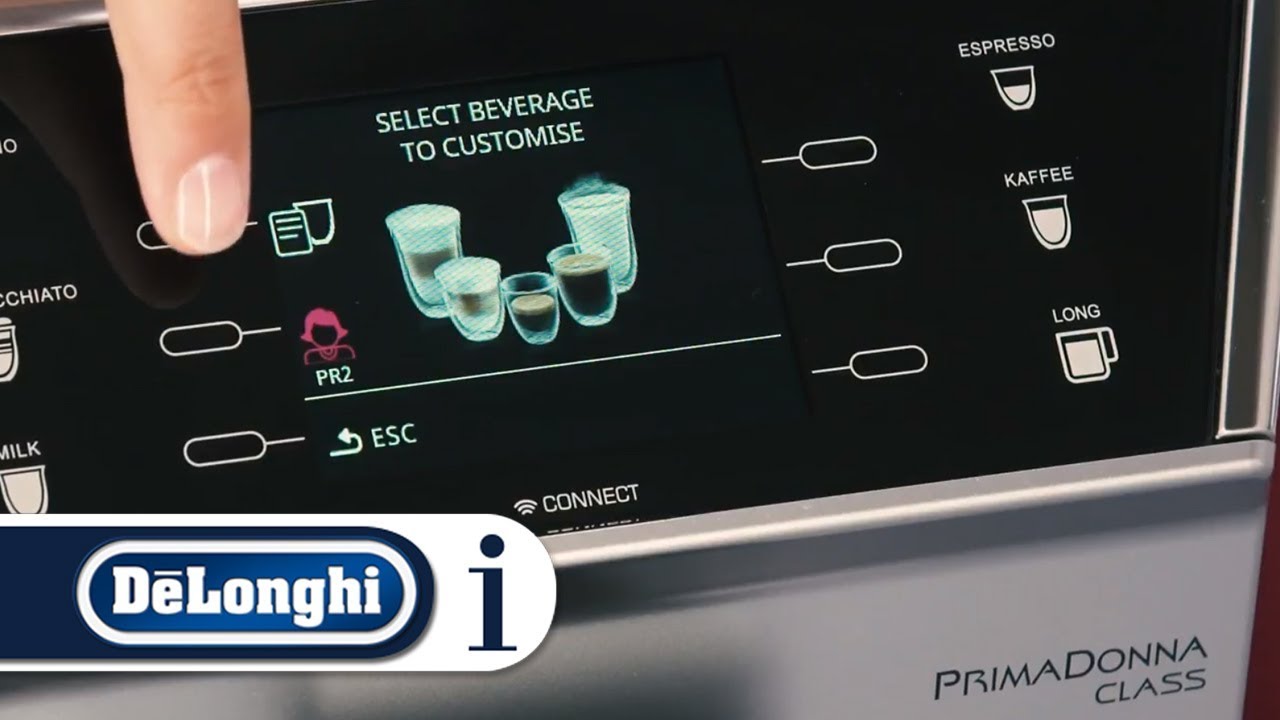
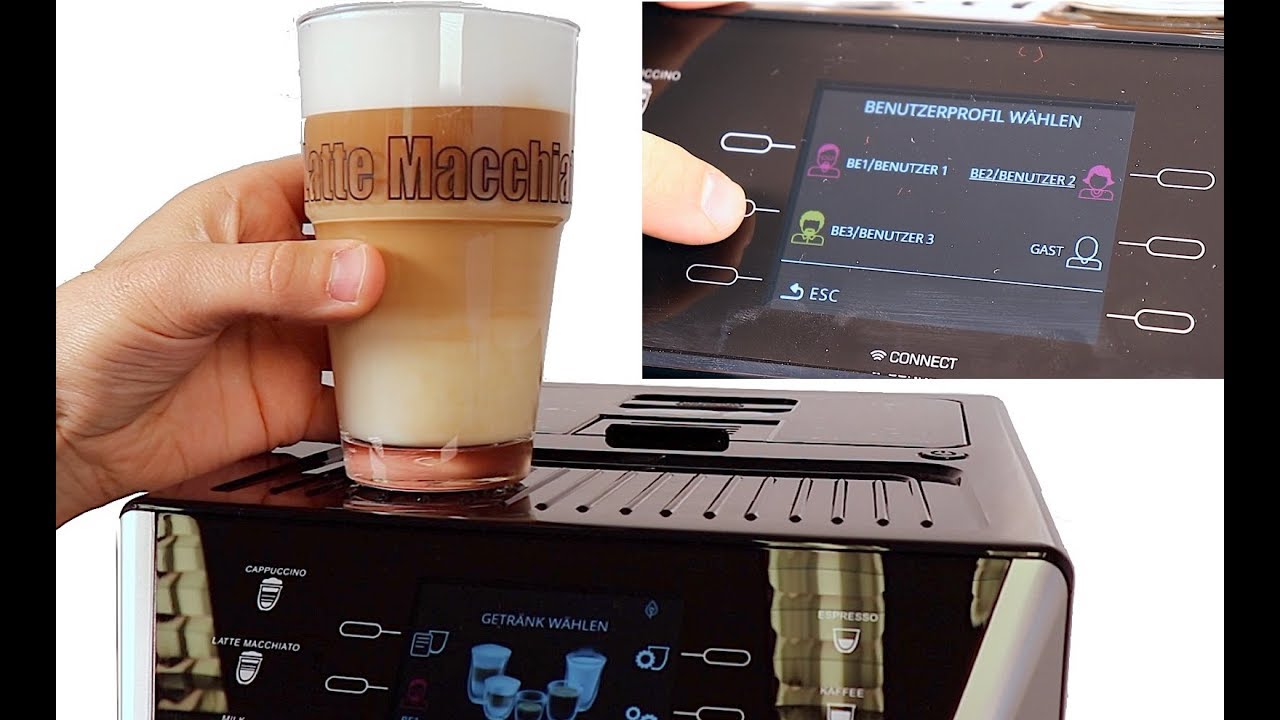
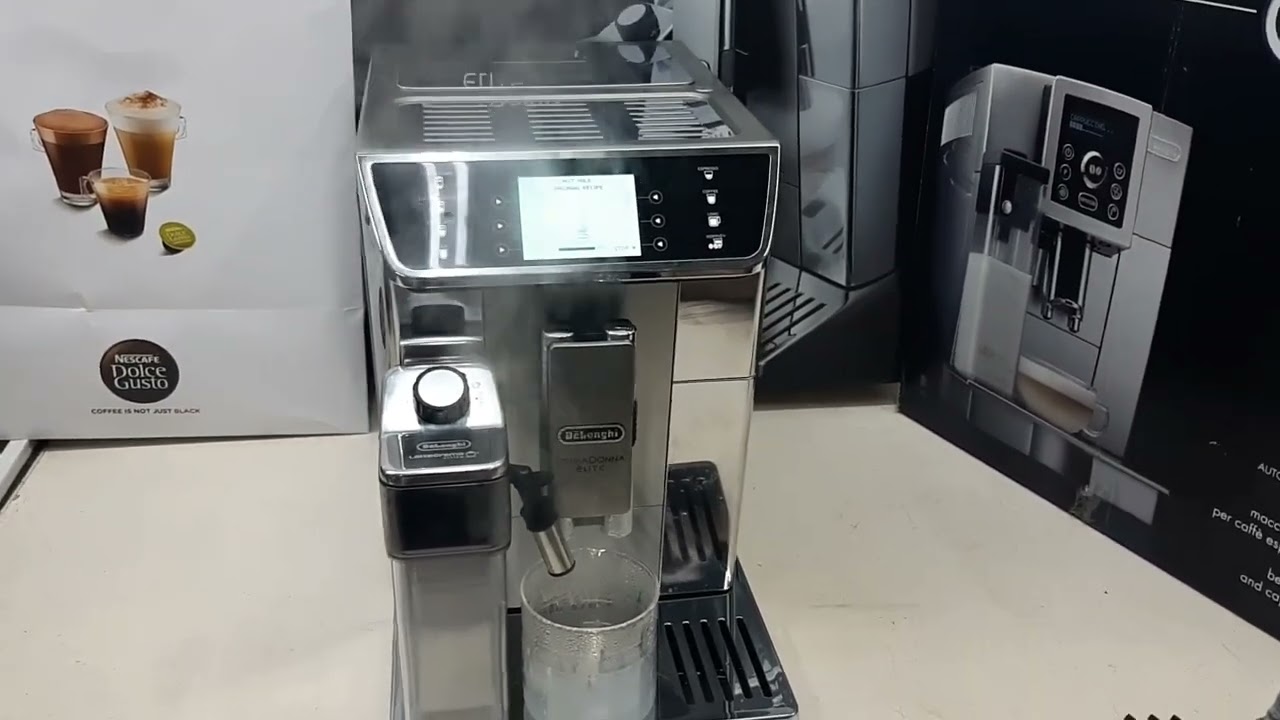
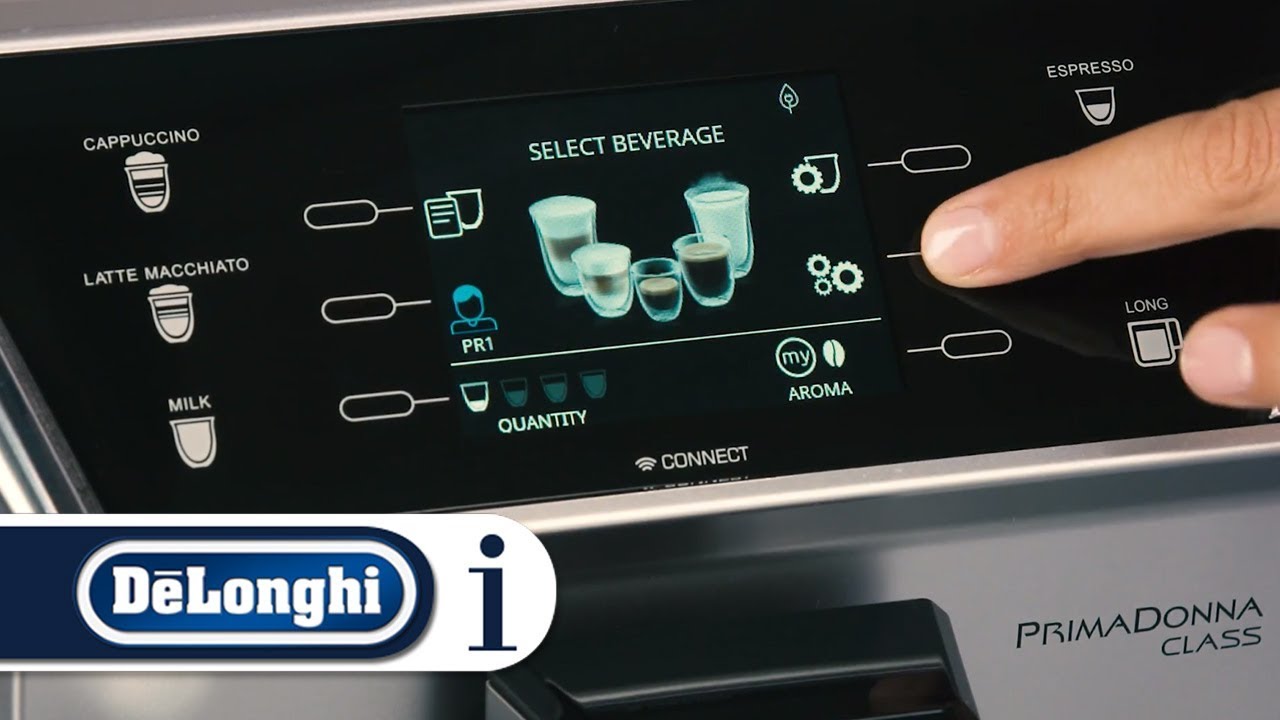
How to navigate the menu settings on your PrimaDonna Class ECAM 550.75.MS or ECAM 550.55.SB
Автор: De'Longhi How-To
Загружено: 2017-10-28
Просмотров: 55013
Описание:
Watch this short video to find out how to use the functions in the menu settings on the De'Longhi PrimaDonna Class ECAM 550.75.MS or ECAM 550.55.SB.
Your De'Longhi PrimaDonna Class ECAM 550.75.MS or ECAM 550.55.SB bean-to-cup coffee machine should always deliver a perfect coffee. From long coffee to cappuccino, if you take good care of your coffee machine with regular cleaning and maintenance, you can enjoy delicious beverages for years to come. To help you get the most out of your coffee machine, we've created a series of How-To videos. Use the links listed below to jump to different sections.
DE'LONGHI ECAM 550.75.MS or ECAM.550.55.SB OTHER USEFUL PLAYLIST CHAPTERS -
1: How to select the coffee aroma and coffee quantity: • How to select the aroma and quantity on yo...
2: How to set up the machine for the first time: • How to set up your De’Longhi PrimaDonna Cl...
3: How to select the coffee aroma and coffee quantity: • How to select the aroma and quantity on yo...
DE'LONGHI OFFICIAL YOUTUBE CHANNELS -
Official De'Longhi How-To channel: https://goo.gl/OO2Bfd
Official De'Longhi YouTube channel: https://goo.gl/grcxNh
DE'LONGHI OFFICIAL WEBSITE LINKS -
Visit the De'Longhi official website: https://www.delonghi.com
For more information on the De'Longhi PrimaDonna Class click here: http://www.delonghi.com/en-int/produc...
Повторяем попытку...
Доступные форматы для скачивания:
Скачать видео
-
Информация по загрузке: