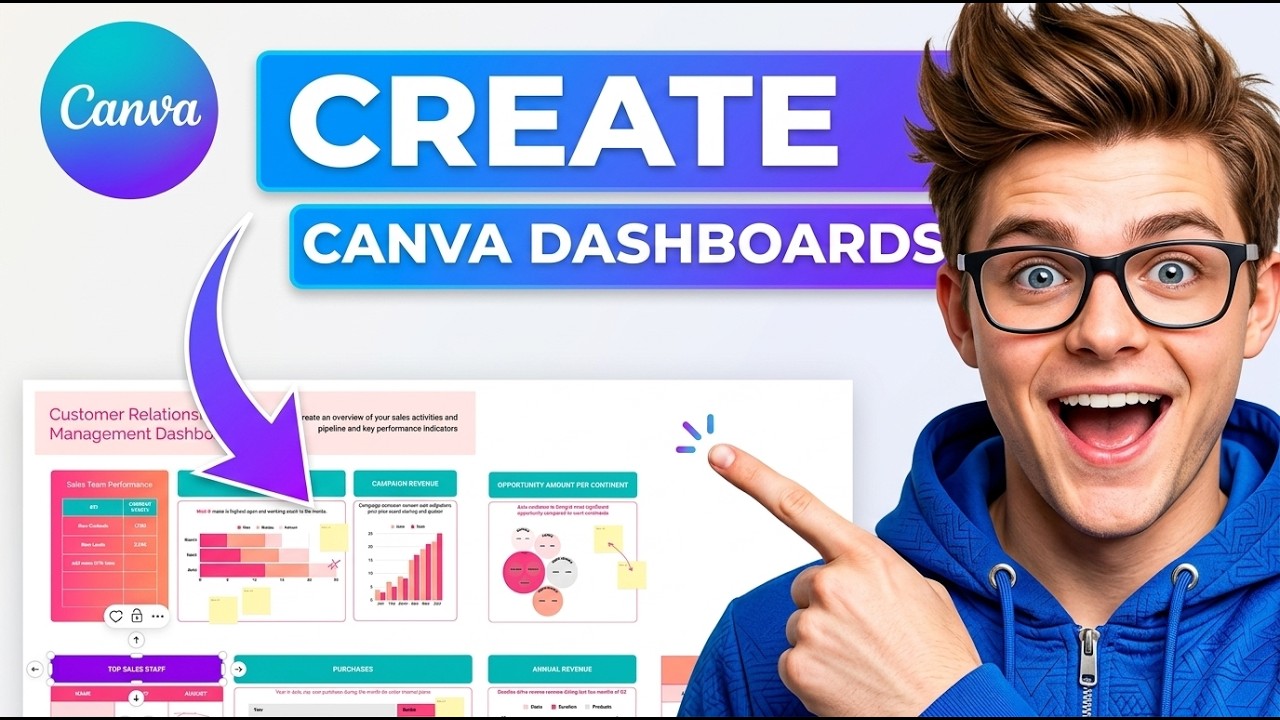
How to Create Dashboards Using Canva [2026] [Complete Guide]
Автор: Design Guy
Загружено: 2026-06-08
Просмотров: 23
Описание:
Learn how to create dashboards using Canva with this comprehensive guide. Canva dashboard creation allows you to design stunning, customizable project overviews to monitor your progress easily. Whether you're a beginner or looking to refresh your design skills, this tutorial covers everything from logging in to sharing your finished dashboard. Discover how to use Canva’s intuitive interface, explore font styles, add graphics, and customize colors to create professional dashboards tailored to your needs.
What you'll learn:
How to access and log into Canva
Searching and selecting dashboard templates
Customizing dashboard elements including fonts and colors
Adding graphics and editing text content
Sharing and downloading your final dashboard design
Step-by-step:
1. Log in to your Canva account online
2. Open Canva and click 'Create a design'
3. Search for "dashboard" templates
4. Select the available dashboard design
5. Explore the dashboard layout and features
6. Customize by selecting and editing dashboard items
7. Change fonts and select font weights (regular, bold, black)
8. Access the Elements section for additional graphics
9. Edit text directly by clicking on text fields
10. Click the pencil icon to further edit text as needed
11. Share your dashboard by clicking the Share button
12. Download your design or copy the sharing link
13. Use the copy link to share on social media or messaging apps
14. Finalize and complete your dashboard creation
Ready to design your own stunning dashboards using Canva? Share your experience or questions below!
#CanvaDashboards #CreateDashboardCanva #DashboardDesign #CanvaTutorial #CanvaDesign #GraphicDesign #DashboardCreation #VisualDashboards #ProjectManagementTools #DesignTips #CanvaProjects #DashboardTemplate #OnlineDesign #HowToDesign #UserInterfaceDesign #CanvaHelp #CreativeDesign #FreelancerTools #MarketingDashboard #DesignWorkflow #BusinessDashboard #SocialMediaDesign
Повторяем попытку...
Доступные форматы для скачивания:
Скачать видео
-
Информация по загрузке: