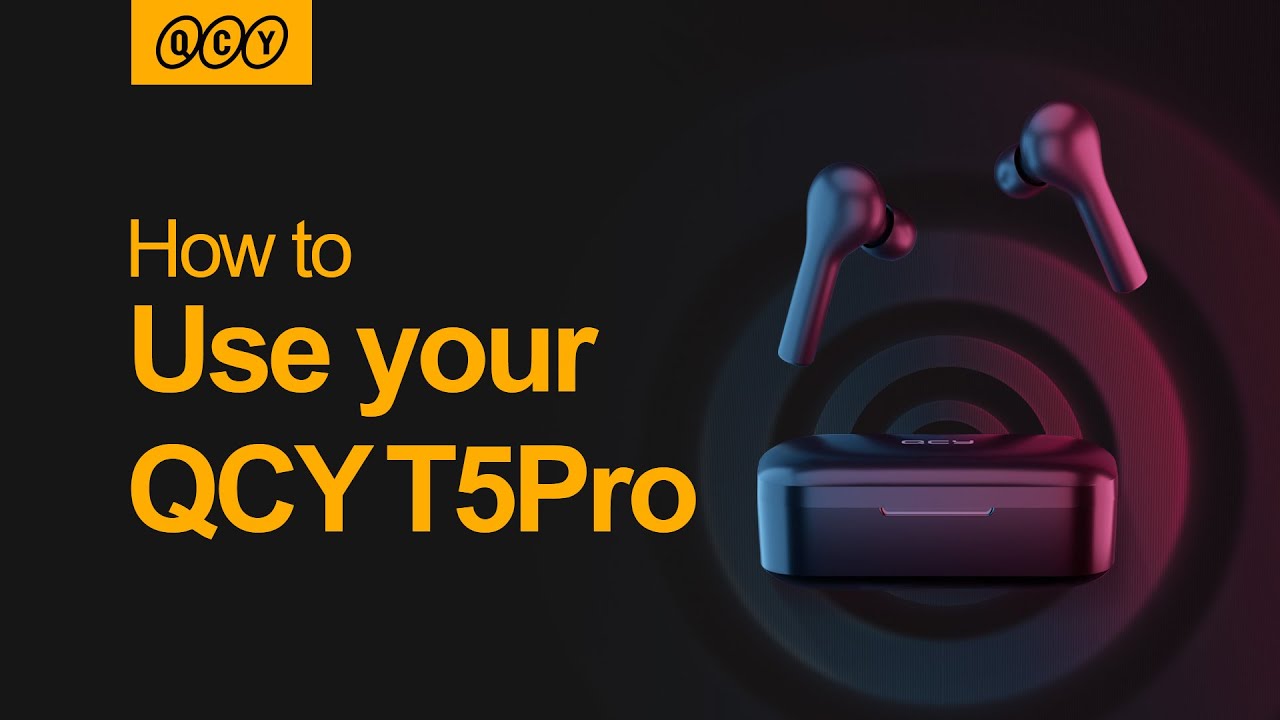
How to use QCY T5Pro? QCY T5Pro Instruction!
Автор: QCY BRAND
Загружено: 2020-11-04
Просмотров: 1986
Описание:
How to use your QCY T5Pro Earbuds?
0:02 - How to connect
0:17 - Music Control
0:28 - In-ear Sensor
0:34 - Answer/end/ignore Call
0:43 - Voice assistant
0:49- Gaming mode
0:54 - Master-slave switch
1:03 - Factory Setting
How to use your QCY T5Pro?
1.Connecting
Take up earbuds, wait until one of them blinks red and green
On phone, tap QCY-T5Pro to connect. LED will turn off once connected
2.Music control
When playing, double-tap either earbud to pause/resume playing
Keep tapping right/left earbud to skip track forward/backward
3.In-ear Sensor
When playing, take off either earbud to pause.
Put it on in 15s to resume playing.
4.Answer/end/ignore call
Double-tap either earbud to answer/end an incoming call
Or keep tapping either earbud to ignore the call
5.Voice assistant
Triple tap left earbud to wake up the voice assistant
6.Gaming mode
Triple tap right earbud to turn on gaming mode(two beeps)
Triple tap right earbud again to turn off gaming mode (three beeps)
7.Master-slave switch
Mono mode: Push either earbud in the case and the other one is still working.
Stereo mode: Take it out again to auto re-pair with the other one(you will hear notice and LED will blink green once)
8.Factory setting
Take out two earbuds and keep tapping both earbuds until LEDs blink red to power off
Once again keep tapping them for 10s (LEDs blink red and white 3 times)
On phone, delete relative connectivity record to reset factory
Повторяем попытку...
Доступные форматы для скачивания:
Скачать видео
-
Информация по загрузке: