How To Turn Off Siri Read Message On iPhone !
Автор: 4kEasyGuide
Загружено: 2026-02-16
Просмотров: 7
Описание:
☕ If this video helped you, consider supporting me by buying me a coffee: https://coff.ee/bimalbasnet
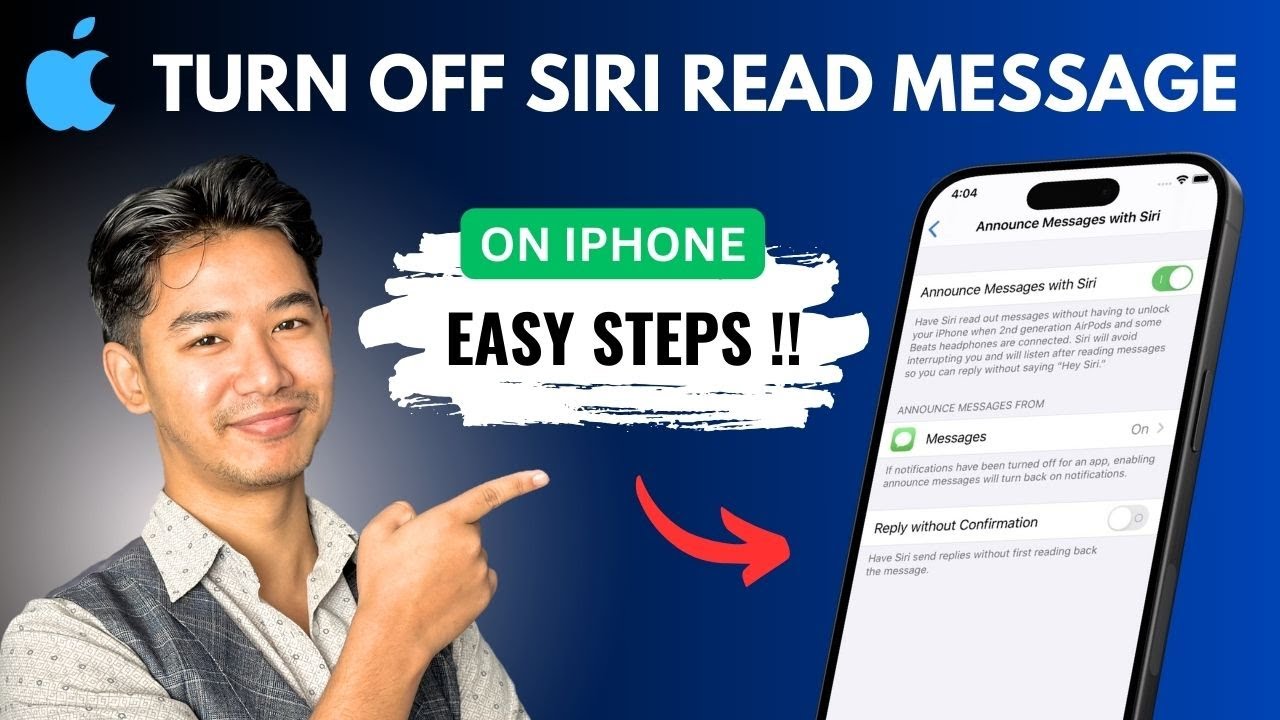
This video provides the steps to disable the feature where Siri automatically reads out incoming text messages and notifications. The control is found within the Notifications settings on your iPhone.
To turn this off, open the Settings app and select "Notifications." From there, choose "Announce Notifications." On this screen, you will see a master toggle at the top—simply turn this off to stop all automatic announcements. If you prefer more granular control, you can leave the main setting on but turn off announcements for specific apps, like Messages, individually by tapping on each app's name in the list. Disabling this feature means Siri will no longer read your messages aloud, whether you are wearing headphones, connected to CarPlay, or using your phone normally.
Timestamps:
0:00 - Introduction
0:07 - Opening Notifications Settings
0:12 - Accessing Announce Notifications
0:17 - Turning Off the Feature
0:28 - Specific App Controls
0:34 - Conclusion
Hashtags:
#HowToTurnOffSiriReadMessageOniPhone #Siri #iPhoneSettings #Notifications #TechTutorial #AppleTips #DisableAnnouncements #iOSGuide
DISCLAIMER: This Channel "4kEasyGuide" is not the Official Support of the content provided & Does Not Promote Any illegal content, all contents provided by This Channel are meant for EDUCATIONAL purposes only. The Channel doesn't own any logos or websites displayed on videos and thumbnails.
Повторяем попытку...
Доступные форматы для скачивания:
Скачать видео
-
Информация по загрузке: