Lightroom 4: Part 1 - The New Tone Controls
Автор: Michael Frye
Загружено: 2012-04-12
Просмотров: 42405
Описание:
This is the first video in a two-part series about the 2012 Process in Lightroom. Although I talk about Lightroom 4, nothing here has changed since, and all the information is still valid for Lightroom 6 and Lightroom CC. But if you'd like to delve more deeply into the Develop Module in Lightroom, and learn how to use the new features in Lightroom 6 and Lightroom CC, please take a look at my ebook and video package, Landscapes in Lightroom: The Essential Step-by-Step Guide. You can find it on my website at michaelfrye.com.
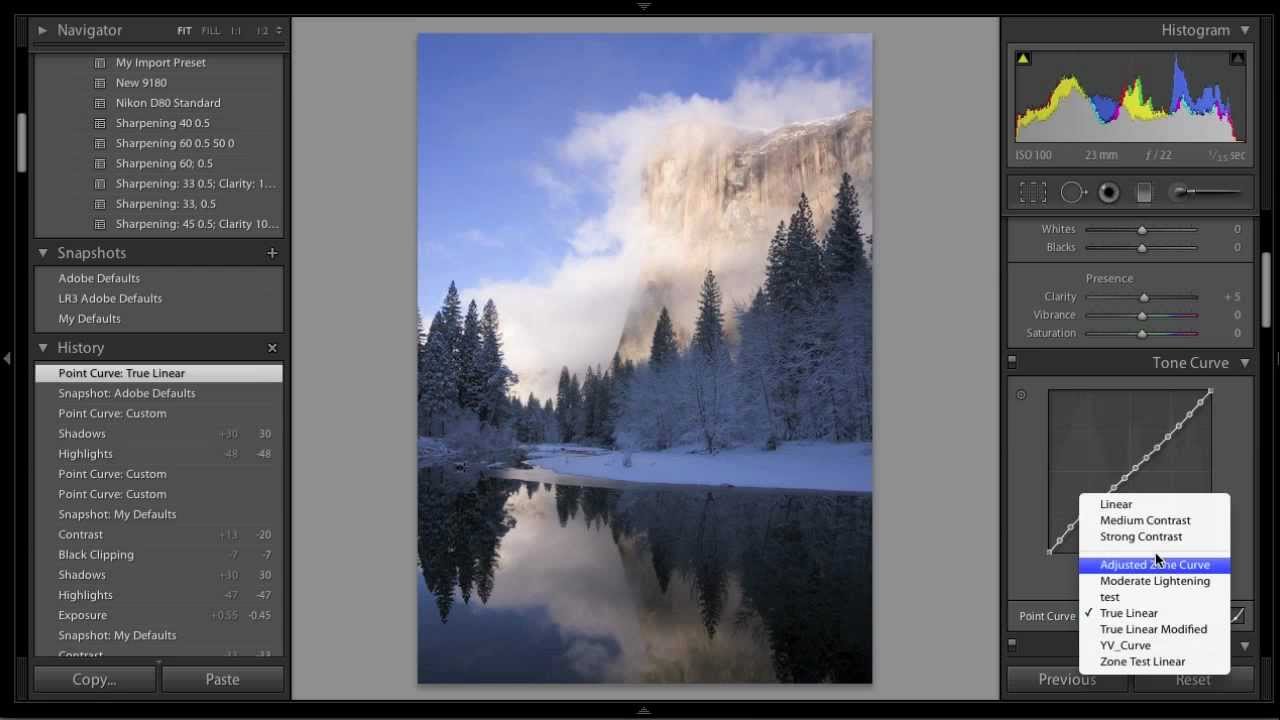
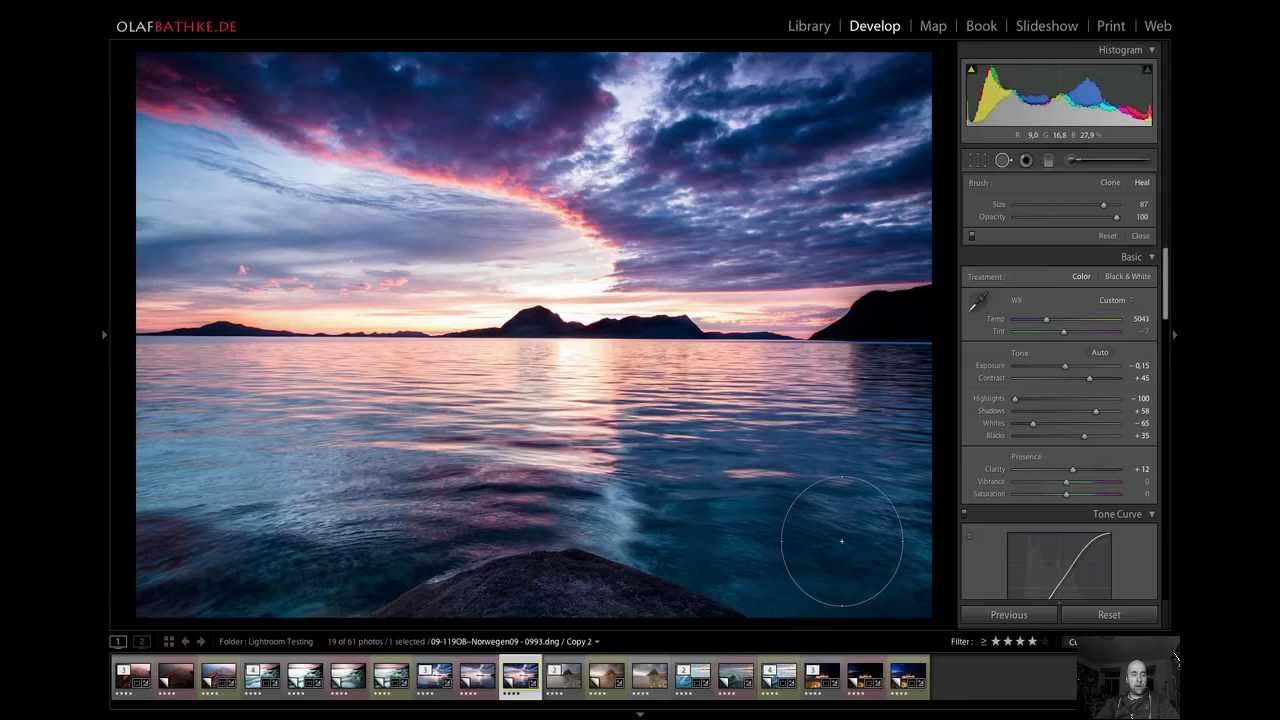
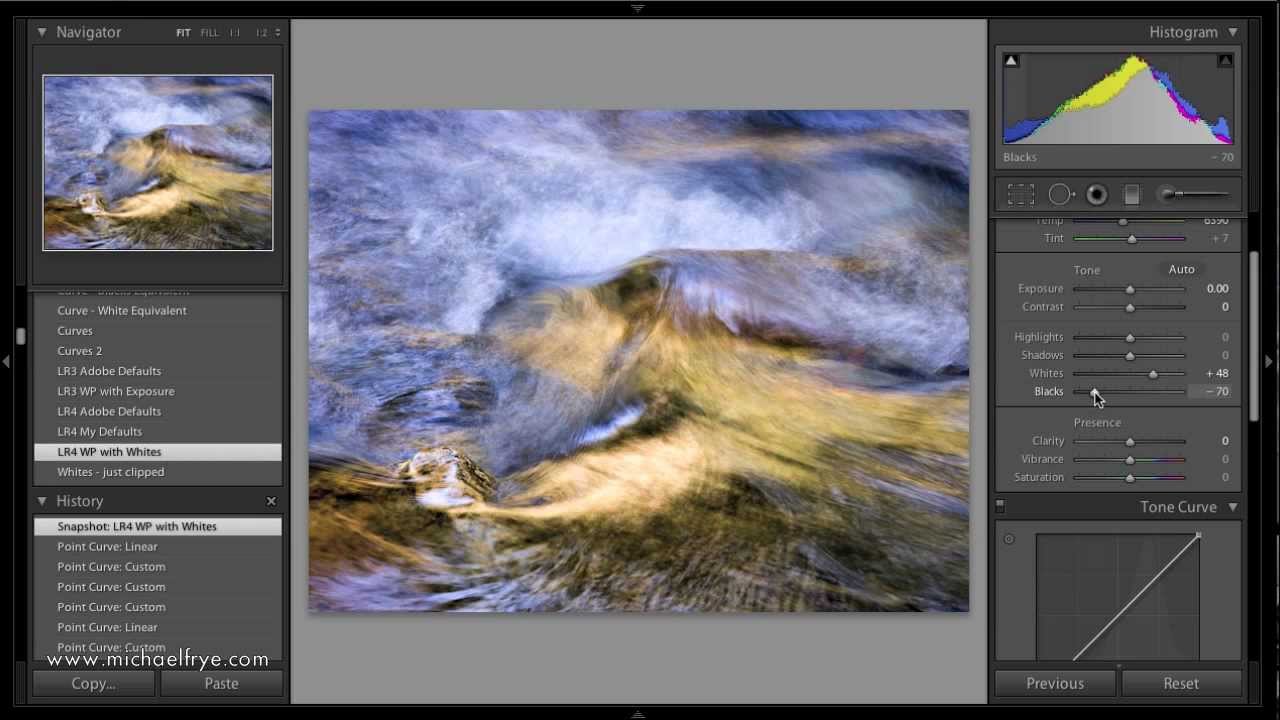
This first segment explains some of the differences between the old and new processes, how the new tools work, and the ways they affect an image's appearance. Here are some of the main points:
The automatic highlight recovery and black point setting in the new process (2:00)
Why you should avoid updating older images to the new process—unless you want to start over (5:04)
The new tools: some of the names are familiar, but they all behave differently (7:30)
Starting points: the numbers are different, but the defaults are really the same (8:53)
An in-depth look at each of the new Basic Tone controls and how they work (12:38)
In the second video I talk about workflow in the new process. I'll show examples of processing both high-contrast and low-contrast images, talk about what settings you should start with, and discuss whether the new and improved Basic sliders can replace using curves.
Повторяем попытку...
Доступные форматы для скачивания:
Скачать видео
-
Информация по загрузке: