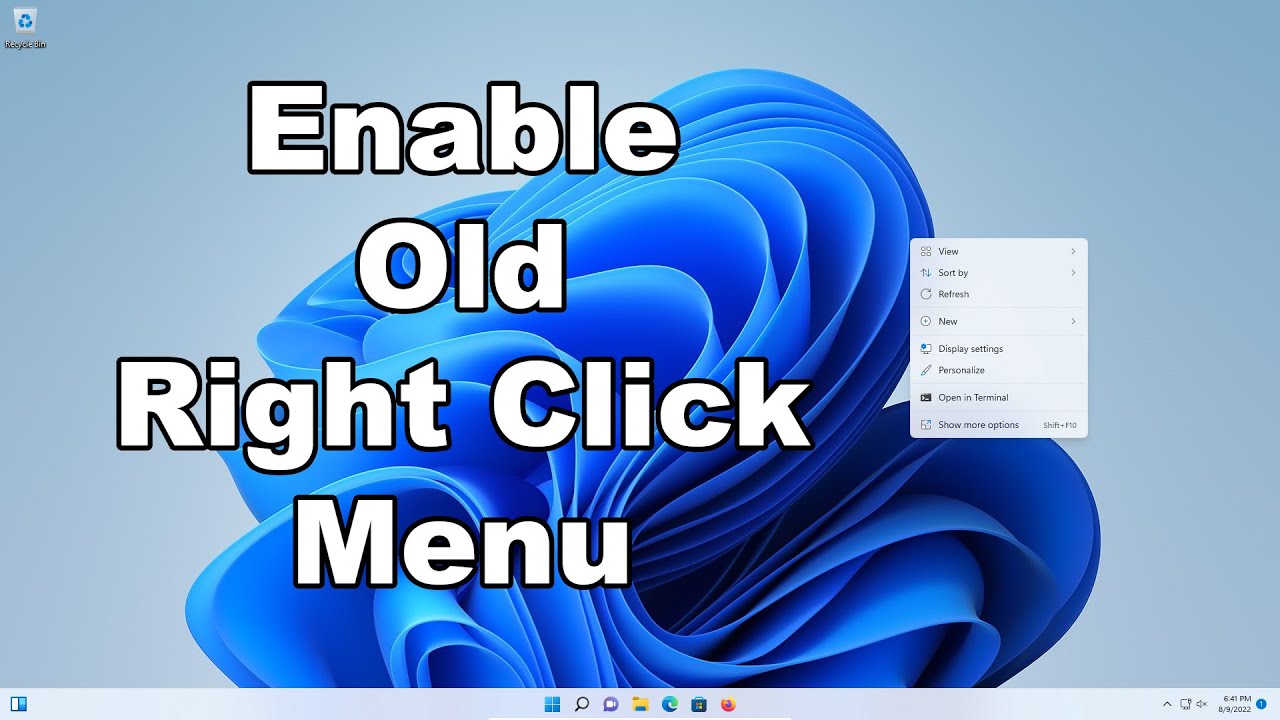
How To Show Old Right Click Menu (Context Menu) In Windows 11 | A Quick & Easy Guide
Автор: Full Speed Mac & PC
Загружено: 2022-08-10
Просмотров: 111599
Описание:
Tutorial on how to show the old right click menu (context menu) in Windows 11 using the command prompt and/or the Registry Editor. Users will be informed how to enable/show the old right click menu (context menu), and how to reverse the change to show the new right click menu (context menu).
Command to show OLD right click menu:
reg add "HKCU\Software\Classes\CLSID\{86ca1aa0-34aa-4e8b-a509-50c905bae2a2}\inprocServer32" /f /ve
Command to show NEW right click menu (not shown in video):
reg delete "HKCU\Software\Classes\CLSID\{86ca1aa0-34aa-4e8b-a509-50c905bae2a2}" /f
Registry Path: Computer\HKEY_CURRENT_USER\SOFTWARE\CLASSES\CLSID
Securely back up your data (unlimited): https://www.backblaze.com/cloud-backu...
#windows11
Повторяем попытку...
Доступные форматы для скачивания:
Скачать видео
-
Информация по загрузке: