ycliper

Популярное

Музыка Кино и Анимация Автомобили Животные Спорт Путешествия Игры Юмор

Интересные видео

2025 Сериалы Трейлеры Новости Как сделать Видеоуроки Diy своими руками

Топ запросов

смотреть а4 schoolboy runaway турецкий сериал смотреть мультфильмы эдисон
Скачать

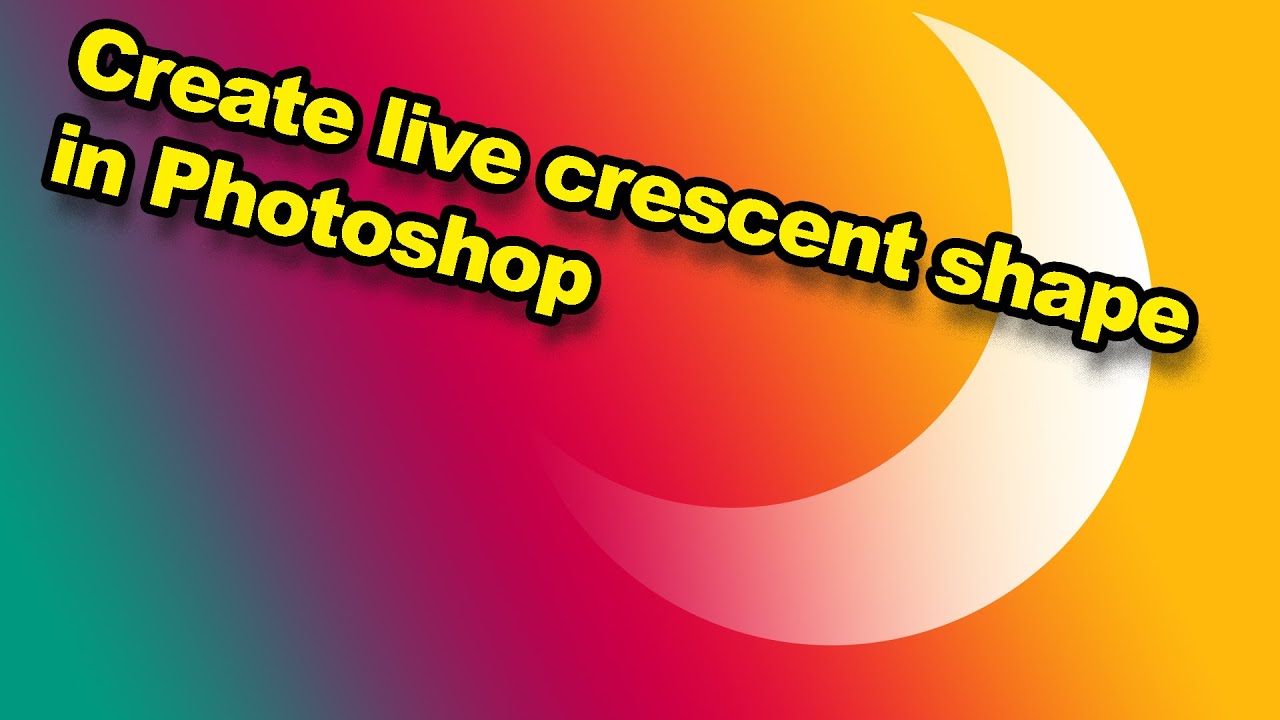
Create a Crescent Moon Vector Shape in Photoshop

Автор: Michael Bullo

Загружено: 2021-06-15

Просмотров: 19543

Описание: Learn how to create a crescent moon shape in Photoshop using a various vector features. This method provides ultimate flexibility during the design process. Details below...
Patreon:   / michaelbullo  

0:00 - Demo of What Will be Created

0:13 - Drawing Vector Circles
The Ellipse Tool is located beneath the Rectangle Tool within the Tools panel. The Mode should be set to Shape from within the Options bar running along the top of Photoshop. The Fill and Stroke colours can also be set from the Options bar or from the Properties panel. Double clicking on the layer thumbnail within the Layers panel also allows the Fill colour to be changed.

1:31 - Selecting Vector Paths
The Move Tool only allows for the manipulation of an entire layer. To select and/or edit individual vector paths, use the Path Selection Tool. To select and/or edit individual anchor points within a vector path, use the Direct Selection Tool. To draw a circle, hold down the Shift key.

2:23 - Duplicating Vector Paths
Using the Path Selection Tool and holding down the Alt/Option key, a copy of a path can be dragged out using the mouse and the left mouse button.

3:10 - Combining Vector Paths
Multiple paths within a single shape layer can be combined in different ways. By default they will add together to form a shape. However, the Path Operations drop down menu allows for different combinations. With the most recently created path selected, activating the option Subtract Front Shape will see this path punch a hole through any overlapping paths below it.

4:26 - Modifying Vector Paths
With the path of a shape selected, a bounding box will automatically appear around it allowing for resizing. In versions of Photoshop before 2021, Free Transform Path (Command/Control + T) would need to be invoked to make such as a transformation.

5:06 - Prevent Distortion While Resizing
To prevent distortion while resizing, earlier versions of Photoshop required holding down the Shift key. This will still be required if the Use Legacy Free Transform option is active within the General tab of the Photoshop Preferences.

6:05 - Modifying Shape Appearance
Even after transformations have been applied, the properties of a shape can continue to be changed.

6:51 - Merging Vector Paths
Merge Shape Components is the option at the bottom of the Path Operations drop down menu. Select the vector paths within a layer that are to be combined and invoke this option. Visually, the final result will be the same. However, the multiple selected paths will be combined into a single path. This is a destructive change.

Не удается загрузить Youtube-плеер. Проверьте блокировку Youtube в вашей сети.
Повторяем попытку...
Create a Crescent Moon Vector Shape in Photoshop

Поделиться в:

Доступные форматы для скачивания:

Скачать видео

  • Информация по загрузке:
Скачать аудио

Похожие видео

Резкое продвижение ВСУ на фронте / РФ идёт на срочные переговоры

Резкое продвижение ВСУ на фронте / РФ идёт на срочные переговоры

Инструменты перемещения, выделения контура и прямого выделения в Photoshop

Инструменты перемещения, выделения контура и прямого выделения в Photoshop

Controlling an Illustrator Image Trace with Photoshop

Controlling an Illustrator Image Trace with Photoshop

Remove Tool - Photoshop for Beginners | Lesson 7

Remove Tool - Photoshop for Beginners | Lesson 7

Арестович: Блиц вопрос ответ. Европа - кто следующий? #украина #арестович #шелест

Арестович: Блиц вопрос ответ. Европа - кто следующий? #украина #арестович #шелест

Смешарики | Смешарики и луна. Лучшие серии. Смотреть онлайн

Смешарики | Смешарики и луна. Лучшие серии. Смотреть онлайн

Photoshop: How to create crescent shapes in Photoshop

Photoshop: How to create crescent shapes in Photoshop

Blending Modes - Photoshop for Beginners | Lesson 5

Blending Modes - Photoshop for Beginners | Lesson 5

create Half Moon By Photoshop | Samiul Siddique Shakil

create Half Moon By Photoshop | Samiul Siddique Shakil

How To Draw Shapes In Photoshop (The Shape Tool Explained!)

How To Draw Shapes In Photoshop (The Shape Tool Explained!)

Ultimate 70s Soft Rock Mix - The Golden Age of Soft Rock - Best Songs of the 70s

Ultimate 70s Soft Rock Mix - The Golden Age of Soft Rock - Best Songs of the 70s

Константин Сивков | Россия заберет Одессу и Николаев? Сивков о финале СВО

Константин Сивков | Россия заберет Одессу и Николаев? Сивков о финале СВО

How to Combine Shapes in Photoshop

How to Combine Shapes in Photoshop

Tracing a Shape using Pen Tool in Photoshop, Batman Logo

Tracing a Shape using Pen Tool in Photoshop, Batman Logo

Photoshop Tutorial for Beginners 2023 | Everything You NEED to KNOW!

Photoshop Tutorial for Beginners 2023 | Everything You NEED to KNOW!

Create better looking photos with this (not for beginners)

Create better looking photos with this (not for beginners)

ПРЕВОСХОДНЫЙ дизайн рекламы манипуляции продуктом ✅🔥 Полный урок по Photoshop

ПРЕВОСХОДНЫЙ дизайн рекламы манипуляции продуктом ✅🔥 Полный урок по Photoshop

Learn Inkscape: Working With the Gradient Tool

Learn Inkscape: Working With the Gradient Tool

1-28 Pen Tool

1-28 Pen Tool

The EASY Background Remover Hidden in Photoshop!

The EASY Background Remover Hidden in Photoshop!

© 2025 ycliper. Все права защищены.


  • Контакты
  • О нас
  • Политика конфиденциальности


Контакты для правообладателей: [email protected]