Скачать
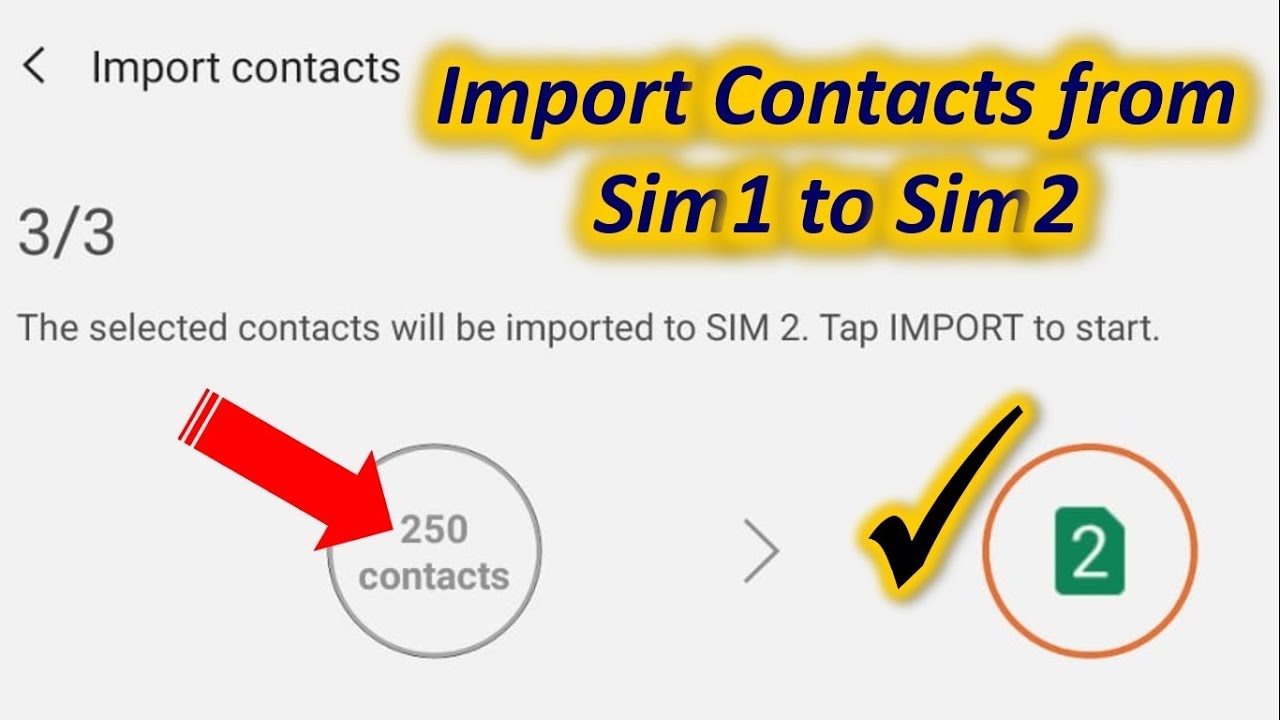
Copy Contacts from Sim1 to Sim2 in Samsung
Автор: pc shastra
Загружено: 2019-06-02
Просмотров: 151915
Описание:
How to copy contacts from a SIM to another SIM in an Android. You can send contacts from one SIM to another in a very simple way.
You can do it in the contacts app.
Go to contacts app.
Then go to settings.
You will see an option “Import/Export contacts”.
Tap on it. Now tap on Import then Sim to import your contacts from. Then select contacts and choose another SIM to copy these contacts. But the s card storage is limited.
Не удается загрузить Youtube-плеер. Проверьте блокировку Youtube в вашей сети.
Повторяем попытку...
Повторяем попытку...
Доступные форматы для скачивания:
Скачать видео
-
Информация по загрузке: