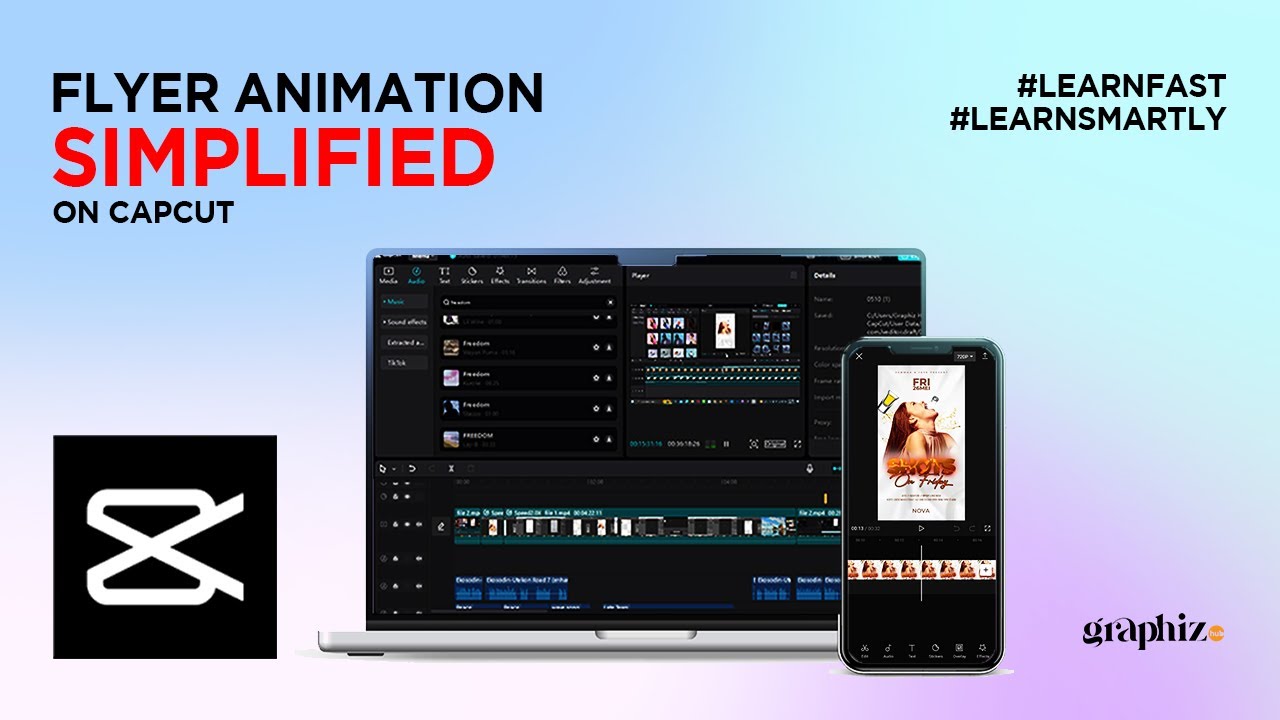
CapCut Motion Flyer Tutorial: Elevate Your Designs to the Next Level!
Автор: Graphizhub
Загружено: 2023-05-10
Просмотров: 14683
Описание:
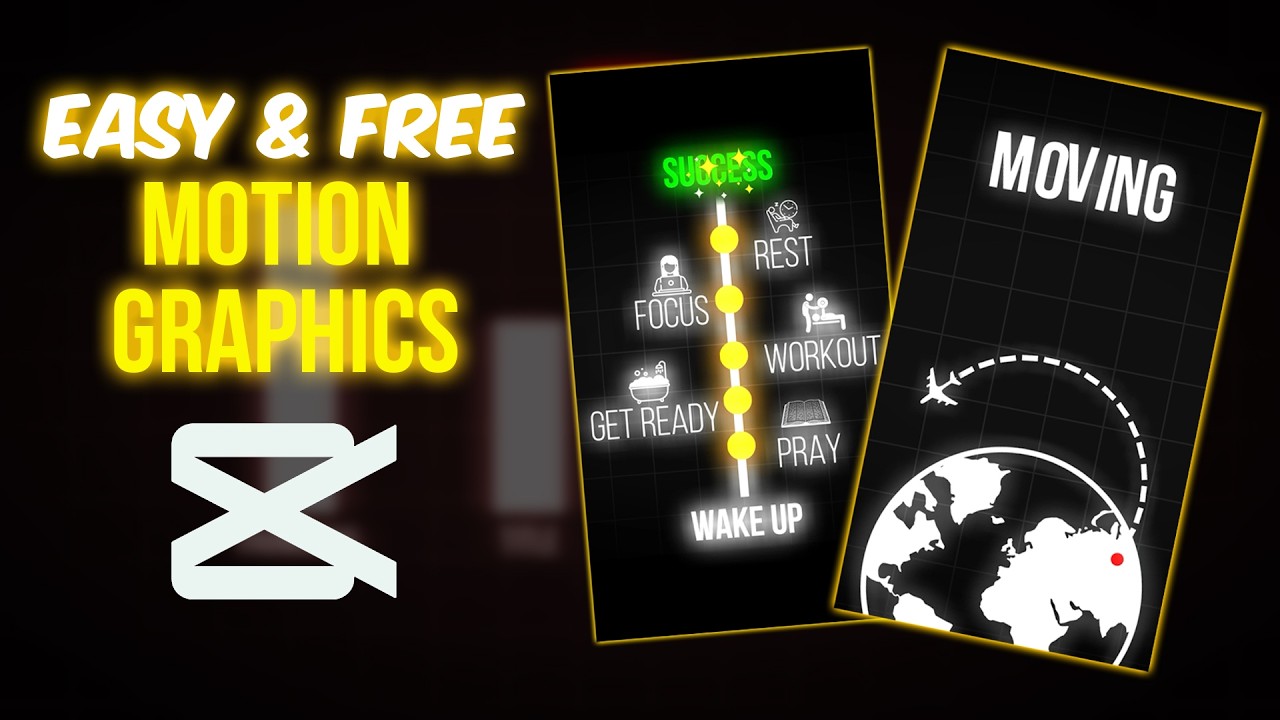
Welcome back to our channel, where we bring you the latest and most exciting tutorials to level up your design game! In today's video, we're diving deep into the world of motion flyers and showing you how to create captivating designs using CapCut. Whether you're a beginner or an experienced designer, this tutorial will equip you with the necessary skills to take your designs to new heights.
Motion flyers are an excellent way to make your designs stand out and engage your audience. They combine eye-catching graphics, smooth animations, and dynamic elements that capture attention and convey your message effectively. With CapCut, a powerful and user-friendly video editing app, you have all the tools at your fingertips to create stunning motion flyers effortlessly.
In this step-by-step tutorial, we'll walk you through the process of designing a motion flyer from start to finish. We'll cover everything, from choosing the right template to adding text, images, and animations. By the end of this video, you'll have a solid understanding of the techniques and features CapCut offers, empowering you to create professional-quality motion flyers in no time.
To kick off the tutorial, we'll introduce you to the CapCut interface and guide you through the essential features you'll be using. Don't worry if you're new to the app; we'll provide clear explanations and demonstrate each step, ensuring you can follow along seamlessly. CapCut's intuitive layout makes it easy to navigate, even for beginners, so you'll feel confident in no time.
Next, we'll explore the different types of motion flyers and discuss effective design strategies. We'll show you how to choose the right color scheme, typography, and imagery to create a cohesive and visually appealing composition. With our expert tips, you'll learn how to create a captivating design that grabs attention and communicates your message effectively.
Once you have a solid foundation in design principles, we'll delve into the exciting part: adding motion and animation to your flyers. CapCut offers a wide range of pre-built animations and effects that you can easily apply to your designs. We'll demonstrate how to animate text, images, and other elements, bringing your motion flyer to life and making it truly dynamic.
By the end of this tutorial, you'll have a stunning motion flyer ready to share with the world. You'll have the skills to create engaging designs that captivate your audience and leave a lasting impression. So, what are you waiting for? Let's dive into
#Graphizhub #capcut #capcuttutorial #Photoshop #Illustrator #CorelDraw #designgraphic #photoshop #design #photoshopdesign
➜ SOCIAL MEDIA:
Instagram: / graphiz_hub
Facebook: / graphizhub
Telegram: https://t.me/+Jy-oX3lqp3kxMjI8
YouTube: / @graphizhub
Повторяем попытку...
Доступные форматы для скачивания:
Скачать видео
-
Информация по загрузке: