The inventory valuation report
Автор: CellSmart POS
Загружено: 2015-09-04
Просмотров: 240
Описание:
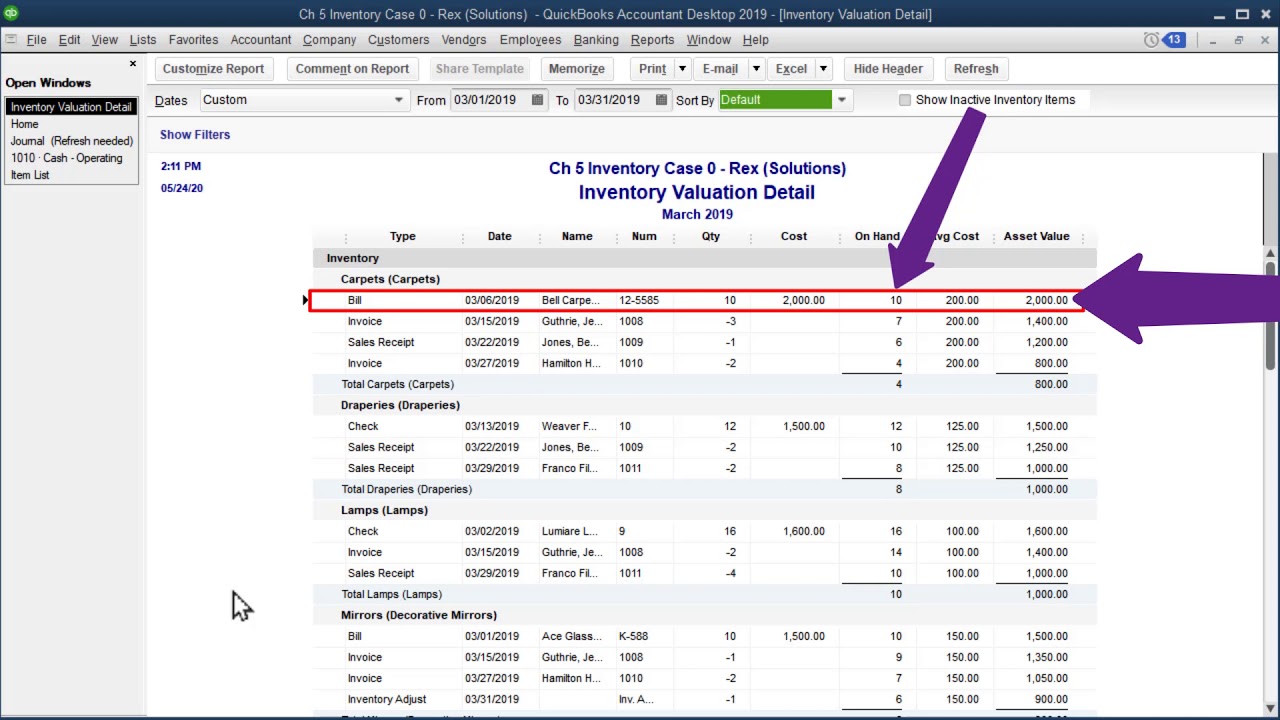
How to generate inventory valuation report in CellSmart POS V3.0
In these simple steps you can generate your inventory report in CellSmart POS V 3.0.
Step 1:
Go to the Admin tools tab in POS software, then go to the report centre.
Step 2:
Then in the inventory column click on inventory valuation report, here you will be provided with a detailed report.
With the help of these useful features and the user friendly interface CellSmart POS allows you to run your store efficiently, you can join to find out yourself.
For more information about CellSmart POS software please visit our website www.cellsmartpos.com or call us at 347-255-5454
As always you can contact by email: [email protected]
Please drop a comment if you like to see any other helpful videos.
Please like and subscribe to our channel.
Повторяем попытку...
Доступные форматы для скачивания:
Скачать видео
-
Информация по загрузке: