FMS Account Summary Inquiry (ASI): 10-Minute Setup for Chairs, OPDs, and Staff
Автор: Michael Voss
Загружено: 2025-12-19
Просмотров: 16
Описание:
In this short video, I walk through how to set up Account Summary Inquiry (ASI) in FMS for the first time. This tutorial is designed for Department Chairs, Occupational Program Directors (OPDs), administrative staff, and lab technicians who manage or spend from a budget. You’ll learn how to:
Create ASI search queries correctly the first time
Use a consistent naming convention for long-term reuse
Enter the correct fiscal year, fund, and department values
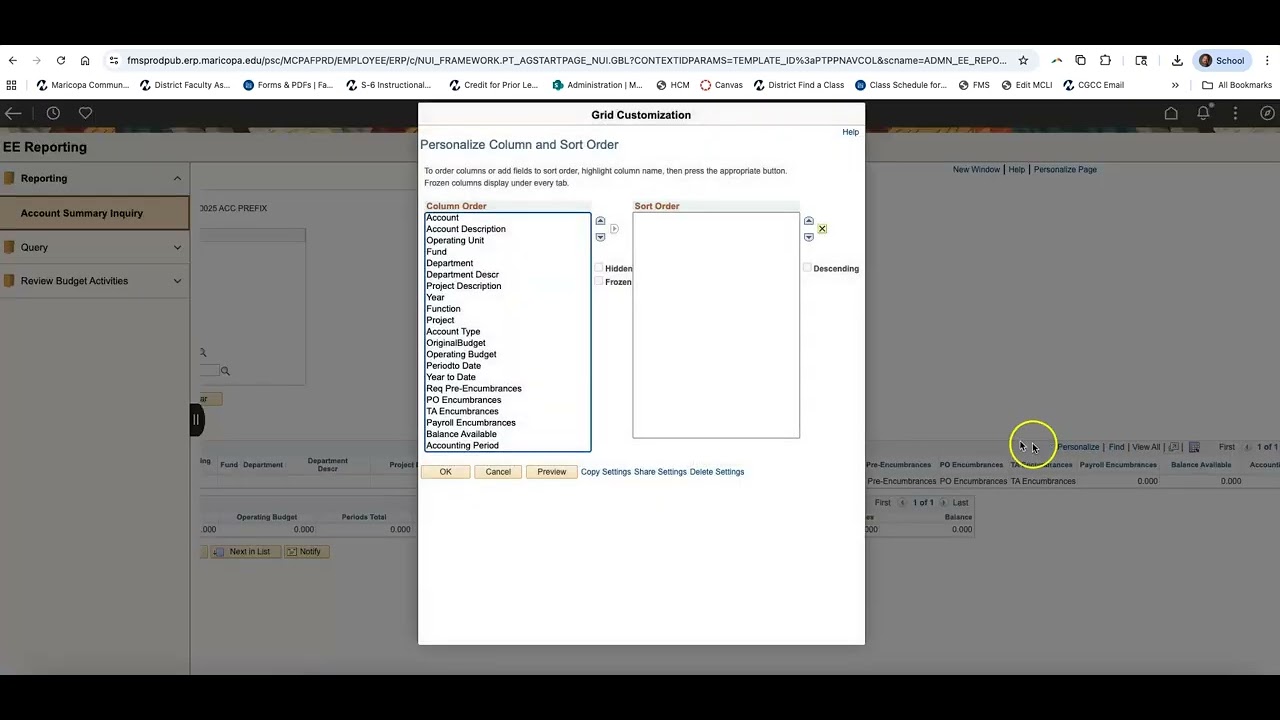
Personalize columns for easier reading
Understand where to focus when reviewing budget activity
Once ASI queries are set up properly, they can be reused year after year by simply updating the fiscal year. ASI is intended to be a self-service tool to help users monitor budgets, expenses, and encumbrances in real time.
This video pairs with the FMS Account Summary Inquiry (ASI) Job Aid shared with Chairs and OPDs.
This video was made before April 24, 2026. To request an accessible version, please contact [email protected].
Повторяем попытку...
Доступные форматы для скачивания:
Скачать видео
-
Информация по загрузке: