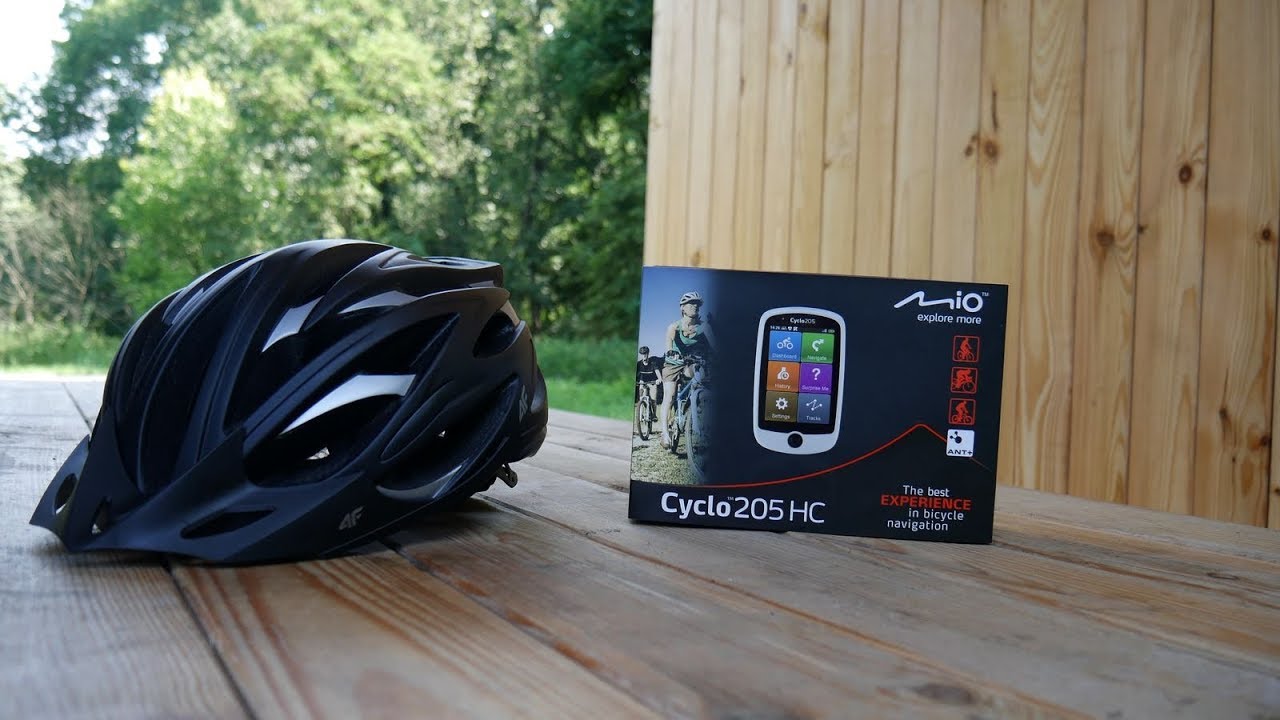
Cyclo™ Discover Series | How to | Getting Started with Cyclo™ Discover Connect (NL)
Автор: Mio Europe
Загружено: 2021-10-06
Просмотров: 2977
Описание:
Before your first ride, let's take a few steps to set up your Cyclo Discover Connect wirelessly. The setup can be easier thank you think!
--------------------------------------------------------------------------------------------------------------------------
▷ What can I take away from this video?
1. Quickly get the idea of how to set up the Cyclo Discover Connect before your first ride.
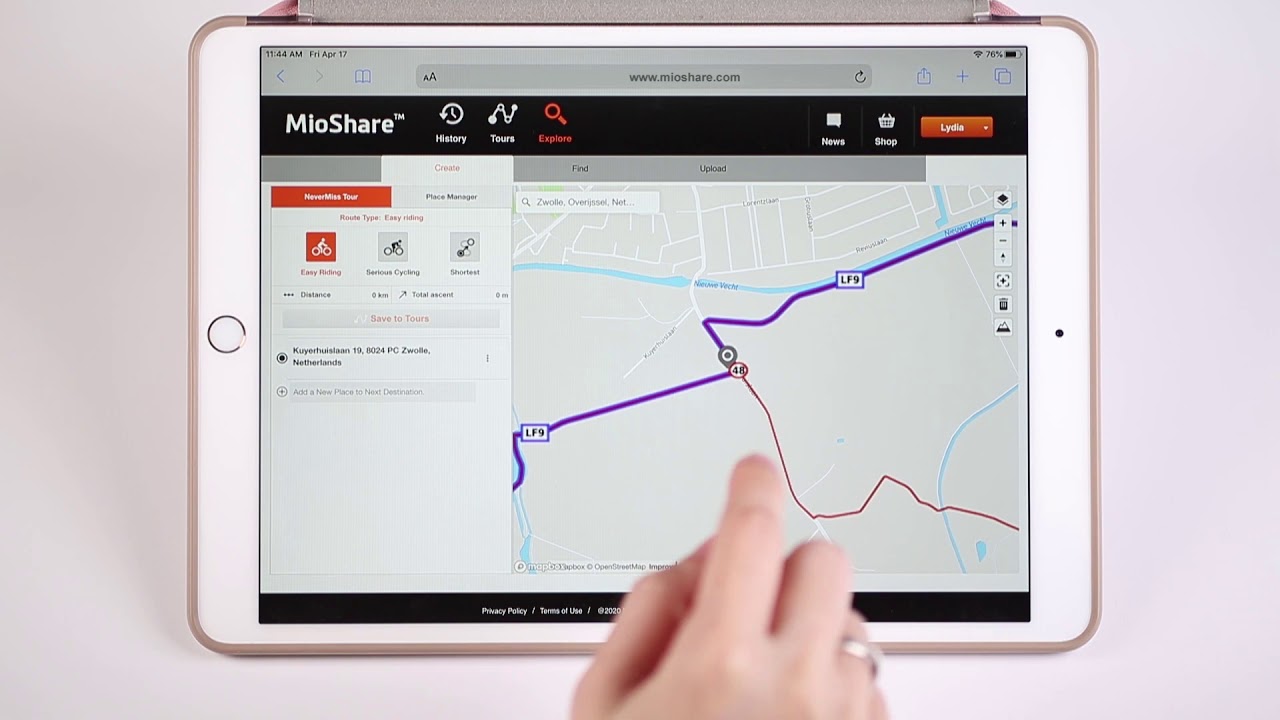
2. Connect your Cyclo device to MioShare account without the hassle of getting a cable.
3. By scanning the QR code, easily register your Cyclo Discover Connect for track uploads and downloads*.
The functions may vary depending on different third-party services.
▷ How to use QR-code?
If you are using an Android phone and the version is above Android 9.0, most of the brands, such as Samsung, already bundle QR-code scanner with your camera app together. If you open your camera and the screen won't pop up an additional link for you, you need to do more actions. For Huawei, you need to turn on the QR-code reading button manually, or you need an additional QR-code reader app. For other brands, if you cannot find a QR-code scanning function with your camera app, please download a QR-code reader app.
--------------------------------------------------------------------------------------------------------------------------
For more information about Cyclo™ Discover Connect, please visit:
Nederland (Nederlands): https://www.mio.com/nl_nl/cyclo-disco...
België (Nederlands): https://www.mio.com/nl_be/cyclo-disco...
#Mio #Cyclo #DiscoverConnect #Discover #GPStouringcomputer #navigation #NeverMiss
Повторяем попытку...

Доступные форматы для скачивания:
Скачать видео
-
Информация по загрузке: