OPPO Reno15 Pro – Turn Off Ads & Ad Personalization
Автор: HardReset.Info
Загружено: 2026-01-20
Просмотров: 11
Описание:
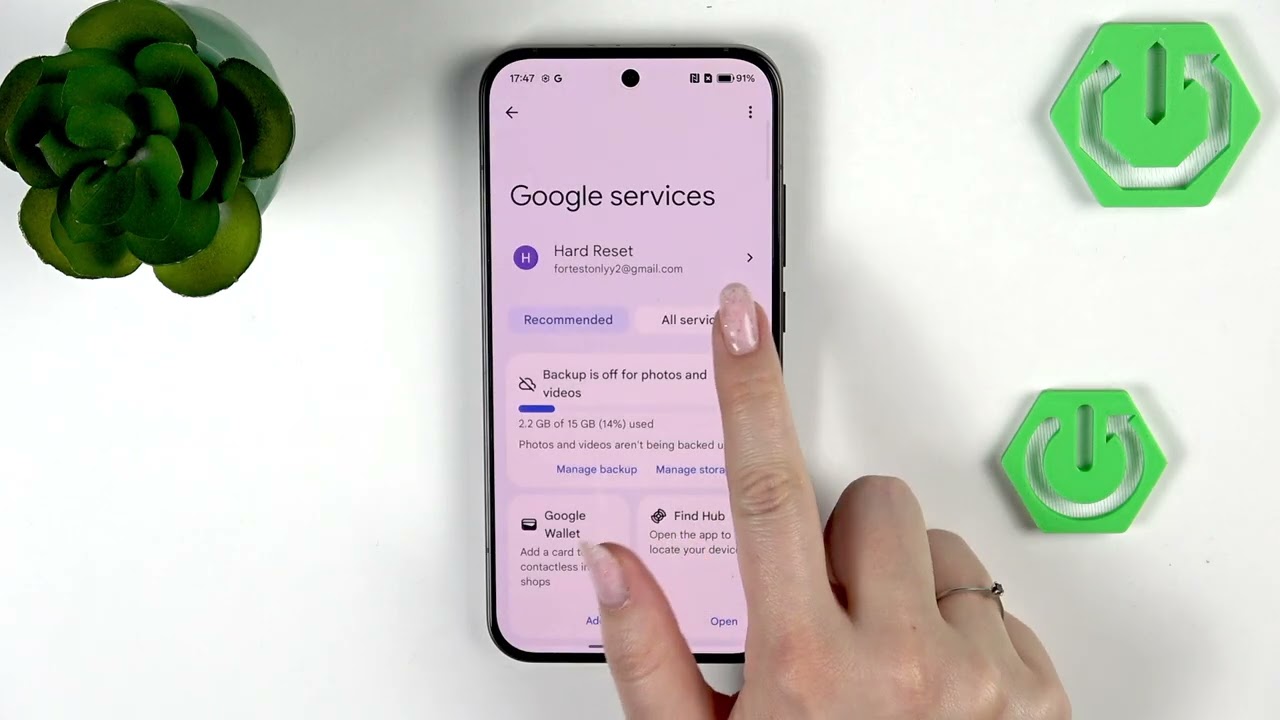
In this video I show how to turn off ads and ad personalization on the OPPO Reno15 Pro. You will learn three practical steps: set Private DNS to dns.adguard.com to block many ads at the DNS level, reset and delete your Google Advertising ID to stop targeted ads, and turn off app notification categories (payments, deals, recommendations) that show promotional content. These actions reduce personalized ads and notification promos without extra apps. Note: some ads may still appear and changing DNS can affect certain services, so you can revert the setting if needed.
How to turn off ads on OPPO Reno15 Pro?
How to reset advertising ID on OPPO Reno15 Pro?
How to disable ad notifications on OPPO Reno15 Pro?
0:00 Intro
0:07 Open Settings & Mobile Network
0:21 More settings → Private DNS
0:27 Enter AdGuard DNS (dns.adguard.com) and save
0:45 Google → All services → Ads
1:13 Reset and delete Advertising ID
1:58 Turn off app ad notifications (example: Play Store)
2:44 Outro
#OPPOReno15Pro #TurnOffAds #AdGuardDNS #AdPersonalization
Find out more:
https://www.hardreset.info/devices/op...
Follow us on Instagram ► / hardreset.info
Like us on Facebook ► / hardresetinfo
Tweet us on Twitter ► / hardreseti
Support us on TikTok ► / hardreset.info
Use Reset Guides for many popular Apps ► https://www.hardreset.info/apps/apps/
Повторяем попытку...
Доступные форматы для скачивания:
Скачать видео
-
Информация по загрузке: