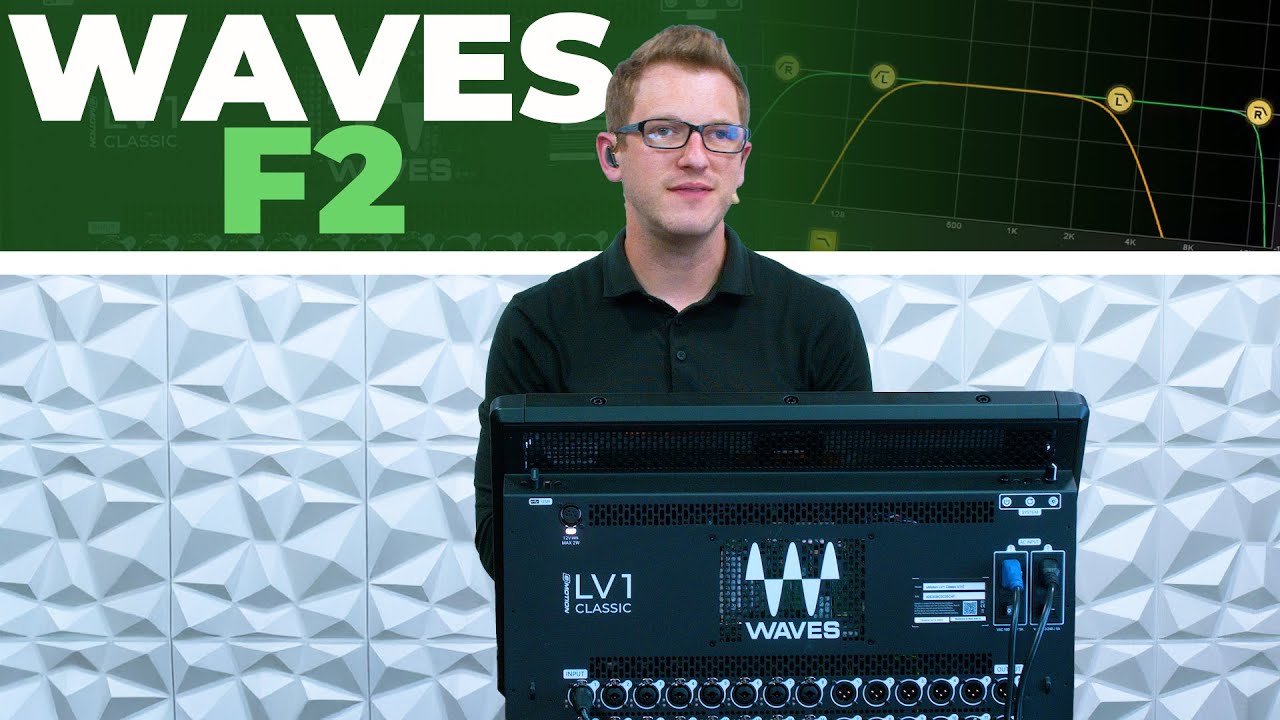
Waves eMo F2 Plugin Tutorial - HPF LPF on the LV1
Автор: Drew Brashler
Загружено: 2025-05-12
Просмотров: 2174
Описание:
In this video, I walk you through the Waves eMo F2 Filter plugin, which is the main high-pass filter (HPF) and low-pass filter (LPF) used in Waves eMotion LV1 Classic. Also known as the Low Cut and High Cut filters, this plugin is automatically inserted on every channel inside LV1—and it’s a crucial tool for cleaning up your mix.
✅ Learn how to dial in HPF/Low Cut and LPF/High Cut on any channel
✅ See how eMo F2 Filter shapes your mix and removes unwanted frequencies
✅ Great for live mixing in LV1 and just as powerful inside your DAW for album work
Whether you’re mixing front-of-house, doing broadcast, or producing tracks in your favorite DAW, the eMo F2 gives you simple but powerful tone shaping with full control over filter slopes and frequency points.
🎚 Built-in to every LV1 Classic input channel
🎛 Precise HPF/LPF control with adjustable slopes
🎧 Useful for both live sound and studio production
Join my newsletter: https://bit.ly/audiotoolkit
Products Shown in this Video:
Waves eMo F2 Filter:
Waves: https://waves.alzt.net/6eAeVm
Waves eMotion LV1 Classic Console:
Sweetwater: https://sweetwater.sjv.io/RGnQvR
Waves: https://waves.alzt.net/4Gm9Qr
Headset that I use for the videos:
DPA 4188 Headset Microphone: https://sweetwater.sjv.io/N9NZ1q
Chapters:
00:00 Introduction to Waves F2 Plugin
00:25 Default Plugins on LV1 Channels
01:15 How the EMO F2 Filter Works
02:00 Using Filters in Mixing
03:00 Stereo vs Mono Filter Controls
04:26 Audio Demo: Filtering a Leslie Organ
08:18 Audio Demo: Filtering a Vocal Track
12:12 Final Tips & Summary
Become a member and help support me and my channel: / drewbrashler
Get professional video editing with Vidpros : https://app.vidpros.com/r/MYDXLM
Повторяем попытку...
Доступные форматы для скачивания:
Скачать видео
-
Информация по загрузке:


