Principle Tutorial Circular Motion Spinner
Автор: Amanda Legge
Загружено: 2017-10-04
Просмотров: 10059
Описание:
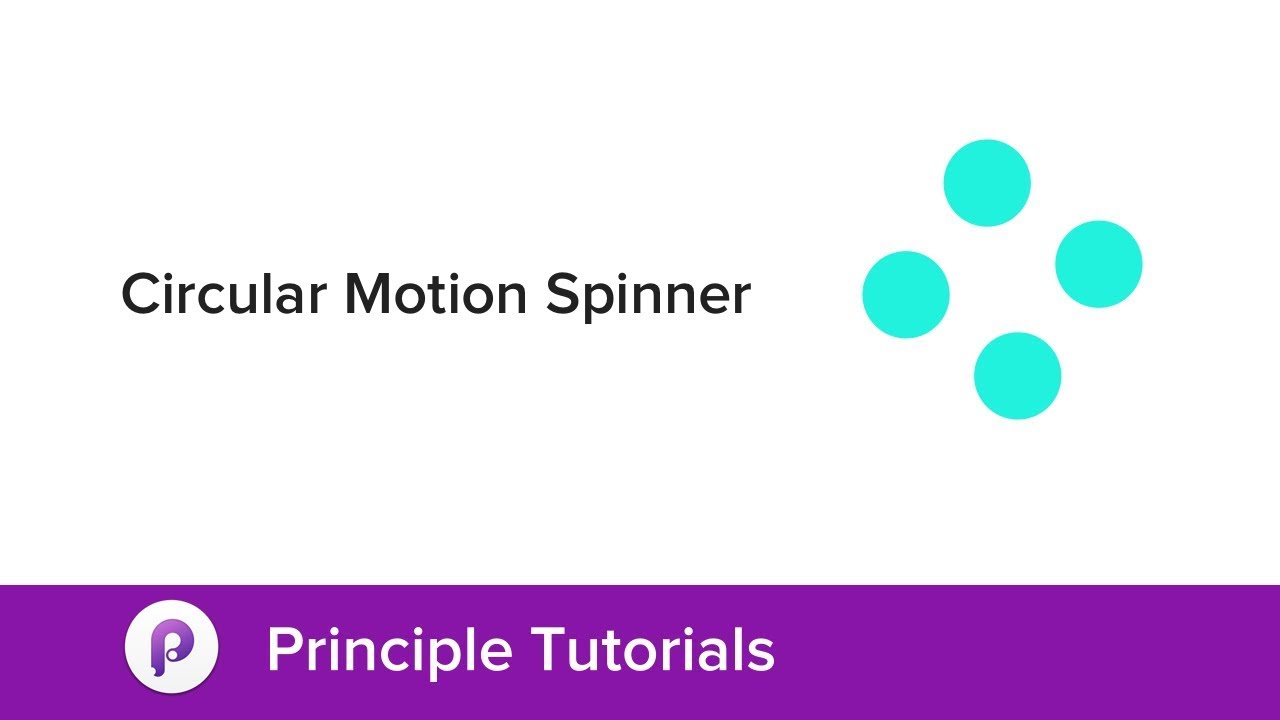
This tutorial will teach you how to apply circular motions to objects in Principle.
In this case, we’ll be creating a simple spinner that changes color as it rotates. Creating circular trajectories isn’t even mentioned in Principle’s official documentation, but it’s a pretty easy hack. We’ll start by placing an invisible shape at the center of the four circles that make up our spinner. We’ll then group all five objects together (the four circles plus the invisible shape) into a folder, which will allow us to create a circular motion using angle rotations between artboards.
Rotating the entire folder by 360 degrees will make one full clockwise circle. Rotating it by 720 degrees (360 x 2) will make two full circles. And rotating it by negative 360 degrees will make one complete loop in the other direction (counter-clockwise).
The main takeaway of this tutorial is this: As long as your objects are grouped together in a folder, you can use rotation angles to create circular trajectories.
No assets are needed for this tutorial since you can create them all directly in Principle.
Повторяем попытку...
Доступные форматы для скачивания:
Скачать видео
-
Информация по загрузке: