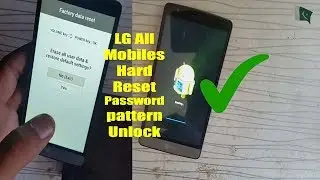
LG G3: HARD RESET PASSWORD REMOVAL FACTORY RESTORE [How to]
Автор: Resetpedia
Загружено: 2015-01-06
Просмотров: 115664
Описание:
How to Factory Restore Hard Reset or Password Remove for the LG G3 D850, D851, VS985, LS990
Want to hard reset?
Want to Factory Restore?
Forgot you password?
Bricked Phone?
Software Problems?
Stuck on logo?
Want to save money and do it yourself?
This is a possible solution for your android smartphone.
1. Press and Hold Volume Down Key
2. Press and Hold the Power Key with other finger until the Logo appears
3. Once logo appears, release the power button for 1 second then press and hold again
4. Hard Reset Screen will appear. Navigate with volume key to "Yes" and confirm with power key.
WARNING: All data will be wiped out, erase, deleted and return the phone back to factory settings.
Повторяем попытку...
![LG G3: HARD RESET PASSWORD REMOVAL FACTORY RESTORE [How to]](https://imager.clipsaver.ru/ZAliMDurEUY/max.jpg)
Доступные форматы для скачивания:
Скачать видео
-
Информация по загрузке:





![Htc One Max: [2 ways] HARD RESET PASSWORD REMOVAL FACTORY RESTORE](https://image.4k-video.ru/id-video/1naadmJWAo4)