How to Install Custom skins in Team Fortress 2 Tutorial
Автор: PieFlavorKen
Загружено: 2014-06-28
Просмотров: 46051
Описание:
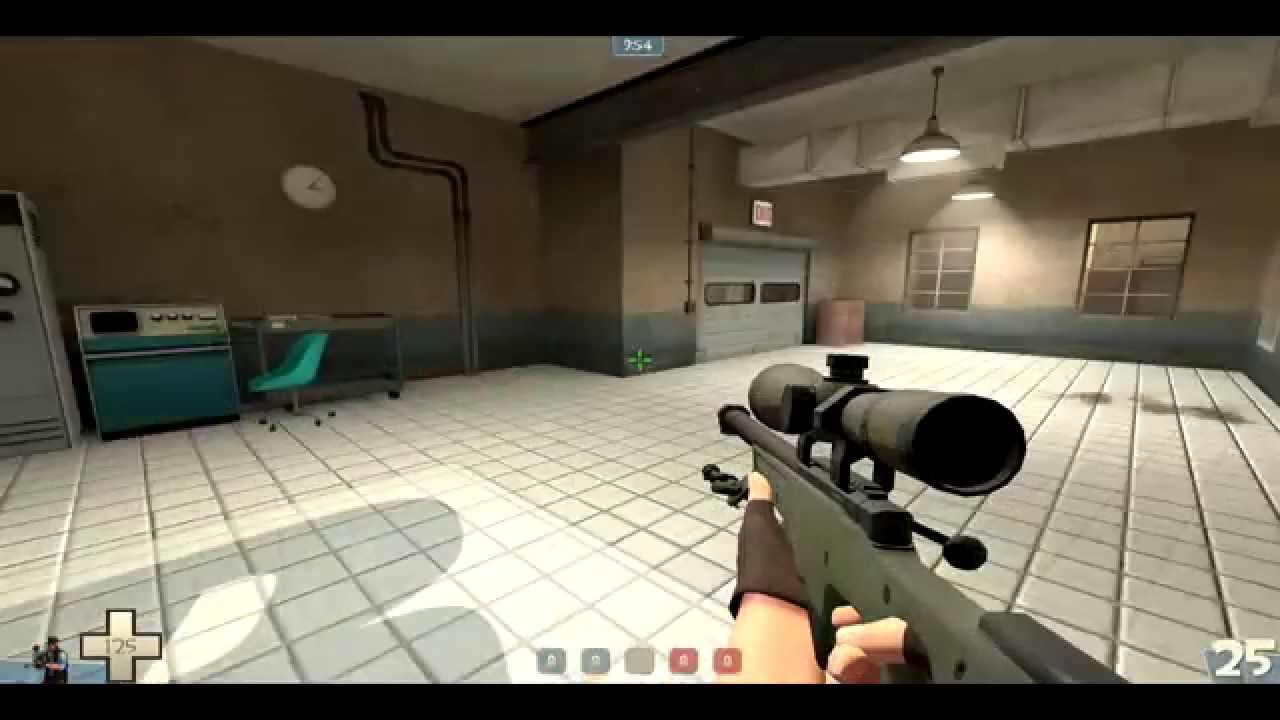
This video goes over the most basic way of installing your custom skins onto team fortress 2.
The Skins i used:
http://tf2.gamebanana.com/skins/135015
http://tf2.gamebanana.com/skins/134867
Steps:
1. Download and Install WinRaR http://www.rarlab.com/download.htm
2.Download your custom skins from: http://gamebanana.com/ or any other website.
3.Go to your "local disk" (Hard Drive), Open "Program Files(x86)"
4. Look for the folder that says Steam open it, go to the folder SteamApps.
5. Open the folder common.
Then Look for the "Team Fortress 2" Folder and Open it.
6. Look for the Folder called "tf" and open it inside there will be another folder Called "Custom"
7. Extract your skins
8.Put them In the "Custom" folder.
9.BOOM DONE! open Team Fortress 2 and enjoy your skins :)
10. Don't forget to leave a like and let me know if this tutorial was helpful to you :D. If it didn't work send me a message or leave a comment to see if i can help you.
Thanks for watching!
-Subscribe for more :D - http://goo.gl/y8sCND
Question: Would you like me to do a tutorial on how to install custom Skins on Left 4 dead 2?
Повторяем попытку...
Доступные форматы для скачивания:
Скачать видео
-
Информация по загрузке:


![An Australian Christmas Bloody Miracle [SFM]](https://image.4k-video.ru/id-video/QsMpFrkuQ9g)
![YOUTUBE уничтожает САМ СЕБЯ [И это не шутка]](https://image.4k-video.ru/id-video/_91u1X6LeyA)
