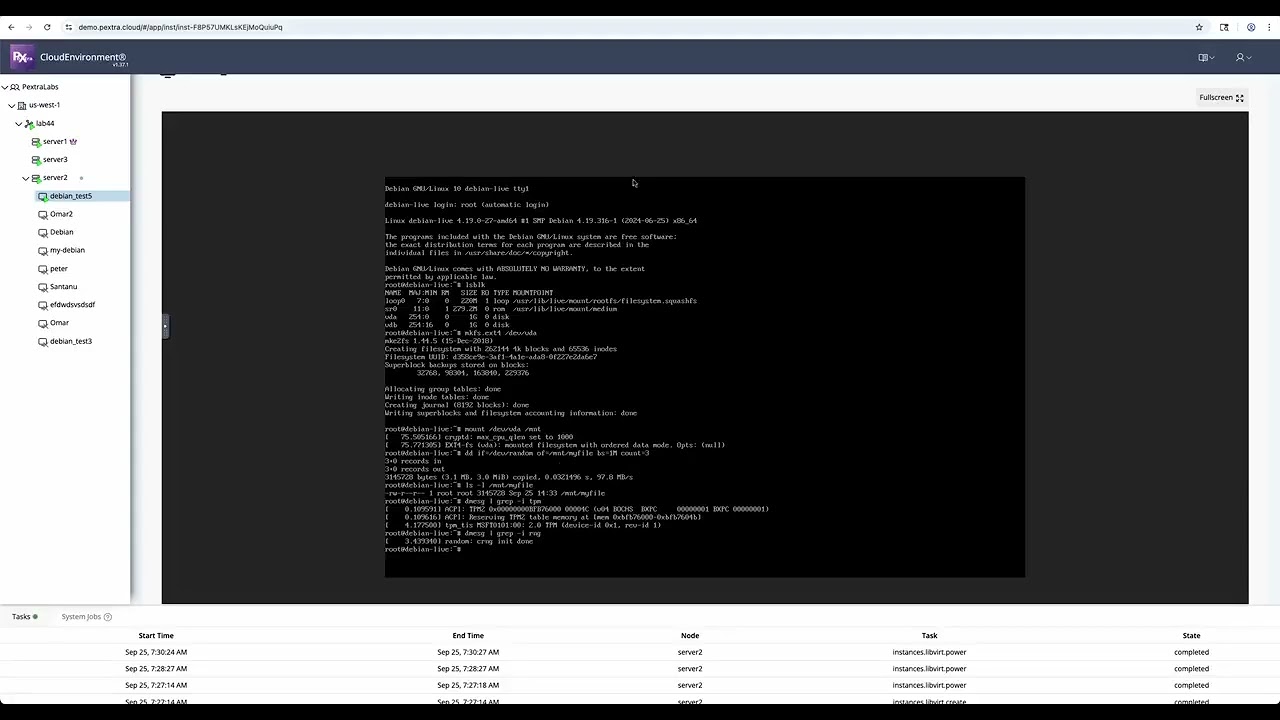
Step-by-Step: Installing Pextra CloudEnvironment® on QEMU
Автор: Pextra Inc
Загружено: 2026-02-22
Просмотров: 90
Описание:
In this step-by-step demo, we walk through how to install the Pextra CloudEnvironment® on a QEMU virtual machine.
Prerequisites:
Before starting, make sure you have:
A free Community License from the Pextra Cloud portal
Proper permissions to deploy a new instance
Network connectivity configured for the VM
The required ISO image downloaded from the portal (if not already available on your node/server). Portal link: https://portal.pextra.cloud
If the ISO is not present on the server, an administrator can SSH into the node and download it directly from the portal using a curl command (this is the fastest method). After downloading, move the ISO file to the appropriate directory on the server as required by your environment setup.
⚠️ Note: Downloading the ISO and preparing the environment are administrative tasks. Please refer to the official documentation for detailed instructions and best practices.
Повторяем попытку...

Доступные форматы для скачивания:
Скачать видео
-
Информация по загрузке: