How to Login Telegram Account on Multiple Devices !
Автор: App Ultra
Загружено: 2025-10-14
Просмотров: 296
Описание:
☕ If this video helped you, consider supporting me by buying me a coffee: https://coff.ee/bimalbasnet
In this video, we explain how to log in to your Telegram account on multiple devices. One of the great advantages of Telegram is that it allows you to access your account across different platforms—whether on smartphones, tablets, desktops, or even through the web version. Unlike some messaging apps that limit the number of devices, Telegram gives you flexibility as long as you verify your phone number and confirm ownership of the account.
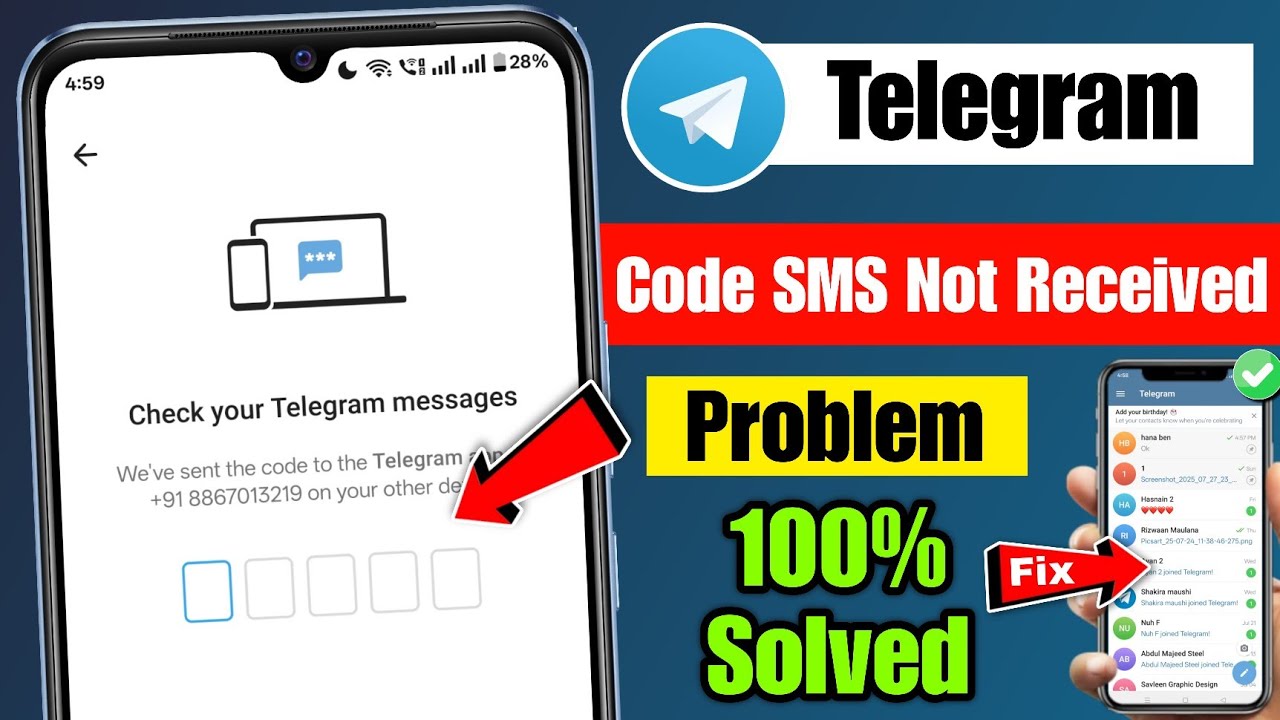
To log in on a new device, simply install Telegram from the Google Play Store, Apple App Store, or download it from [https://desktop.telegram.org](https://desktop.telegram.org) for computers. Open the app or web version, enter your phone number with the correct country code, and tap Next. Telegram will send you a verification code. However, instead of always sending this code via SMS, Telegram often sends it directly to the Telegram app on devices where your account is already logged in. This is an added layer of security, so be sure to check your existing devices first before waiting for an SMS.
Once you enter the verification code, you’ll instantly gain access to your chats and contacts on the new device. All your active sessions are synchronized in real time, which means you can pick up conversations right where you left off, no matter which device you’re using.
It’s important to note that while Telegram allows multiple logins, you should avoid logging into too many devices unnecessarily. Excessive simultaneous logins may cause confusion with session management and could trigger temporary restrictions if Telegram detects unusual activity. To keep your account safe, you can manage all your active sessions by going to Settings - Devices in the Telegram app. From there, you’ll see all the devices currently logged in and can log out of any you no longer use.
By following these steps, you can easily access your Telegram account on multiple devices and enjoy seamless messaging across platforms.
Timestamps:
0:00 Introduction
0:14 Logging in on new devices
0:40 Receiving verification codes
0:55 Synchronization across devices
1:00 Conclusion
Hashtags:
\#Telegram #TelegramLogin #TelegramTips #TelegramApp #MultipleDevices #TelegramWeb #TelegramDesktop
For Business Enquiries:
Email - [email protected]
Повторяем попытку...

Доступные форматы для скачивания:
Скачать видео
-
Информация по загрузке: