Скачать
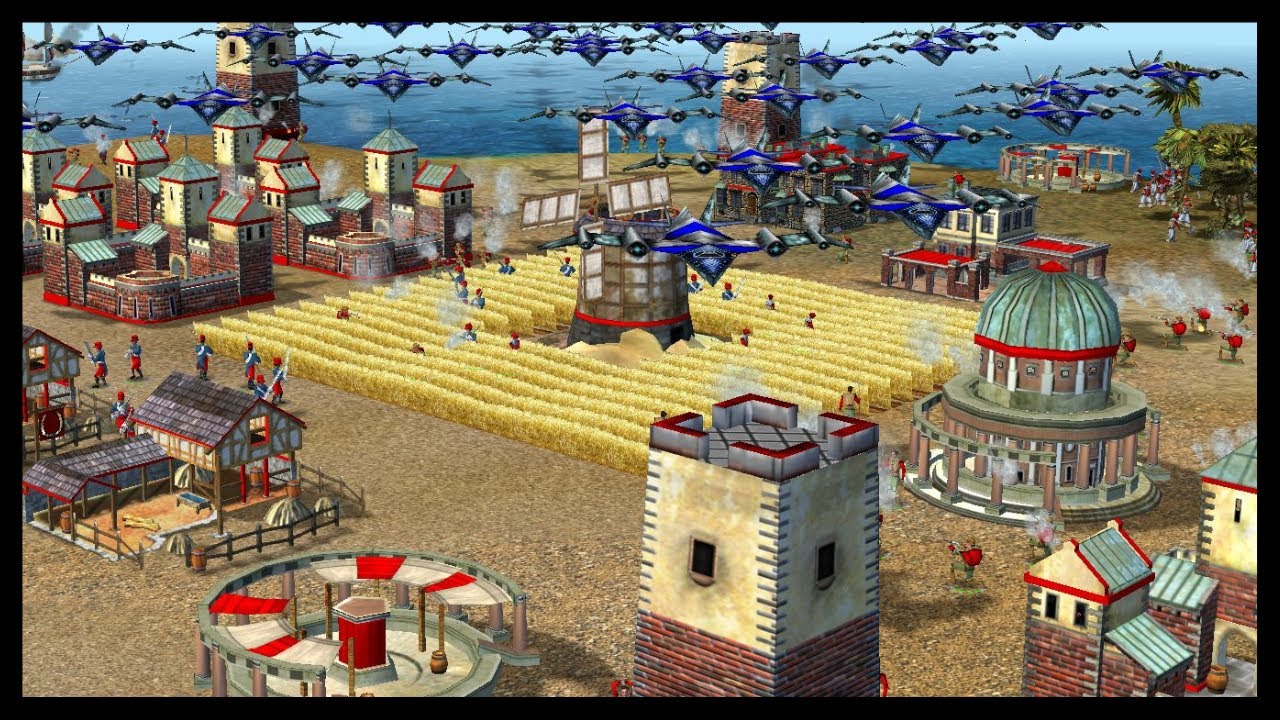
Age of empires II fix error full screen win 10
Автор: tips computers
Загружено: 2018-07-06
Просмотров: 68418
Описание:
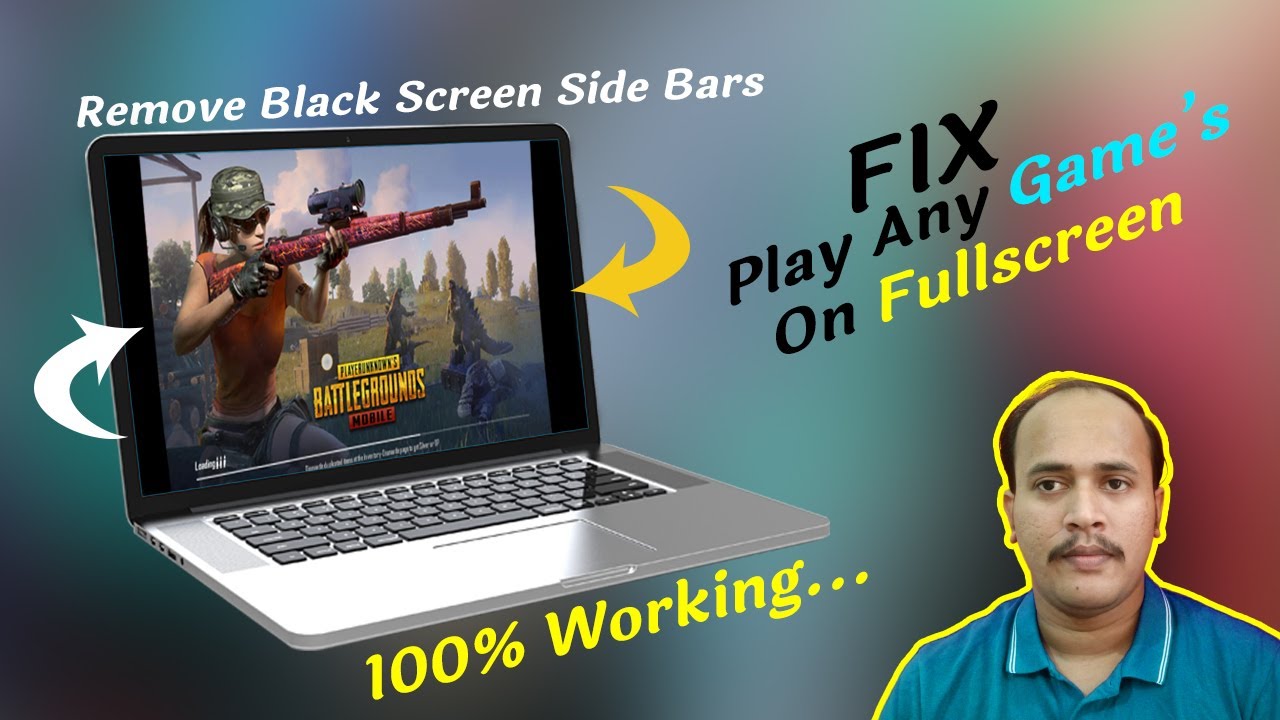
Default on Windows 10 when into game will not full screen, the following screen is full screen when playing game LMHT, Warcraft III, Dota, Audition,… trên win 10
Step 1. Open Registry Editor bằng cách nhấn Windows, gõ regedit, or click the Windows + R key to open Run after enter the regedit and Enter
Bước 2. Tìm HKEY_LOCAL_MACHINE / SYSTEM / ControlSet001 / Control / GraphicsDrivers / Configuration
Step 3. Open all the following folder, click on the Scaling the number 4 to the number 3 and click OK to save.
Не удается загрузить Youtube-плеер. Проверьте блокировку Youtube в вашей сети.
Повторяем попытку...
Повторяем попытку...

Доступные форматы для скачивания:
Скачать видео
-
Информация по загрузке: