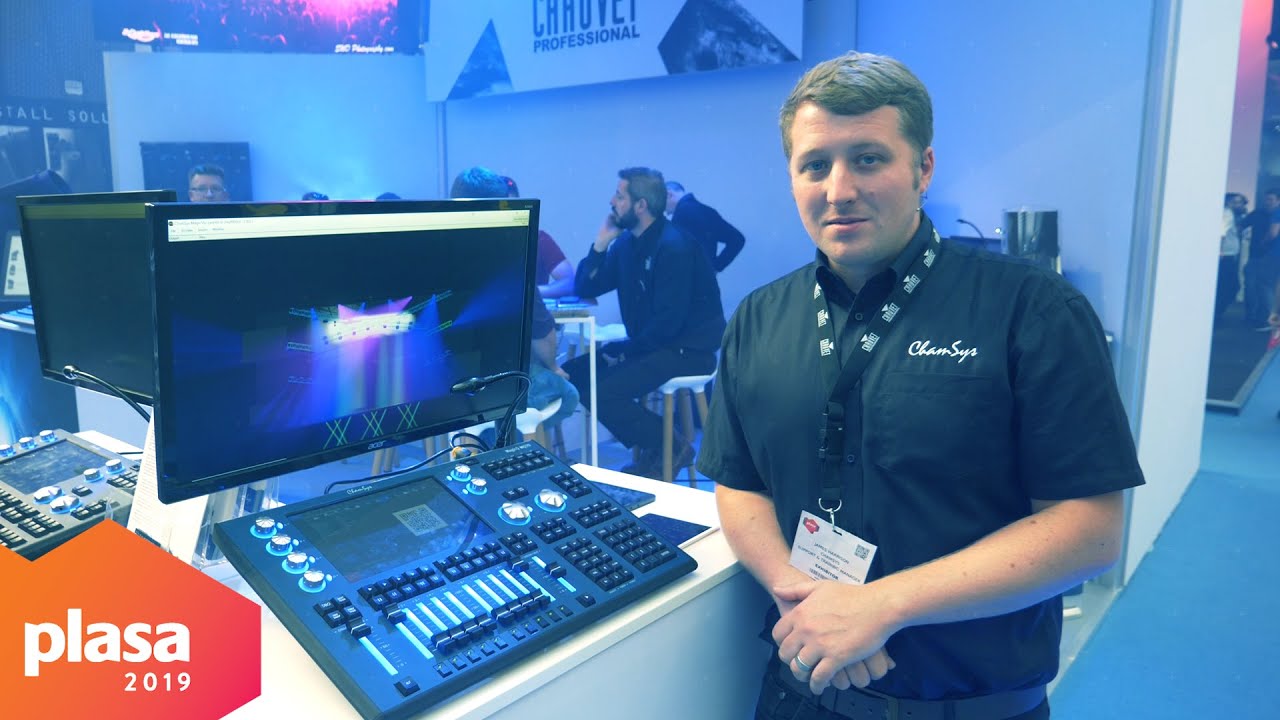
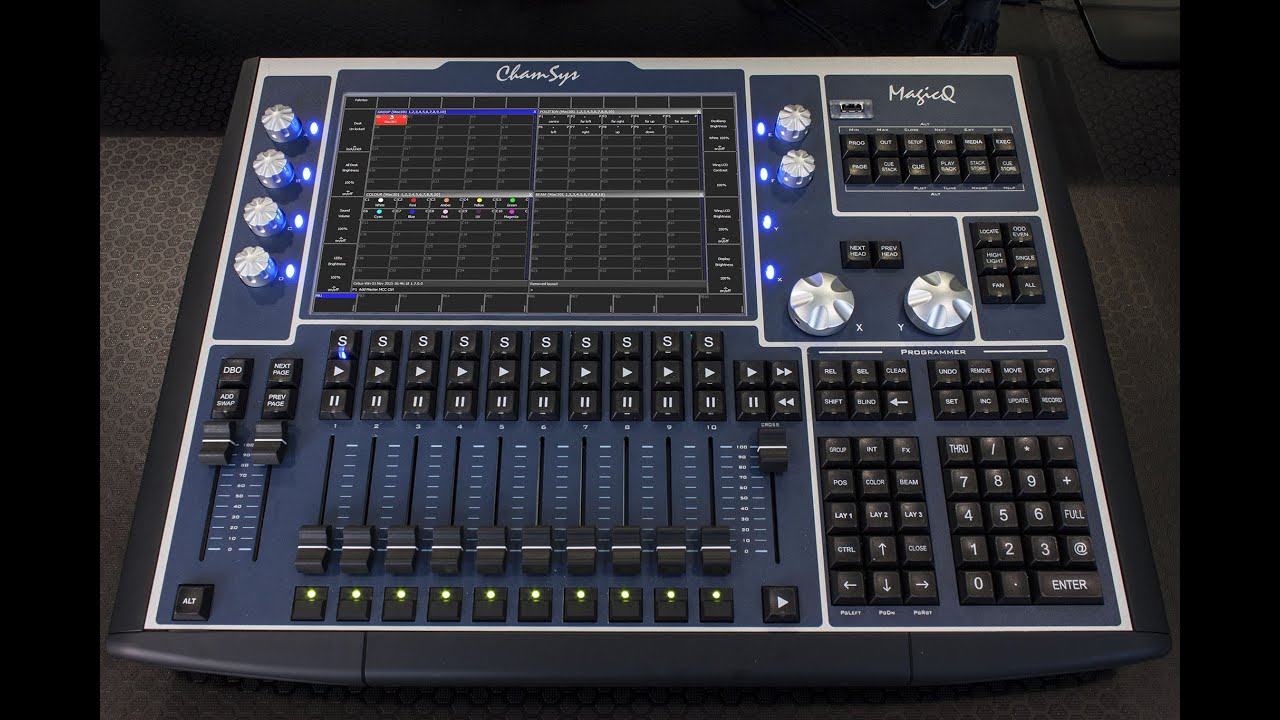
How To: Record using ChamSys MQ70
Автор: BH Sound & Lighting Hire
Загружено: 2020-05-19
Просмотров: 4733
Описание:
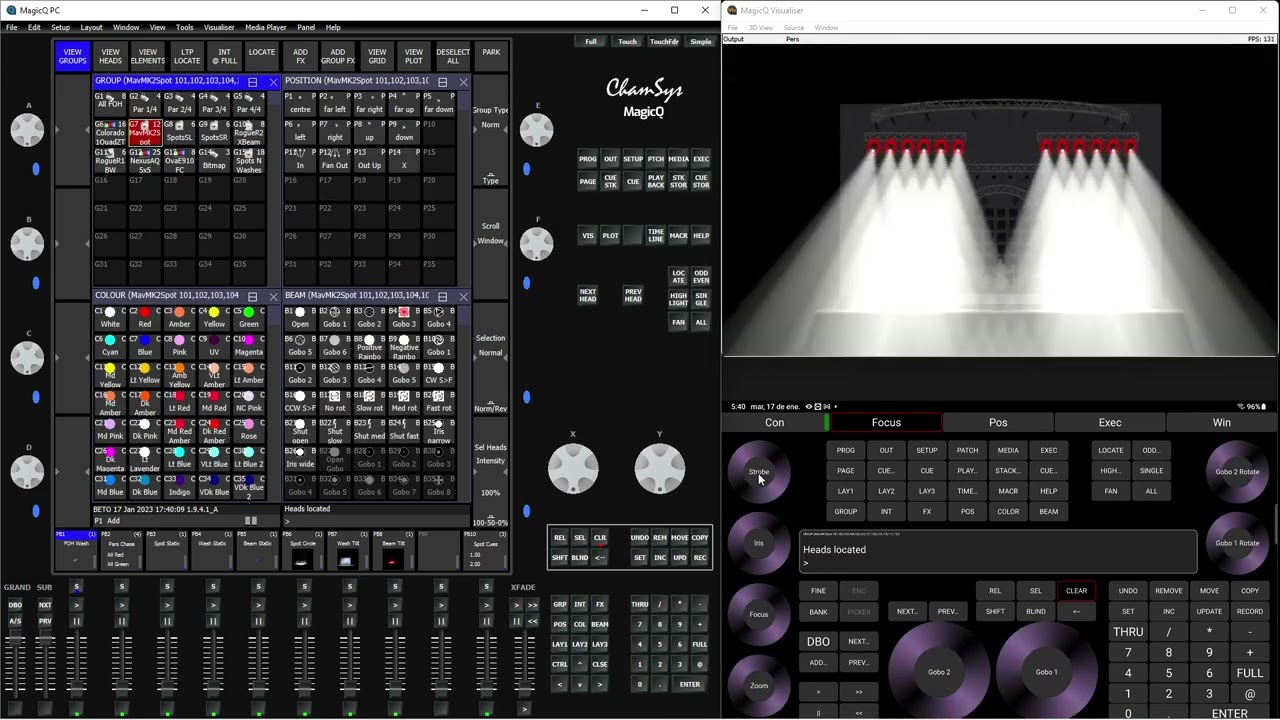
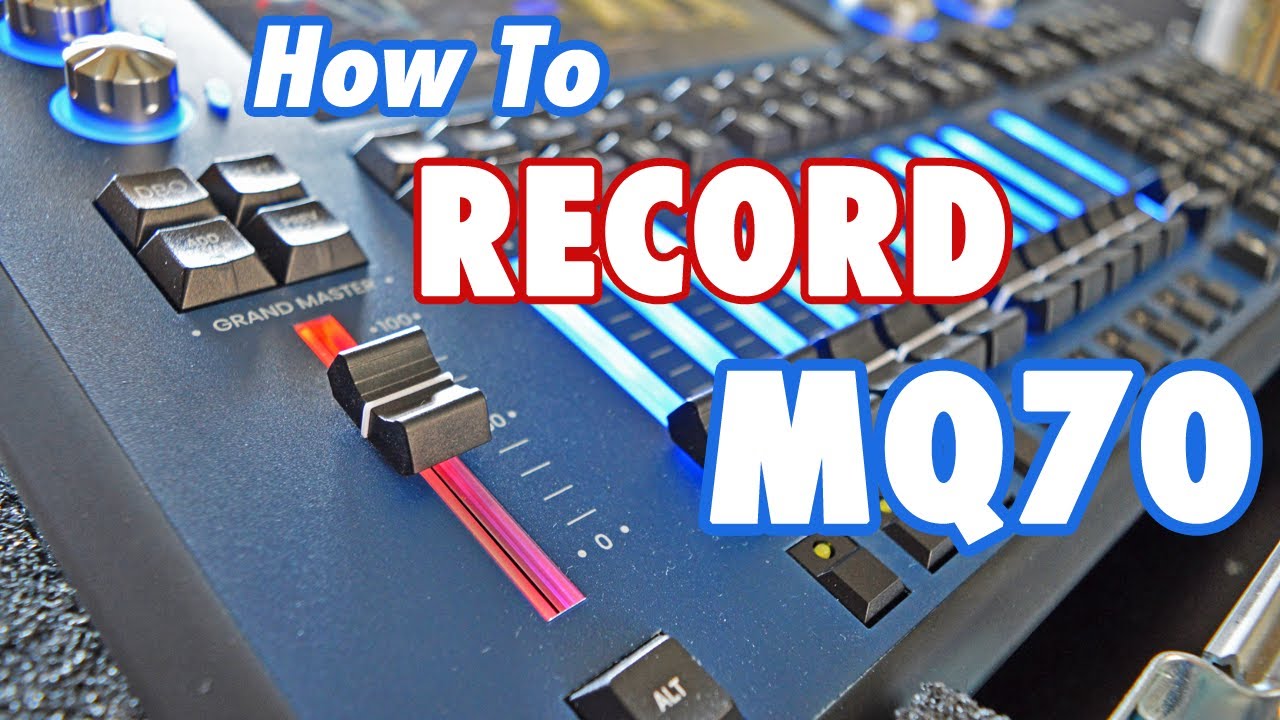
In this tutorial you will learn the basics of how to create groups, record playbacks, chases and cuelists on the ChamSys MQ70, use the following guide to skip to the right section for you.
CREATE GROUPS (0:10)
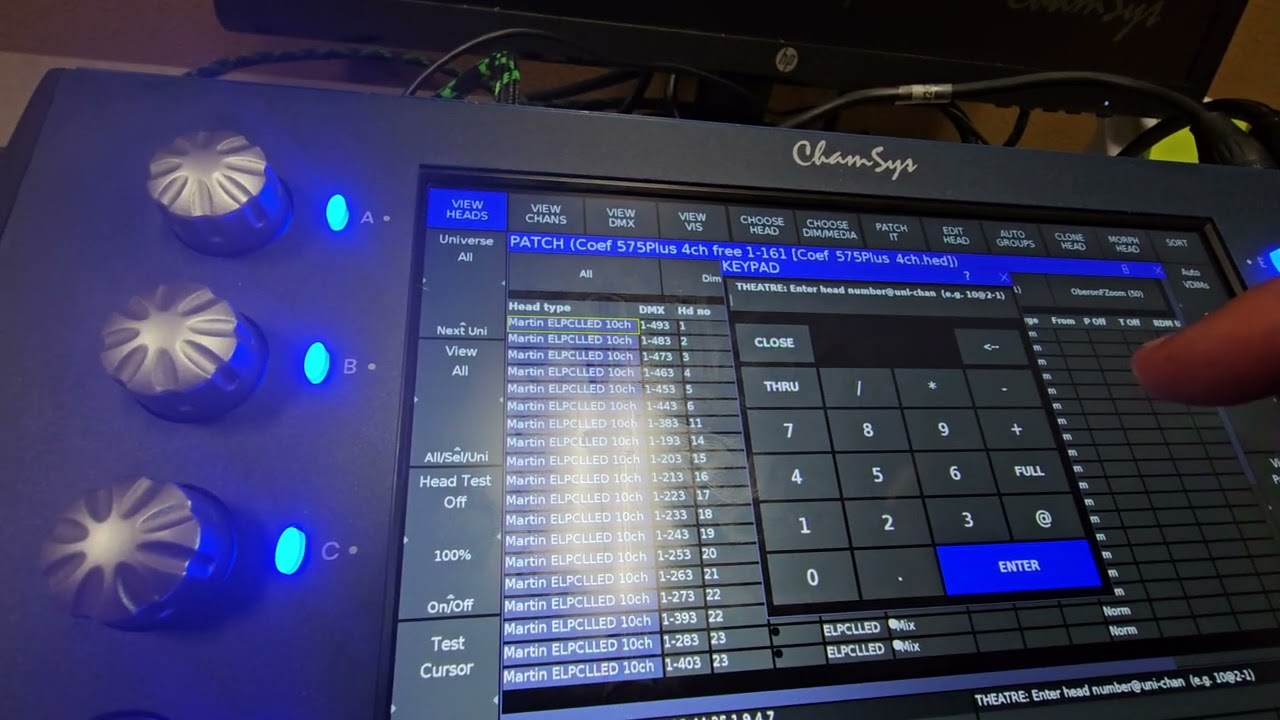
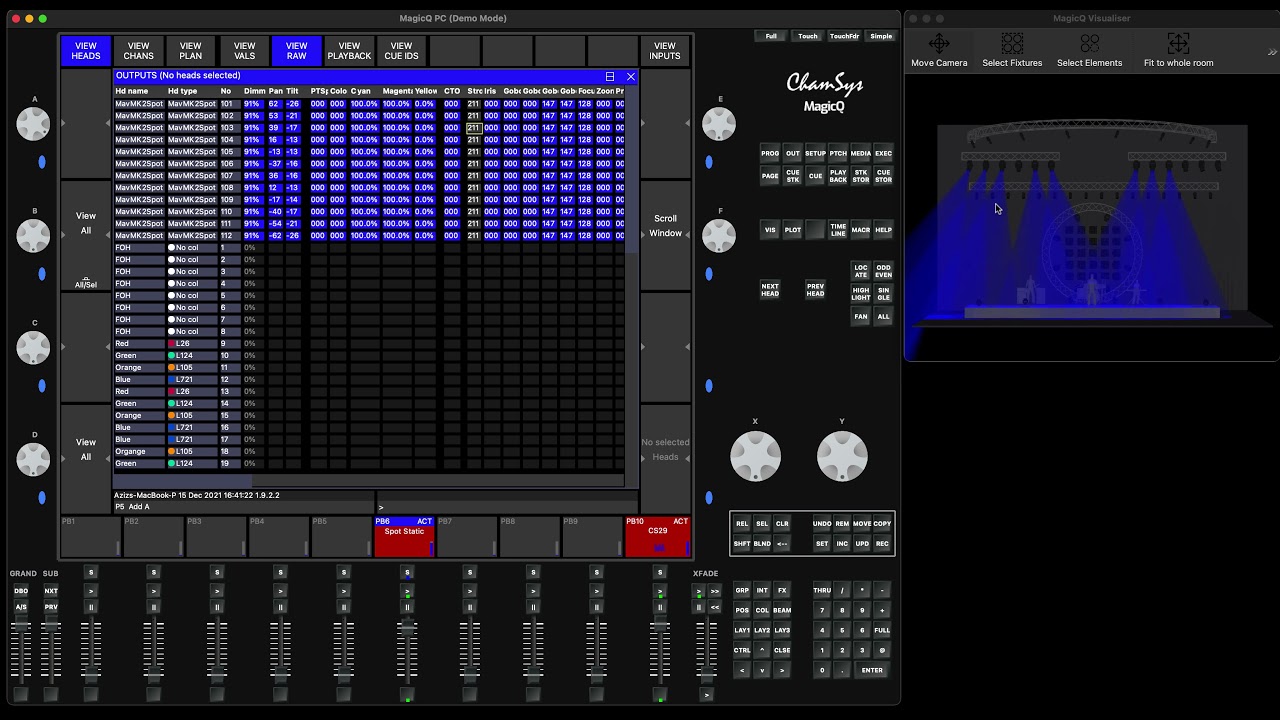
Create new groups by select the fixtures you would like to use from the View Heads window, or select a pre-existing group and using the Odd/Even button to select the odd and even fixtures within this group. With your heads selected, press Record and an empty slot within the group window to create your new group.
RECORD (2:28)
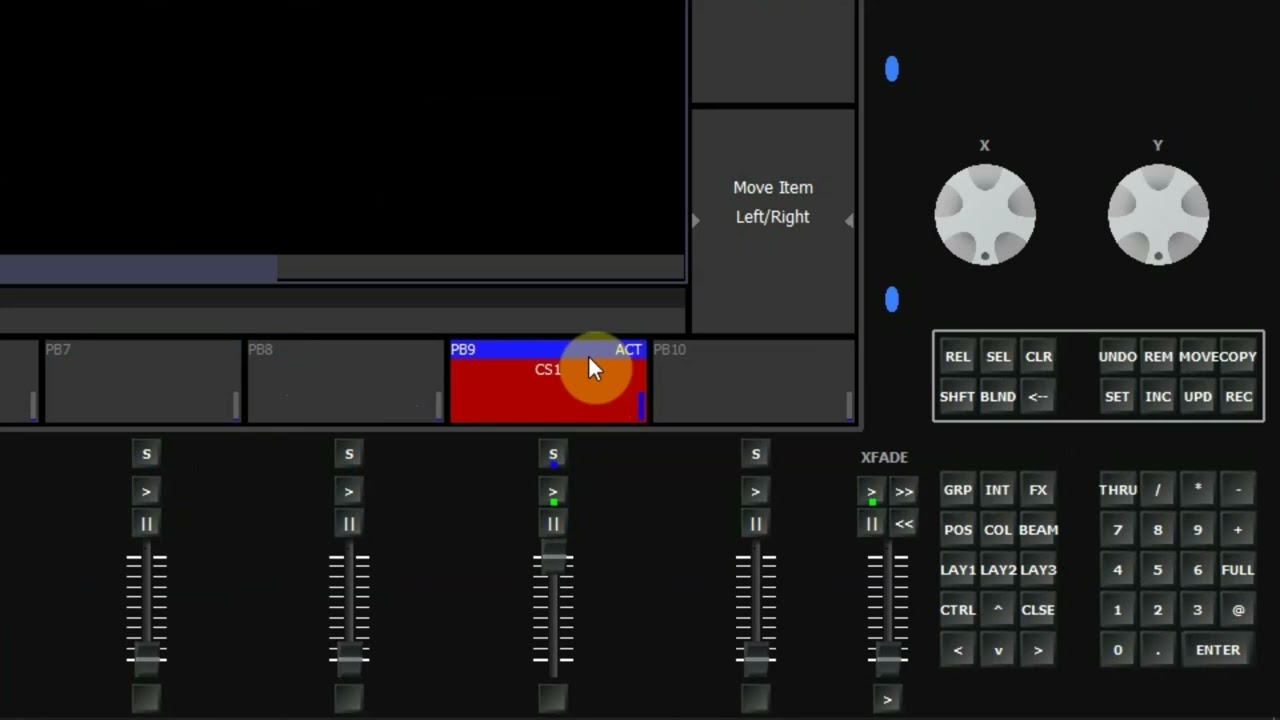
To start recording, select the fixtures you would like to record and press locate; this will home the fixture to their default position and attributes. Use the encoder wheels or palettes to create the lighting state you want to record and once you are happy, press the Record button followed by the playback Play button where you would like the state recorded to.
CHASES (0:41) & CUE LISTS (3:19)
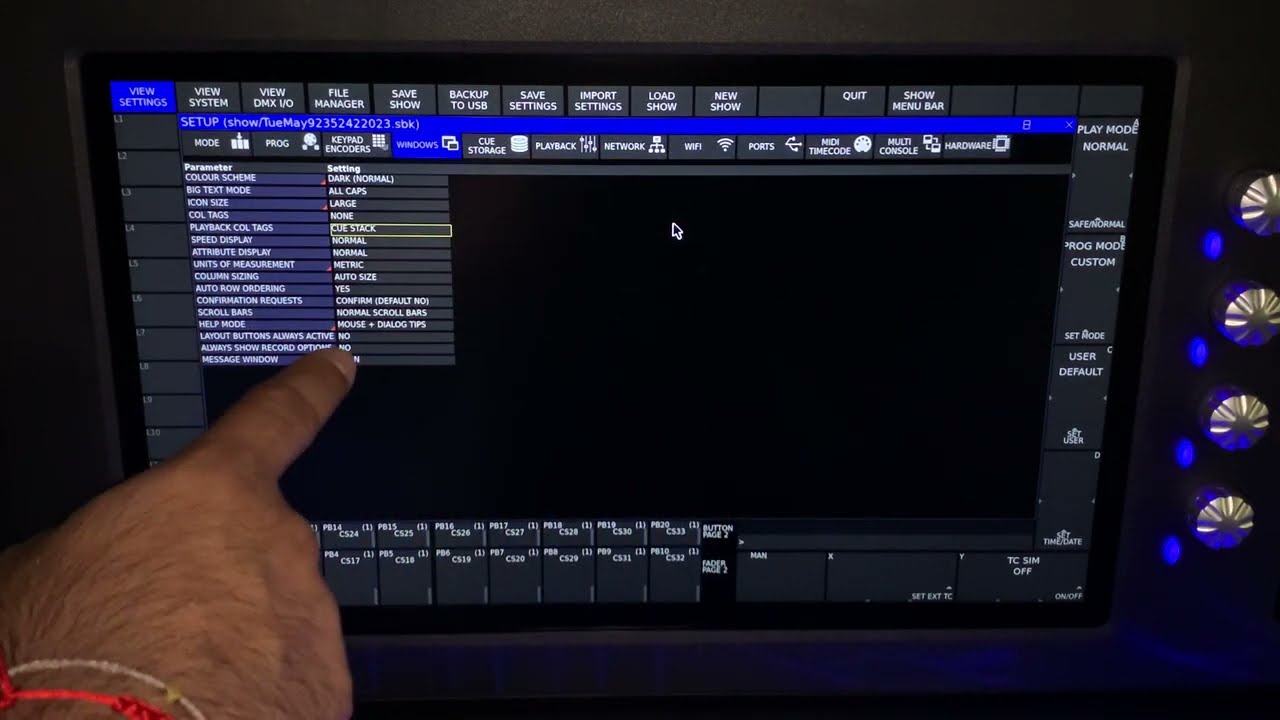
Chases and Cue Lists are built the same way, but recording the consecutive steps over the top of the same playback previously recorded. To change between Chase and Cue List, double tap the playback screen to open the Cue window and the option to change the stack type will be in the top right hand corner of the screen.
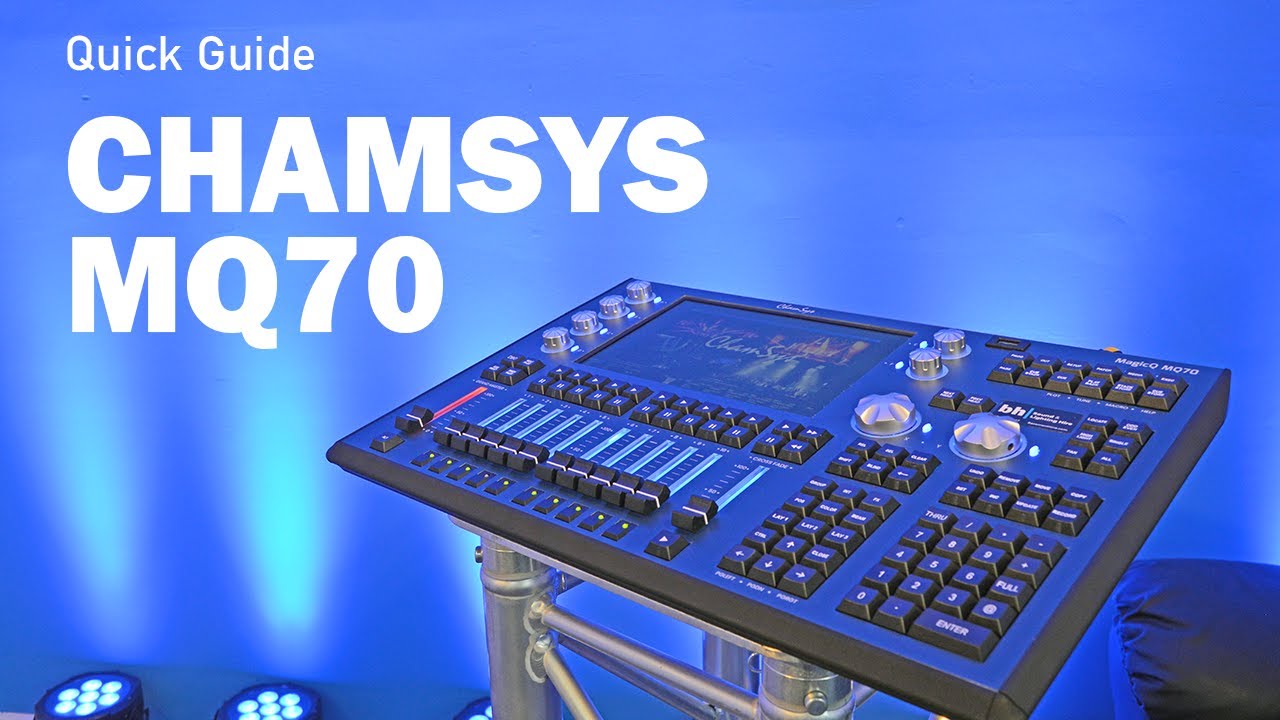
ChamSys MQ70 is available to hire in Southern England via https://basementhire.com/chamsys
Повторяем попытку...
Доступные форматы для скачивания:
Скачать видео
-
Информация по загрузке: