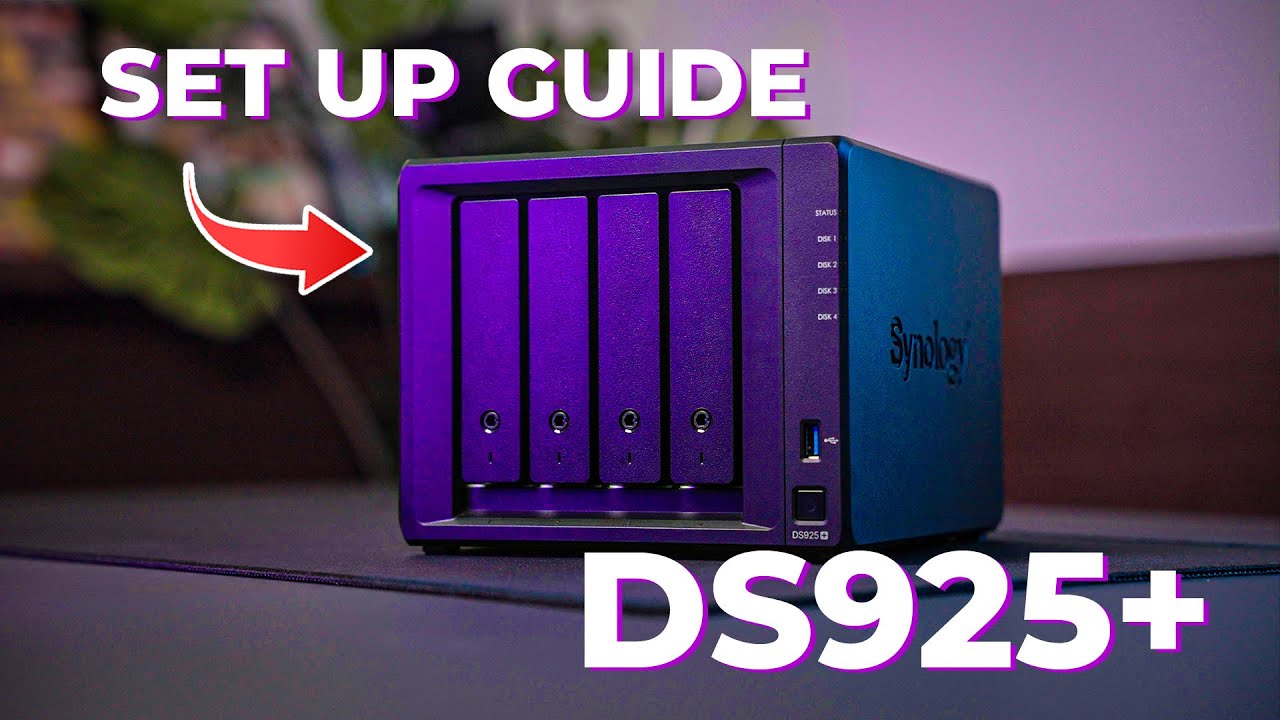
The final Synology DS925+ NAS Setup (Part 3: Shared Folders, Users & Permissions Made Simple)
Автор: I'm New To...
Загружено: 2025-09-20
Просмотров: 224
Описание:
In this video, we’ll walk through setting up users, groups, and shared folders on a Synology NAS for the whole family.
From keeping admin files private to creating shared spaces for media, backups, and cloud sync, you’ll learn how to keep everything tidy and secure.
This video builds on Jordyn Dunseath’s excellent Synology guide here: • Why I Chose a Synology NAS as a Videograph...
________________________________________
Who this video is for
📌 Families setting up their first Synology NAS
📌 Beginners who want clear steps without the jargon
📌 Home users who want safe shared folders and backups
📌 Anyone curious about permissions, groups, and file access
________________________________________
Chapters
00:00 🎵 Intro & Overview
00:19 👥 Creating Users & Groups (family setup)
01:35 📂 Setting Up Shared Folders
02:20 🔒 Folders: Permissions & Privacy
03:35 💾 Folders: Backup location for PCs, Laptops & Phones
04:18 ☁️ Folders: Cloud Backup (OneDrive, Google, Dropbox)
06:01 🎥 Folders: Media & Family Sharing
07:13 🧑💻Folders: VM storage (for the techie folks)
07:52 🗑️ Recycle Bin & File Retention
10:11 📧 Email Notifications & Alerts
11:22 🔗 Connecting to new NAS Shared Folders
13:30 📦Synology's Package centre
14:31 📦Package: Snapshot Replication
15:03 📦Package: Synology Drive Server
16:07 📦Package: Synology Photos
17:20 📦Package: Hyper Backup
18:02 📦Package: Virtual Machine Manager & Container Manager (for the techie folks)
19:11 🏆 Bonus: Expanding your NAS investment
20:00 🏆Bonus: UPS protection
20:37 🏆Bonus: Network options
21:29 👍TIPS: Notifications
21:50 👍TIPS: Data Scrubbing schedule
22:14 👍TIPS: S.M.A.R.T. tests
23:10 👍TIPS: Backup
23:32 - Closing
________________________________________
Thanks for watching this Synology NAS series! 🙏
👉 If you missed Part 2 (Setting up DSM, Storage Pools & Data Scrubbing), you can watch it here: • NAS as a Home server? Synology DS925+ Setu...
This 3-part series is designed to take you from NAS confusion → fully working home setup without the jargon.
Which Synology feature do you want me to dive deeper into next? Drop it in the comments ⬇️
________________________________________
🧰 PRODUCTS USED IN THIS VIDEO (via Amazon in Europe):
🔹 Synology DS925+ NAS: https://amzn.to/47EHyWJ
🔹 Synology 16TB Drives: https://amzn.to/4ql1022
🔹 Synology M.2 Drives: https://amzn.to/4nn6Q0c
🔹 Timetec 32GB memory: https://amzn.to/49nBgvT
🔹 APC UPS Backup Unit: https://amzn.to/3LtILaE
🧰 PRODUCTS USED IN THIS VIDEO (via Amazon USA):
🔹 Synology DS925+ NAS: https://amzn.to/4hzXzAH
🔹 Synology 16TB Drives: https://amzn.to/43A1hUX
🔹 Synology M.2 Drives: https://amzn.to/43HTIvx
🔹 Timetec 32GB memory: https://amzn.to/47xwhXb
🔹 APC UPS Backup Unit: https://amzn.to/3L95WHk
📢Please note: Some products above are the newer versions of those used in the video or better options that exist out there today. They're probably better in all respects, but I will never promote anything worse than what I have!
📢Disclosure: The Amazon links above are affiliate links. I may earn a small commission if you purchase through them — at no extra cost to you.
Повторяем попытку...
Доступные форматы для скачивания:
Скачать видео
-
Информация по загрузке: