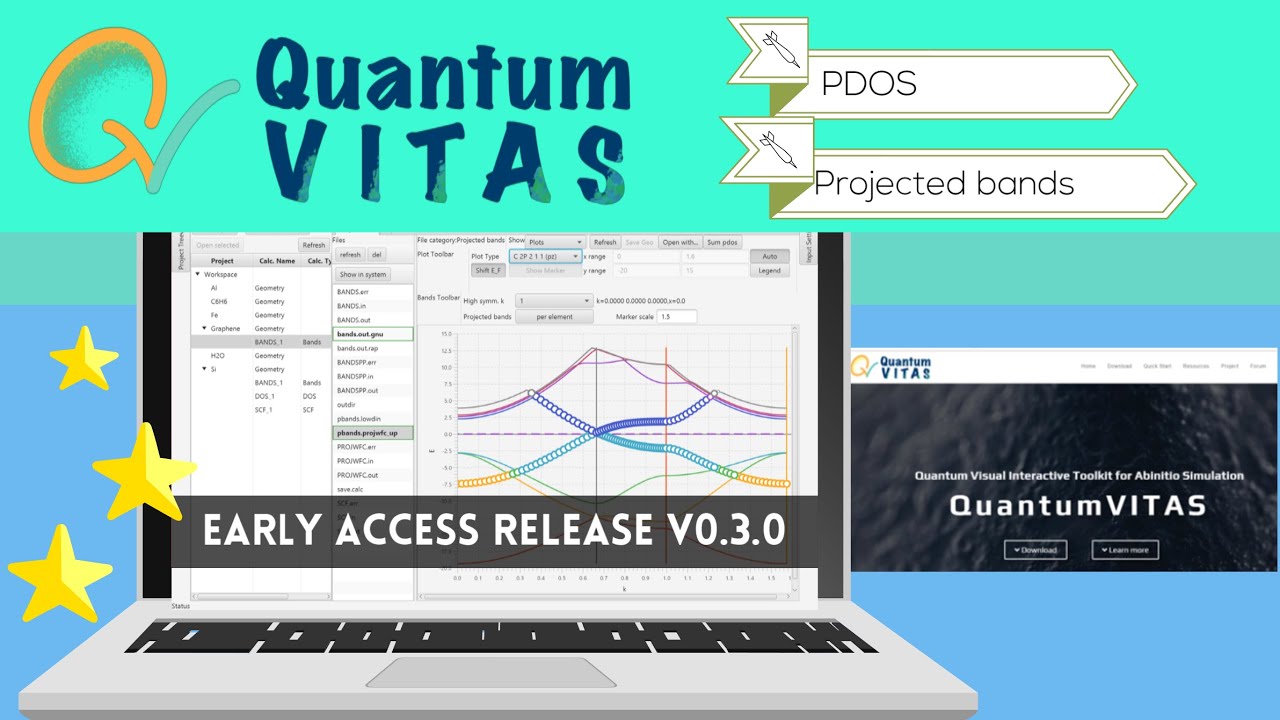
QuantumVITAS Tutorial: usage guide detailed (windows & linux, DOS, bands, MD, TDDFT, magnetism)
Автор: QuantumNerd
Загружено: 2020-08-03
Просмотров: 9879
Описание:
(Chapter details see below)
This video is made in the hope that it will be useful, but please be so kind and notice that quantumVITAS is under development still and this video is based on the early access version v0.1.0, so that certain features might not be the same in later versions. Also, please feel free to try, but it is not recommended to do serious calculations at this stage on quantumVITAS due to the early development phase.
0:00 Introduction of quantumVITAS
0:09 Official website, download and versions
1:26 Github, release notes, alternative download
2:03 (********Windows********) Directory structure of quantumVITAS, first run
3:46 Define workspace folder
4:24 Main GUI window
5:48 New project: Si (silicon crystal)
6:03 (Si) Define geometry
7:53 (Si) Pseudopotential library
8:58 (Si) SCF (single point energy) calculation
10:19 (Si) Show input file
10:36 (Si) Run calculation
10:59 (Si) Center window: in/out files
11:44 (Si) OPT (structure optimization) calculation
11:53 (Si) Sync parameters from previous calculation
13:53 (Si) Save relaxed geometry
14:24 (Si) DOS (density of states) calculation
14:29 (Si) Use relaxed geometry
16:46 (Si) BANDS (electronic band structure) calculation
17:40 (Si) Paste k-path from external
18:31 (Si) File hierarchy management (workspace-project-calculation-in/out files)
19:42 (Si) Second same calculation (DOS) with different parameters
20:41 New project: H2O (water molecule)
20:49 (H2O) Paste geometry from external
21:28 (H2O) OPT (structure optimization) calculation
23:14 (H2O) MD (molecular dynamics) calculation
24:07 (H2O) Thermostat in MD
24:56 (H2O) Save, close, open projects, navigate among calculations
25:20 New project: C6H6 (benzene molecule)
25:59 (C6H6) TDDFT
28:40 (C6H6) Save, close, open projects
29:12 (********Linux********) Ubuntu
29:57 Download and set up oracle java runtime environment
31:19 Run quantumVITAS
31:41 Define workspace folder
32:11 Define QuantumESPRESSO directory
32:46 New project: Fe (iron crystal)
33:25 (Fe) Spin polarized DOS calculation
35:02 (Fe) Run only certain steps
35:23 Summary
Повторяем попытку...

Доступные форматы для скачивания:
Скачать видео
-
Информация по загрузке: