How to make WhatsApp and VoIP calls from an Omnichannel Inbox | Respond.io Video Guide
Автор: Respond.io
Загружено: 2026-01-07
Просмотров: 105
Описание:
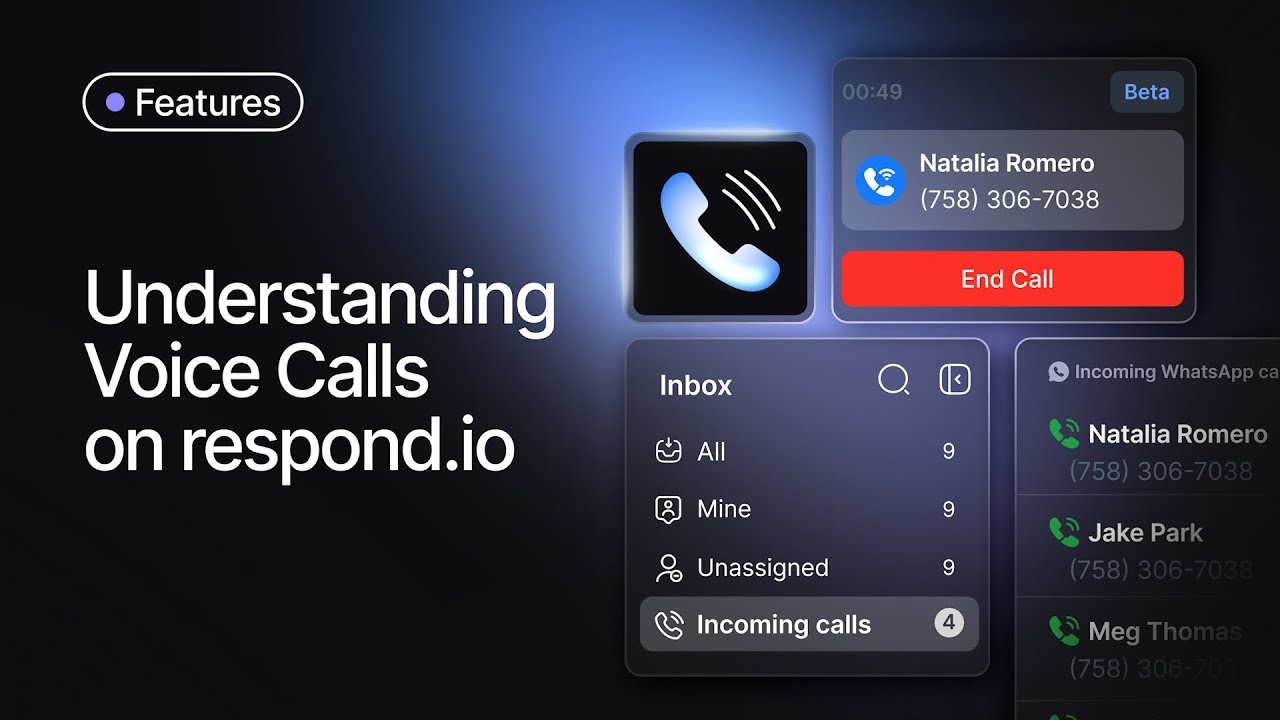
Respond.io Voice Calling lets you handle WhatsApp Calls and VoIP calls inside the same shared inbox.
Switch from chat to a call instantly, keep full customer context, and deliver faster, higher-quality support.
In this video, you’ll see how voice calling works in respond.io and how to choose the right channel for each situation—WhatsApp Calls vs VoIP—so your team can resolve urgent issues, explain complex details, and close deals without juggling tools.
What you’ll learn
Where to start voice calls in the respond.io inbox (phone icon + channel selection)
What’s different between VoIP calls and WhatsApp Calls
How WhatsApp calling permission requests work (and when the button is unavailable)
What you’ll see after a call ends (call status, duration, permission updates, and call history)
How to find missed calls fast and review team activity in reports (including charts and heatmaps)
Get started
Connect your preferred voice channel and follow the guided setup in your workspace.
Sign up or learn more at: https://rspd.link/nBq9
Chapters:
00:00 How voice calling works inside the respond.io inbox
00:14 Where to start an outbound call (WhatsApp vs VoIP)
00:37 How WhatsApp calling permission requests work
01:08 How to answer inbound calls + Incoming Calls tab
01:21 Where call logs appear after the call ends
01:37 How to review missed calls + Call Activities panel
02:00 How to read call reports (totals, answered vs missed, heatmap)
Повторяем попытку...
Доступные форматы для скачивания:
Скачать видео
-
Информация по загрузке: