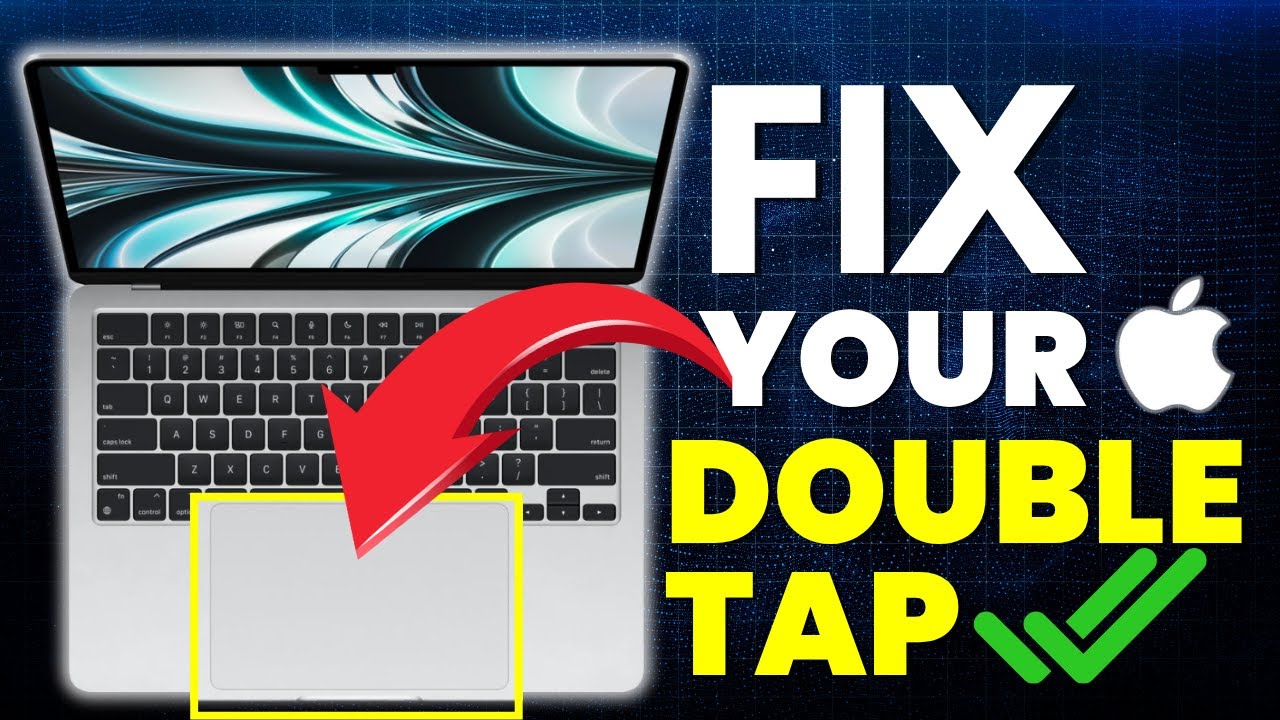
Mac Double Click/Tap Not Working? Trackpad Settings MacBook Air, Pro, Mini
Автор: Karma Tech
Загружено: 2025-06-26
Просмотров: 11287
Описание:
In this video, learn how to fix the MacBook double tap issue using a quick and easy step-by-step guide. Whether you're using MacBook Air or MacBook Pro or Mac Mini, this method works for all models with both the latest and previous macOS versions.
You’ll learn how to check and adjust the pointer control settings in the Accessibility section of your Mac System Settings and fix this issue. Watch the full video to fix the MacBook double click issue and improve your trackpad experience. If you have more questions, feel free to drop them in the comments.
More Videos for You:
Force Quit Finder on Mac: • Force Quit Finder on Mac - Fixed Finder No...
Enable Location Services On MacBook: • Mac Location Services Not Working? Enable ...
3 Hidden MacBook Keyboard Shortcuts: • 3 Hidden MacBook Keyboard Shortcuts You Do...
7 Mac Settings To Make Your Mac Secure: • 7 Mac Settings To Make Your Mac Secure - A...
7 Ways to Use Spotlight Search on Mac: • 7 Ways to Use Spotlight Search on Mac- Spo...
#karmatech #macbook #mactips
Повторяем попытку...
Доступные форматы для скачивания:
Скачать видео
-
Информация по загрузке: