How to Increase WiFi Range: Fix Dead Zones & Boost Signal (Step-by-Step)
Автор: RouterExpert
Загружено: 2025-12-13
Просмотров: 19
Описание:
Struggling with weak WiFi signals or annoying dead zones in your house? In this video, we cover everything you need to know to increase your WiFi router's range and speed.
We start with free fixes like router placement and frequency settings, then move to hardware solutions like extenders, mesh systems, and powerline adapters. Whether you have thick brick walls or just a large home, this guide will help you conquer your connection!
⏱️ Timecodes:
0:00 - Intro: Conquer your connection
0:10 - What causes WiFi dead zones? (Walls, interference, & distance)
0:23 - Fix #1: Best Router Placement
0:36 - Fix #2: Updating Firmware for performance
0:46 - Fix #3: 2.4 GHz vs 5 GHz Band (Which to use?)
1:02 - Hardware Solution: WiFi Range Extenders
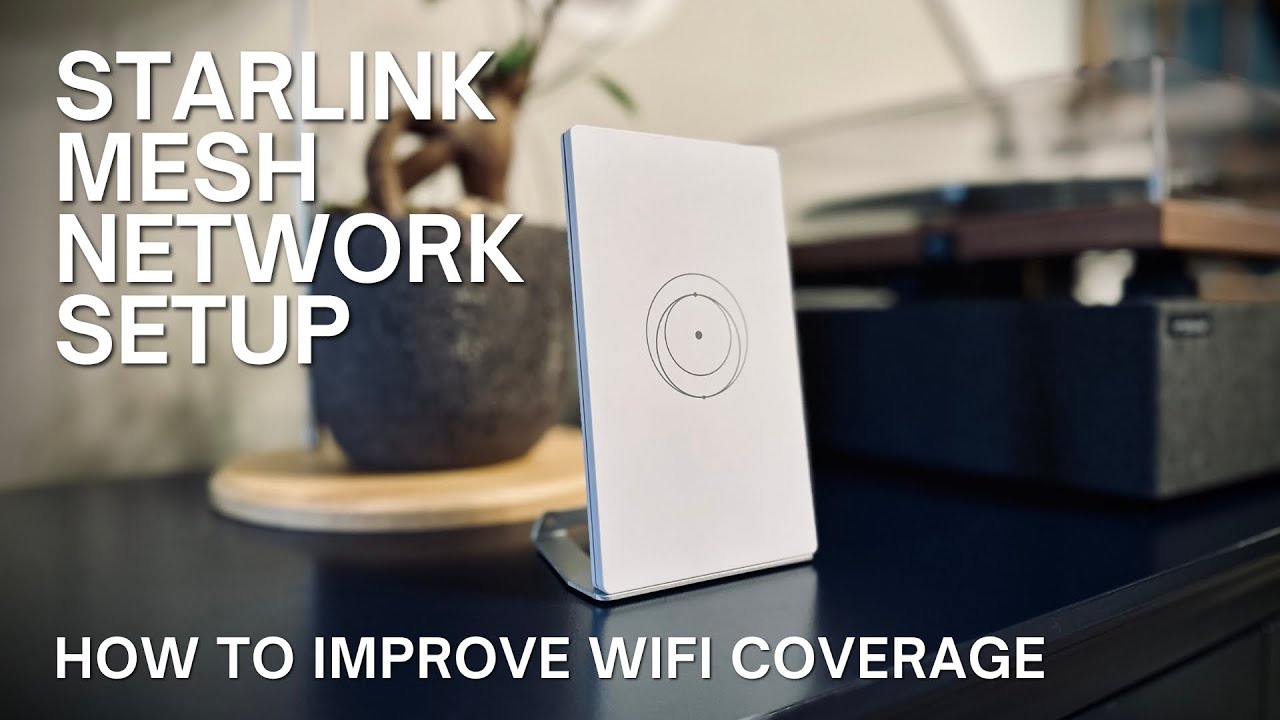
1:13 - Whole Home Solution: Mesh WiFi Systems
1:25 - When to upgrade your router or antenna
1:35 - Pro Tweaks: Changing WiFi Channels & Powerline Adapters
1:49 - Summary: Your WiFi Action Plan
🔑 Key Takeaways:
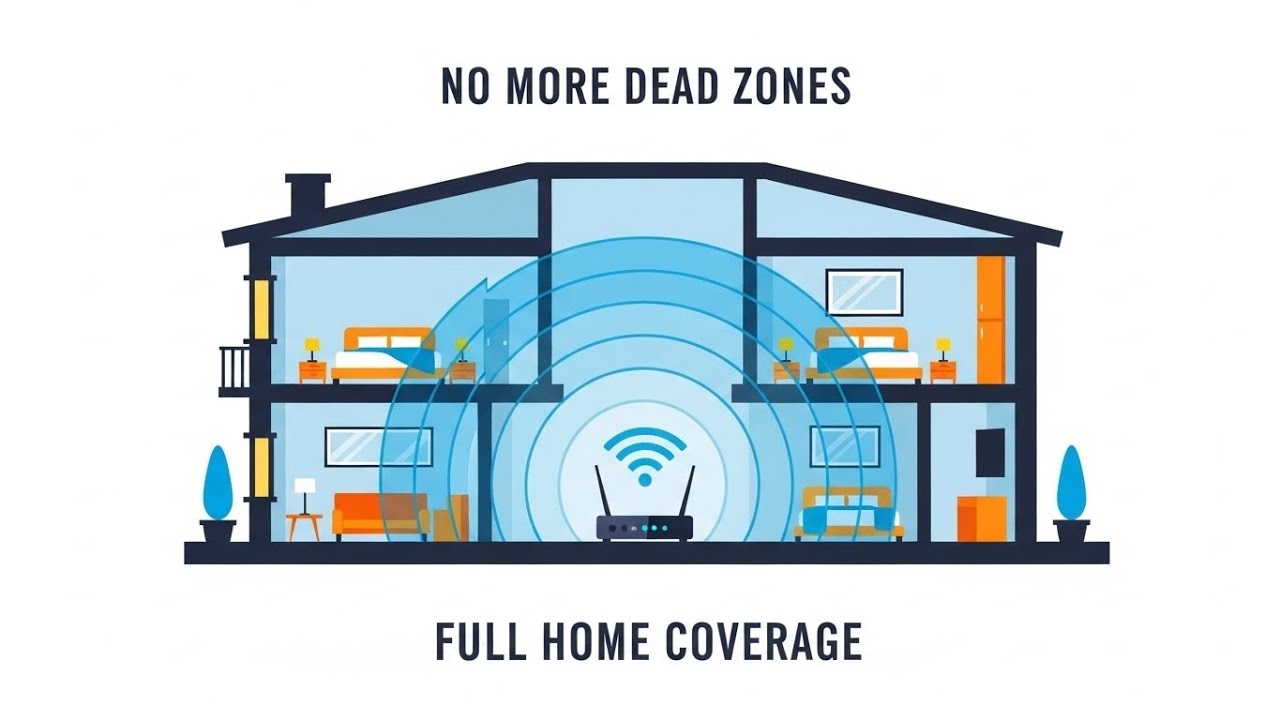
Centralize your router: Keep it high up and away from microwaves or metal objects.
Switch frequencies: Use 2.4GHz for range and 5GHz for speed.
Hardware upgrades: Consider mesh systems for multi-story homes or powerline adapters to bypass thick walls.
#WiFi #TechTips #InternetSpeed #HomeNetwork #RouterSetup
Повторяем попытку...
Доступные форматы для скачивания:
Скачать видео
-
Информация по загрузке: