How To Use the Reader Digital Book By Sony PRS-700
Автор: Howcast
Загружено: 2013-09-05
Просмотров: 13822
Описание:
Full Playlist: • How to Understand Computers
-
-
Watch more How to Understand Computers videos: http://www.howcast.com/videos/176605-...
Say goodbye to heavy backpacks and overcrowded bookshelves. You can fit a whole library – up to 350 ebooks! – in a device that's smaller and lighter than the average paperback. Here's how to make it work for you.
Step 1: Power up
Turn on the Reader. The power switch is located on the top edge of the device.
Tip
The Reader takes four hours to fully charge via USB cable, or two hours via an optional AC adapter. You can turn up to 7,500 pages on a single charge.
Step 2: Navigate the home page
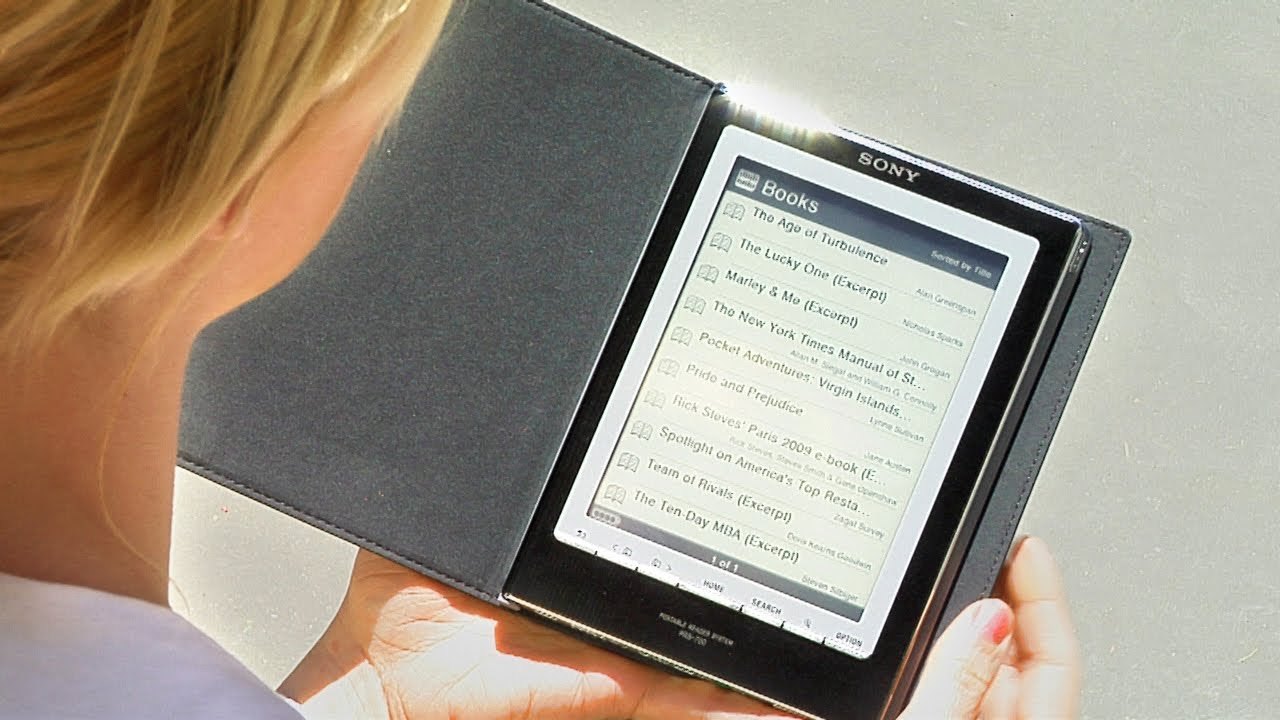
Select an icon on the home page. Choose Books to dive in – just tap the icon with your finger, or use the stylus.
Step 3: Start reading
Your Reader comes preloaded with 10 book excerpts. Tap one to start reading.
Step 4: Turn pages
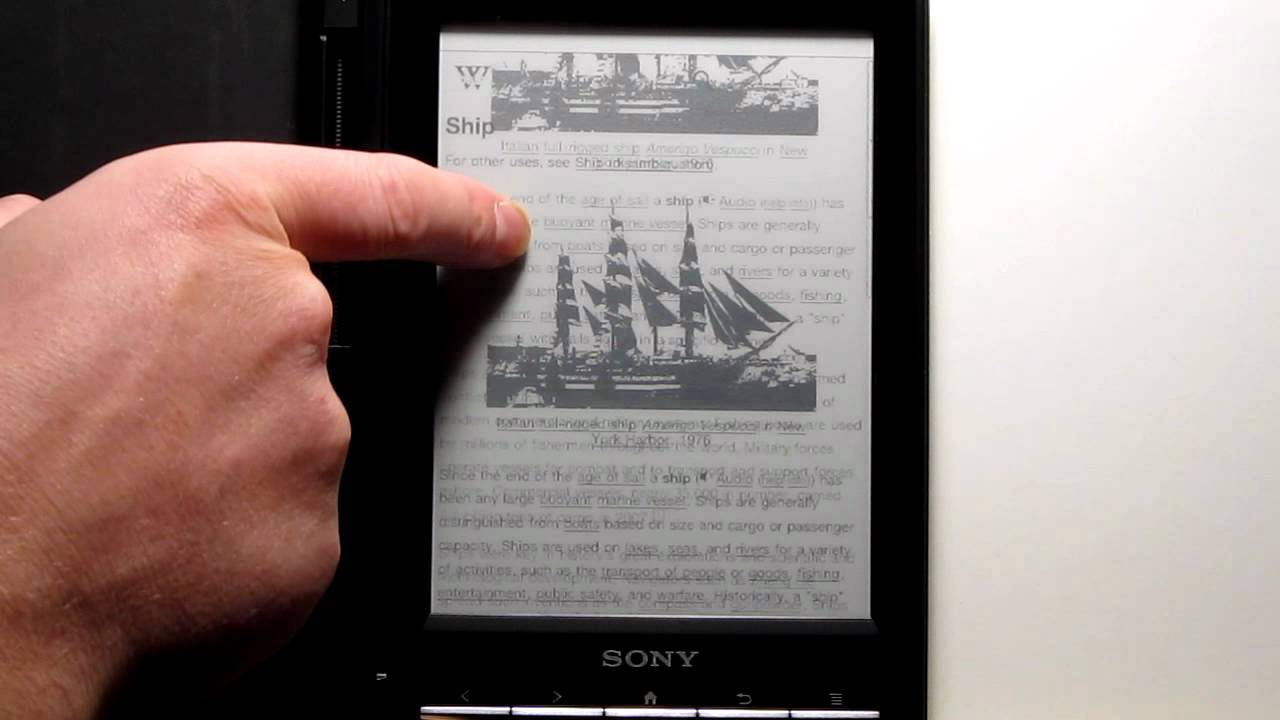
To turn the page, touch the screen and drag your finger to the right, drag the stylus to the right, or click the right arrow button at the bottom of the screen's frame.
Tip
Make the text bigger or smaller by clicking the magnifying glass icon and choosing the size you want. Or zoom in on the page with the zoom feature.
Step 5: Exercise your options
Check out other features by hitting the Option button in the lower right corner of the screen's frame. Looking for a specific section of the book? Enter a page number to skip to, or scroll along the bottom of the screen. With any option, hit the X to return to the page you were reading.
Tip
You can instantly access a book's table of contents and general information in the Option menu.
Step 6: Annotate text
Click Create/Edit Notes to annotate text. To highlight, tap the button in the upper left corner, and drag your finger or stylus over the text you want. To erase highlights, tap the eraser icon, and drag your finger or stylus over the highlighted text. Click the Bookmark icon in the upper right to bookmark a page, and tap a highlighted word or bookmark to open the Comment Editor, allowing you to write notes using the virtual keyboard. To access notes you've already written, click the Notes button.
Step 7: Search
Search for a word or phrase by clicking Search at the bottom of the screen's frame. On the virtual keyboard, type in the words you want to find and hit Search.
Step 8: Load up your Reader
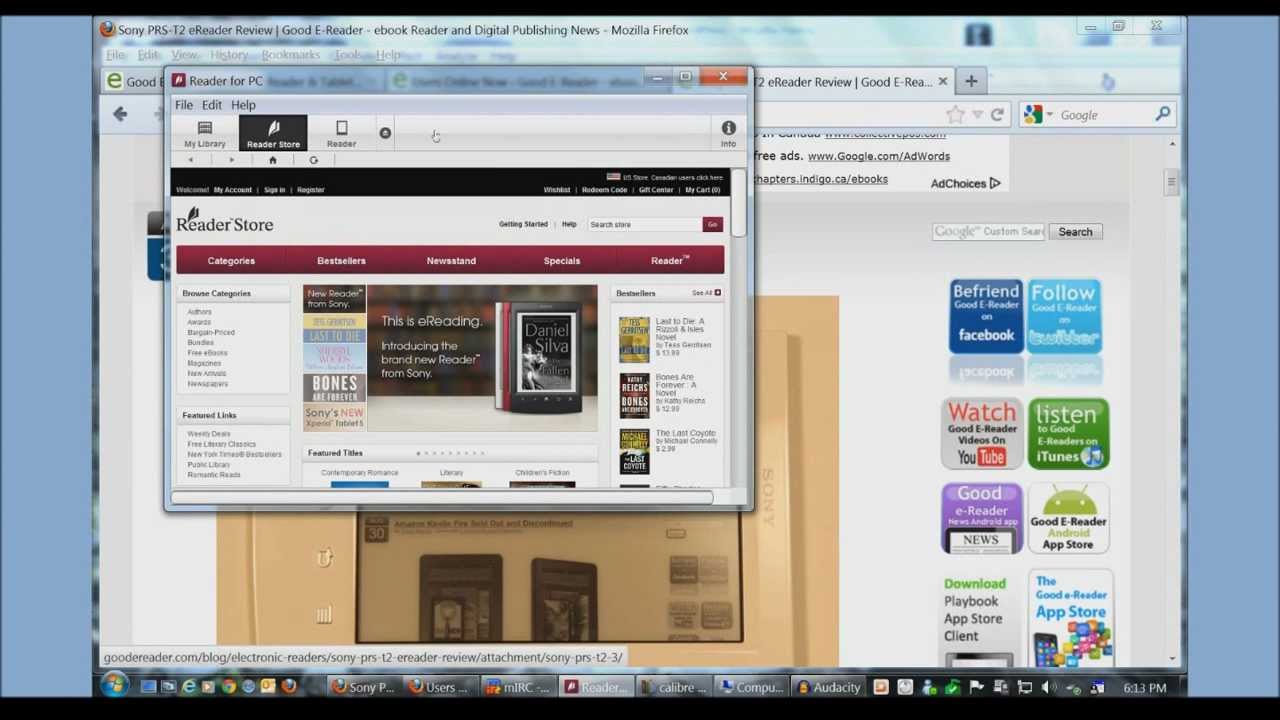
Add more books! Install the eBook Library software that came with your Reader, and set up an account at The eBook Store from Sony. You now have access to over half a million free books from Google, as well as New York Times bestsellers and other current titles.
Tip
Add capacity to your Reader with extra memory cards.
Step 9: Explore
Explore your device. The Reader supports a wide range of formats, including ePub, Adobe PDF, Microsoft Word – even mp3 files. Now get reading!
Did You Know?
The name Sony comes from the Latin word for sound and the English term "sonny boy," which was used in the 1950s to mean a bright young person.
Повторяем попытку...
Доступные форматы для скачивания:
Скачать видео
-
Информация по загрузке: