How To Change Your Legal Name on PayPal
Автор: Easy Tech Tutorials
Загружено: 2023-07-25
Просмотров: 4655
Описание:
How To Change Your Legal Name on PayPal
In this video, we’ll look at how to change your legal name on PayPal.
First, you won’t be able to use the PayPal app to do this. So, if you’ve been trying already but couldn’t find it, that’s why. So instead, we’ll need to login to the PayPal website, but you can just use Safari or any mobile web browser to it.
Open your browser and head to PayPal.com. Once you’re there, log into your PayPal account. You can use you mobile number to send a code if you have that setup, or just login with your password. Make sure that you stay on the PayPal website too, and don’t choose the open option here on the top.
Once you’re logged in, on the home screen, choose the three line menu button here on the top left. If you’re using a desktop browser, this will be the same.
Next, choose the settings icon here.
Now that you’re on the account page, you’ll see your full name, and next to that, change name. Choose that.
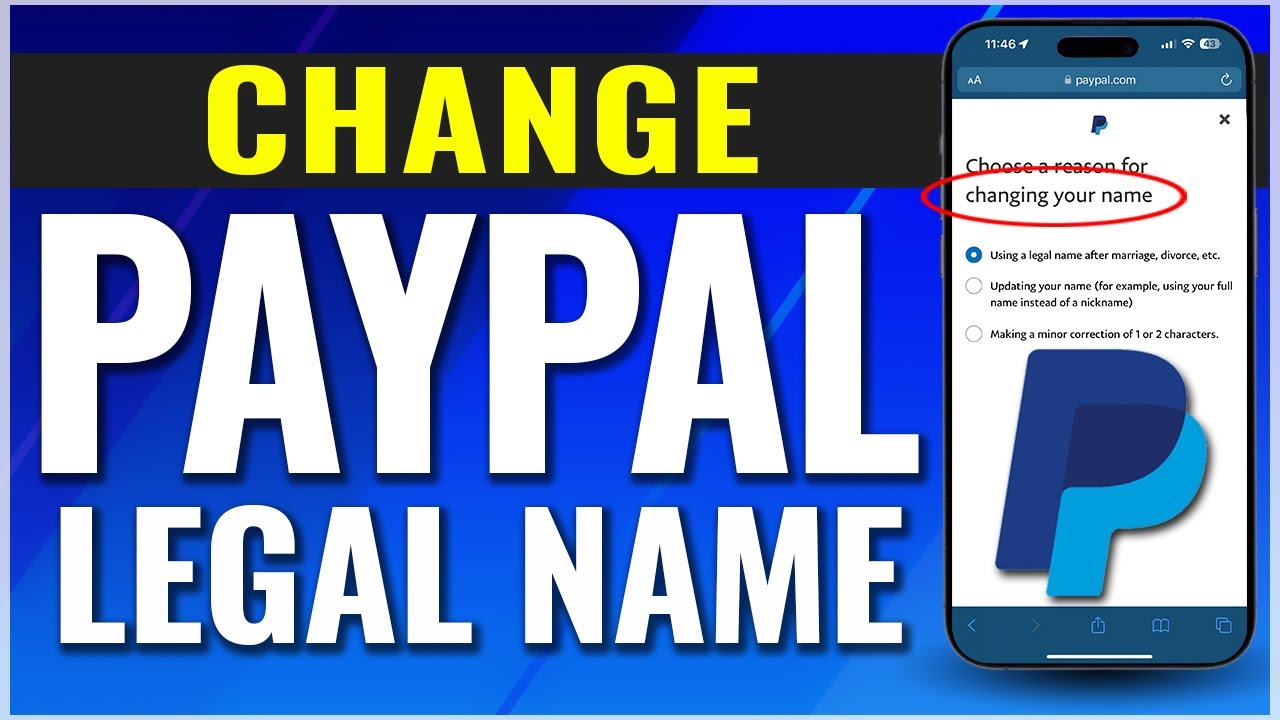
When you go to change your name, you’ll have three options. The first two are if you’re changing your legal name after something like marriage or a divorce, and the other is if you’re just updating it from something you had chosen before, like a nickname.
Both options may require proof of your new or updated legal name, like an ID. This is so that you can prove you’re not trying to impersonate someone else, and for security.
The last option is if you just need to make a minor adjustment of a couple letters. This could be from a misspelling or something. Note though that you’ll only be able to do this once, and that you’ll need to confirm it before you make the change.
Make your changes with the selection that applies to you, and then submit it to PayPal. They say the average time that it takes for PayPal to review and make your change is 3 to 5 business days, so just make sure you know that it won’t be instant.
Also, if you have a PayPal Savings account, they’ll automatically close that under your old name, and move whatever money you may have inside of it into your main PayPal balance. But once your account name is updated, you can just create a new savings account with that, and move your funds back into it.
And that’s how you change your legal name inside of PayPal.
Thanks for watching! Give it a thumbs up if you found this helpful!
http://www.youtube.com/c/quicktechvid...
Повторяем попытку...
Доступные форматы для скачивания:
Скачать видео
-
Информация по загрузке: