How to add motion blur in Premiere Pro (Tutorial)
Автор: Storyblocks
Загружено: 2024-11-23
Просмотров: 2480
Описание:
📹 Get started with unlimited stock media downloads at one set price ➡️ https://www.storyblocks.com/youtubech...
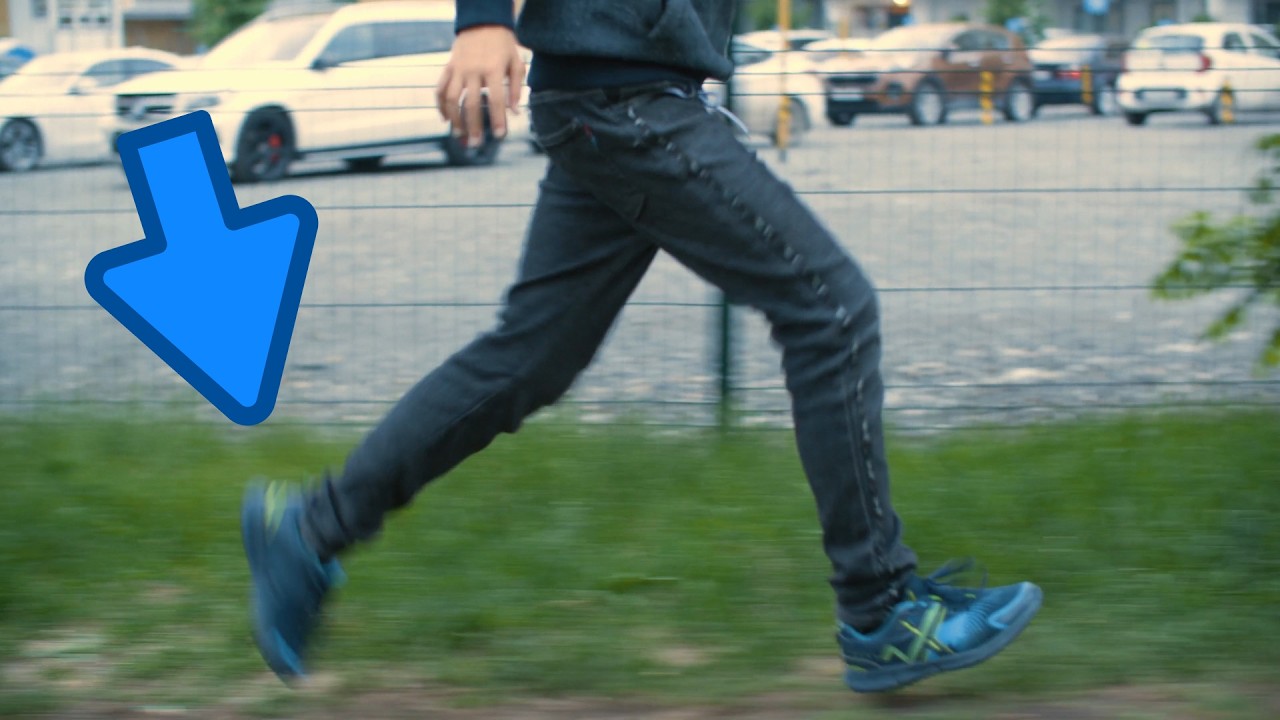
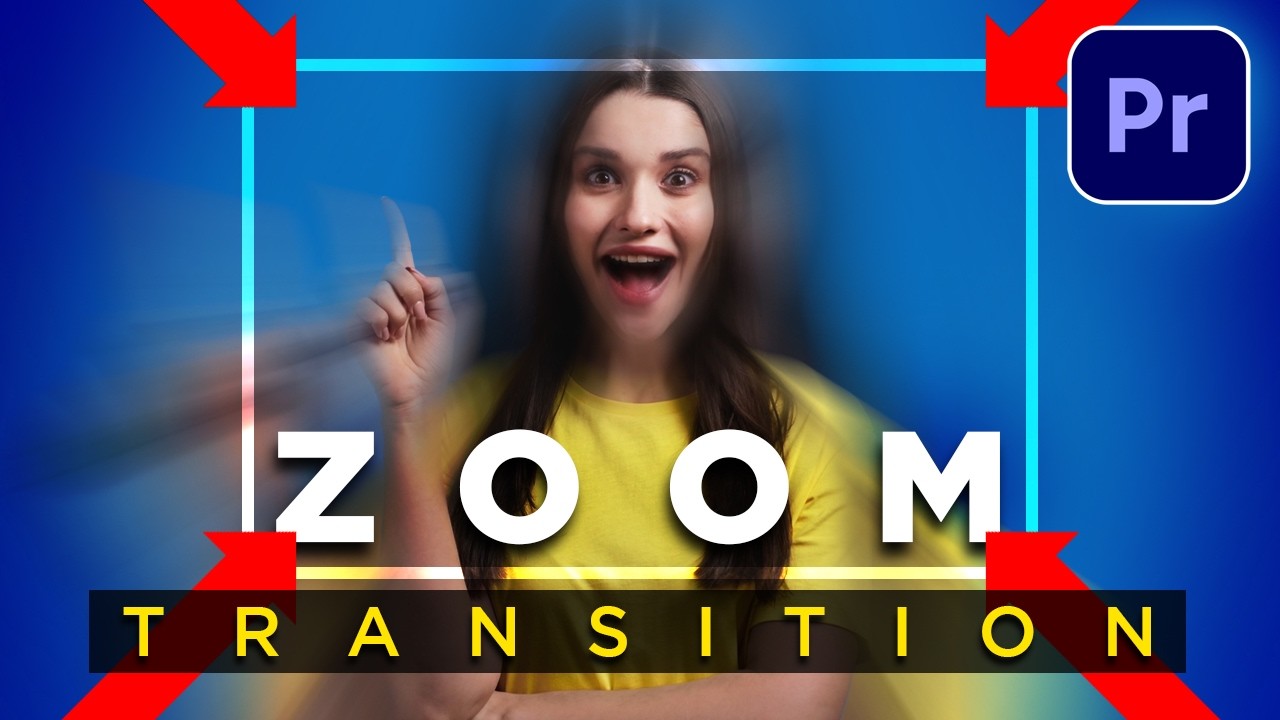
Are you struggling to figure out how to create realistic motion blur in Premiere Pro? Motion blur can add a natural, cinematic touch to your footage, making fast-moving objects look smoother and more believable. In this tutorial, we’ll show you two easy methods to add motion blur in Premiere Pro using the Transform and Directional Blur effects. Whether you’re creating animations or refining your video, this guide has you covered.
Learn more about how to add motion blur: https://www.storyblocks.com/resources...
Motion blur isn’t just for aesthetics—it’s an essential tool for creating more polished and professional videos. By using features like shutter angle and masking, you can precisely control how motion blur is applied, adding depth and realism to your footage. Whether you’re a beginner or an experienced editor, this step-by-step tutorial will help you make the most of motion blur in your projects.
Key Takeaways:
Transform Effect: Learn to animate key properties like position and scale, then use the shutter angle setting to apply motion blur.
Directional Blur Effect: Add blur to specific areas of your video and refine it with masking and tracking techniques.
Save time by creating motion blur presets for recurring projects.
Further explore masking for more precise control and dynamic effects.
Leave your questions in the comments and don’t forget to like, comment, and subscribe for more tutorials!
EXPLORE MORE FROM STORYBLOCKS 👇
Blog: https://www.storyblocks.com/resources
LinkedIn: / storyblocks
Instagram: / storyblocksco
TikTok: / storyblocksco
CHAPTERS:
0:00 Introduction to Motion Blur in Premiere Pro
0:27 Using the Transform Effect for Motion Blur
1:18 Adjusting Shutter Angle for Realistic Blur
1:41 Saving Motion Blur as a Preset
2:02 Adding Motion Blur with Directional Blur Effect
2:40 Masking and Tracking for Precision Blur
Повторяем попытку...
Доступные форматы для скачивания:
Скачать видео
-
Информация по загрузке:


![Как ускорить работу After Effects [2026]](https://imager.clipsaver.ru/_YYzftHRB54/max.jpg)