SAMSUNG Galaxy Z Flip7 – How to Turn On Mirror Mode in Samsung DeX
Автор: HardReset.Info
Загружено: 2025-08-01
Просмотров: 2724
Описание:
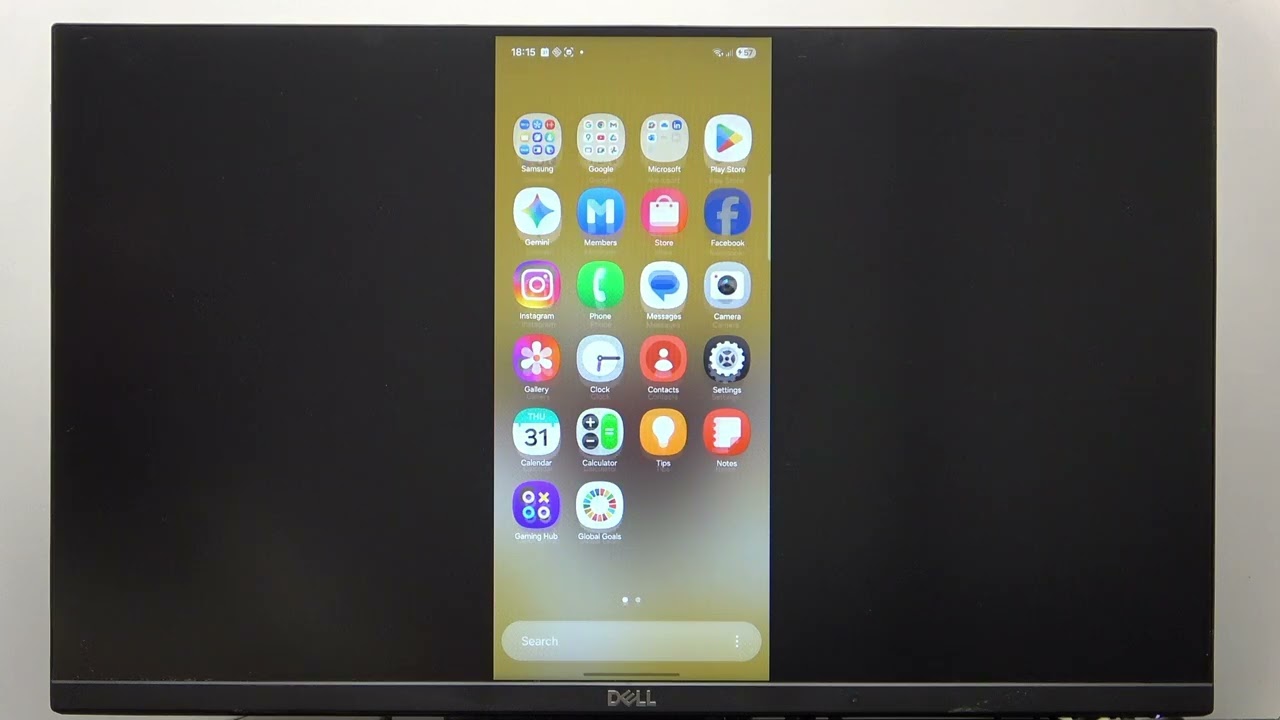
If you want to mirror your SAMSUNG Galaxy Z Flip7 screen using Samsung DeX, this video will show you the exact steps to enable mirror mode. Learn how to access the right settings on your Galaxy Z Flip7 and switch between extended and mirrored display modes in Samsung DeX. Whether you want to see your phone’s screen on a bigger monitor or need to present content easily, this guide will help you get the most out of Samsung DeX with your Galaxy Z Flip7. Follow along for a simple, step-by-step walkthrough to activate mirror mode and enjoy a seamless experience between your phone and external display.
How to turn on mirror mode in Samsung DeX on SAMSUNG Galaxy Z Flip7?
How to switch between extended and mirrored display in Samsung DeX on Galaxy Z Flip7?
Where are the mirror mode settings in Samsung DeX for SAMSUNG Galaxy Z Flip7?
0:00 Introduction
0:10 Open Settings in Samsung DeX
0:22 Go to Connected Devices
0:30 Select Samsung DeX
0:38 Choose Connect to Display
0:45 Enable Mirror Mode
1:00 Switch Back to Extended Mode (Optional)
1:15 Outro
#SamsungGalaxyZFlip7 #SamsungDeX #MirrorMode #GalaxyZFlip7Tips
Find out more:
https://www.hardreset.info/devices/sa...
Follow us on Instagram ► / hardreset.info
Like us on Facebook ► / hardresetinfo
Tweet us on Twitter ► / hardreseti
Support us on TikTok ► / hardreset.info
Use Reset Guides for many popular Apps ► https://www.hardreset.info/apps/apps/
Повторяем попытку...
Доступные форматы для скачивания:
Скачать видео
-
Информация по загрузке:


