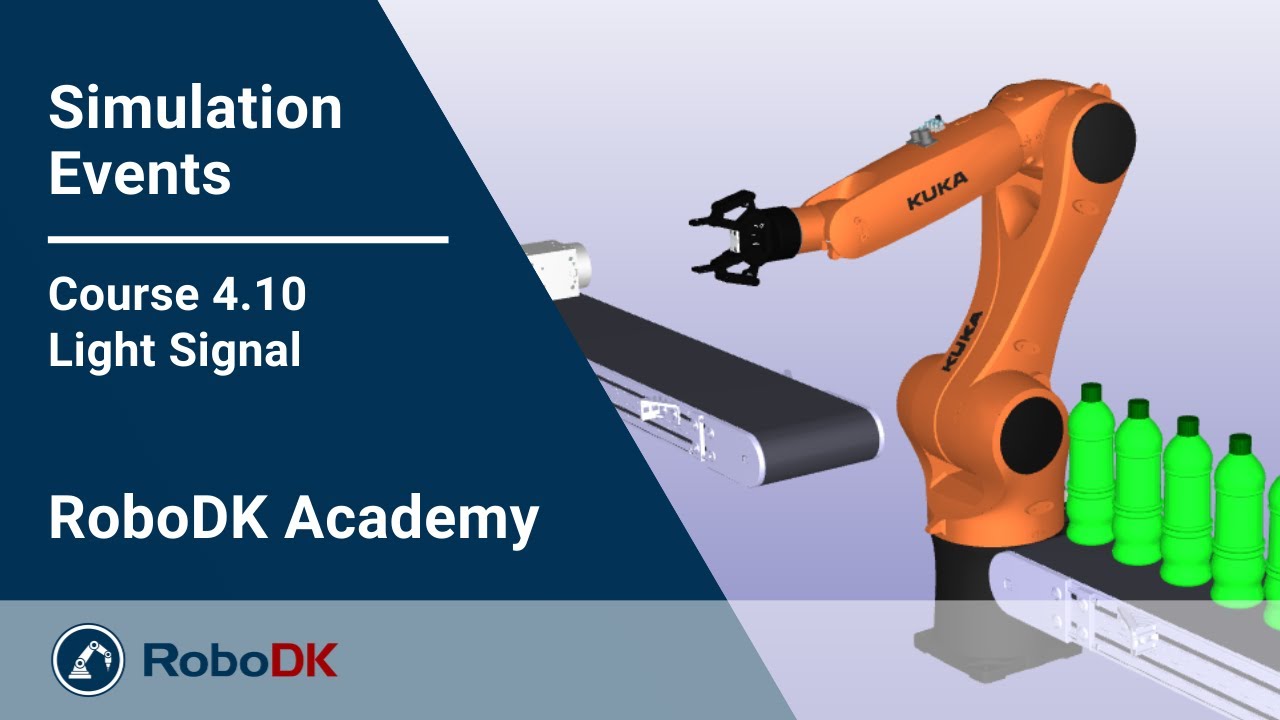
Light Signal - Course 4.10 - RoboDK Academy
Автор: RoboDK
Загружено: 2022-02-03
Просмотров: 2169
Описание:
With this RoboDK video series, you will follow different professional training courses and learn how to take full advantage of the software. In this video, you will learn how to use Change Color and Hide/Show to create a Light Signal in your RoboDK Simulation.
At the end of all courses, you will have learned everything from the basics of RoboDK's simulation and offline programming environment to advanced projects using external axes, complex curve following, or the use of multiple robots at the same time.
Our goal? We want you to master RoboDK!
Table of content:
00:00 Introduction
00:50 Create Programs
02:32 Create Frame
03:30 Link Lights
05:02 Create Main Program
06:57 Init
07:30 Call Light Signal
04:48 Adjust Thread
09:00 Organize Station
09:57 Next Video Teaser
Learn with RoboDK Academy for Free:
https://academy.robodk.com
__________________________________________________________________________
ABOUT RoboDK
RoboDK is a powerful and cost-effective simulator for industrial robots and robot programming.
No programming skills are required with the intuitive RoboDK graphical interface. Easily simulate and program robot arms offline from your 3D models and deploy robot programs avoiding singularities, axis limits, and collisions with just a few clicks.
RoboDK has an extensive library of over 1200 robot arms from 80 robot manufacturers and offers a wide variety of robot manufacturing applications.
SOCIAL MEDIA CHANNELS
🤖 LinkedIn: / robodk
🤖 Facebook: / robodkinc
🤖 X: https://x.com/robodkinc
🤖 Instagram: / robodk
🤖 TikTok: / robodk3d
USEFUL LINKS
1 - Download your free RoboDK Trial: https://robodk.com/download
2 - RoboDK Robot Library (currently supported robots): https://robodk.com/library
3 - RoboDK Help and Resources: https://robodk.com/help
4 - How to Simulate and Program your Robot: https://robodk.com/simulation
5 - RoboDK Tips and Tricks: https://robodk.com/doc/en/Tips-and-Tr...
6 - RoboDK Success Stories: https://robodk.com/examples
7 - Get your RoboDK Questions Answered: https://robodk.com/forum/
8 - Learn with RoboDK Academy: https://robodk.com/academy
9 - Pricing: https://robodk.com/pricing
CONTACT US
https://robodk.com/contact
Повторяем попытку...
Доступные форматы для скачивания:
Скачать видео
-
Информация по загрузке: