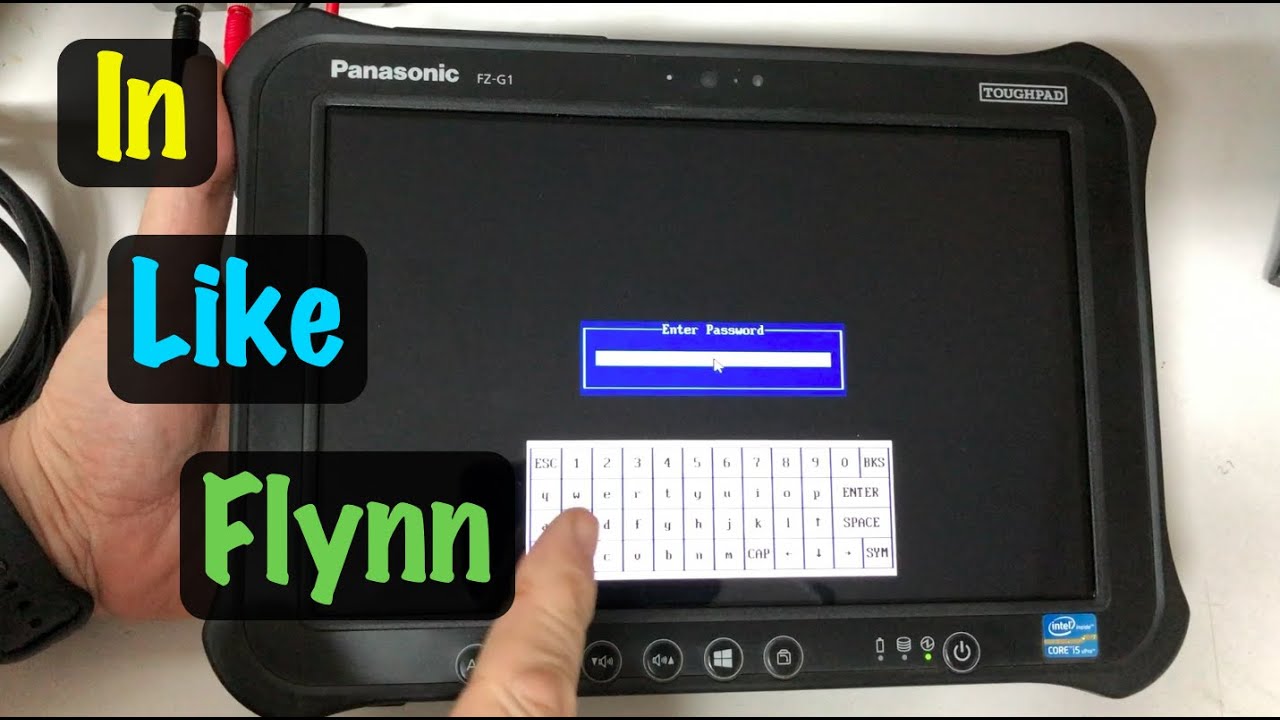
How to Clear / Remove Lost BIOS Password ~ Panasonic ToughPad FZ-G1 FZ-G1(A) MK1 Tablet
Автор: DrShock
Загружено: 2021-12-17
Просмотров: 45992
Описание:
In this video I'll go over how to clear and remove a lost BIOS password (both user and supervisor) from the AMI Aptio 4 BIOS used in the Panasonic ToughPad FZ-G1 MK1 series tablets. This is a circuit board level repair requiring partial disassembly of the ToughPad, desoldering of the 25Q128A flash chip, reprogramming of the 25Q128A flash chip, reassembly of the ToughPad, and final testing that the BIOS password has been cleared / unlocked. While the FZ-G1A type is illustrated and known to work, this technique might apply to later ToughPads also but I have not tried this on any later models.
This video has extensive technical detail covering:
Organization of the Aptio 4 BIOS memory and password locations
Disassembling the ToughPad FZ-G1
Locating the BIOS flash chip and removing it from the motherboard
Editing the BIOS flash chip contents to remove the password
Reprogramming the BIOS flash chip with no password image
Reinstalling the BIOS chip back onto the motherboard
Reassembling the ToughPad FZ-G1
Testing that the BIOS password has been cleared
Optionally updating the FZ-G1 BIOS to the last available version
Software Utility and Datasheet Download Links:
AMI Aptio 4 BIOS Firmware Update Utility: https://www.ami.com/bios-uefi-utilities/
UEFITool Viewer version A51 (only use this version): https://github.com/LongSoft/UEFITool/...
Micron N25Q128A Flash Memory Datasheet: https://www.micron.com/-/media/client...
Panasonic ToughBook BIOS Password Recovery Reference: https://gist.github.com/en4rab/550880...
Panasonic FZ-G1 Download Links:
Battery recall information: https://pc-dl.panasonic.co.jp/itn/inf...
Reference manual: https://na.panasonic.com/ns/272159_TO...
Battery recall downloads: https://na.panasonic.com/us/support/i...
BIOS / Intel ME Firmware Updates: https://na.panasonic.com/us/support/t...
The eBay and Amazon search links below are paid links, for which I may be compensated and earn a commission, if you choose to buy the parts and tools shown in this video thru them:
If you're looking for the ChipQuik SMD1 low melt solder I used: https://ebay.us/BGiCPZ or https://amzn.to/3d41sx7
If you would just like to order a pre-programmed SOP8 BIOS chip: https://ebay.us/ytpGLg
If you need one of the wide body SOP8 socket adapters: https://ebay.us/GgGcan or https://amzn.to/3Ie1Ojo
For the TL866II+ programmer from Auto Electric that I used: https://ebay.us/KJqSJz or https://amzn.to/3rpqrnj
Finally, if you need a new empty replacement 25Q128A flash chip in SOP8 packaging: https://ebay.us/rpjeDF
And if I've saved you some $$ here, consider some coins for the coffee tip-jar! https://ko-fi.com/drshock
Chapters:
0:00 - Problem overview & recreate
2:03 - Saving the locked BIOS image from Windows
4:24 - Locating the BIOS password NVRAM areas
8:50 - Editing the saved BIOS image from Windows
16:29 - Disassembling the ToughPad
25:48 - Locating and accessing the BIOS flash chip
31:48 - Removing the BIOS flash chip from the motherboard
33:56 - Reading out the BIOS flash chip
37:15 - Editing the BIOS flash image
43:07 - Reprogramming the BIOS flash chip
47:15 - Alternative approaches for editing the saved BIOS image
48:38 - Resoldering the BIOS chip to the motherboard
49:22 - Reassembly and testing
#drshock #toughpad
Disclaimer: DrShock, the alias for the human content creator for this YouTube channel, is not responsible for any damages, injuries, losses, or liabilities associated with any repairs, upgrades, or maintenance performed on yours, or any other, product whatsoever. No warranty, express or implied, is made as to the accuracy or completeness of any information provided within this channel. Viewing and using the “as-is" information of this channel is totally at your own risk. Always wear personal protection equipment and follow appropriate product manufacturer service manual guidelines with original manufacturer parts only when performing any repairs, upgrades, or maintenance upon any product.
Повторяем попытку...
Доступные форматы для скачивания:
Скачать видео
-
Информация по загрузке:







![[2017 and older ONLY] MacBook Air Firmware Pass / iCloud Lock Removal - LFC#275](https://imager.clipsaver.ru/ar37ye4gdOs/max.jpg)