Send Desktop Notifications with Tauri | React + Rust Tutorial
Автор: Taught by Celeste AI - AI Coding Coach
Загружено: 2025-12-29
Просмотров: 76
Описание:
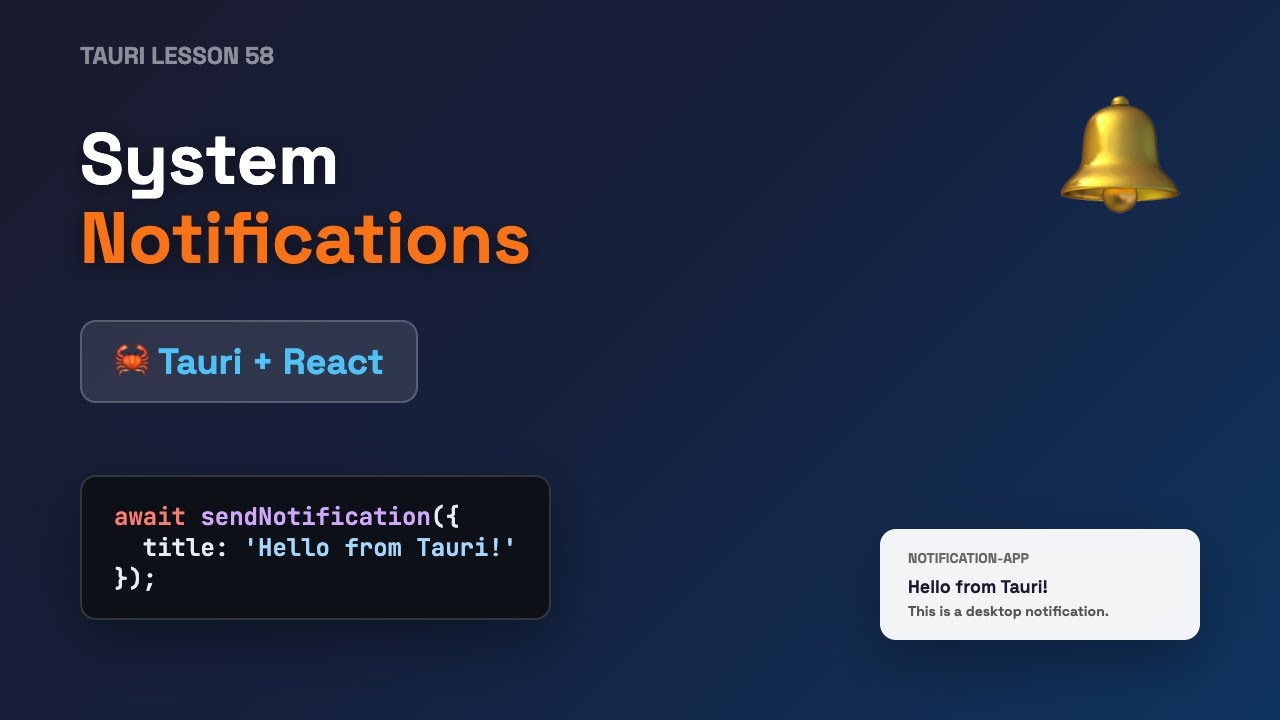
Learn how to add system notifications to your Tauri desktop application! 🔔
In this tutorial, you'll build a complete notification system using React, TypeScript, and Rust with Tauri 2.0.
🎯 What you'll learn:
• Set up a new Tauri React TypeScript project
• Install tauri-plugin-notification (Rust + npm)
• Configure the Rust backend for notifications
• Create a React frontend with a notification button
• Send native desktop notifications
⏱️ Timestamps:
0:00 - Intro
0:08 - Prerequisites Check
0:27 - Project Setup
1:12 - Install Notification Plugin
1:56 - Configure Rust Backend
2:24 - Build React Frontend
2:40 - App Demo
🛠️ Tech Stack:
• Tauri 2.0
• React 19 + TypeScript
• Rust
• @tauri-apps/plugin-notification
📝 Key Code:
Frontend:
import { sendNotification } from '@tauri-apps/plugin-notification';
await sendNotification({ title: 'Hello!', body: 'Notification from Tauri' });
Backend:
.plugin(tauri_plugin_notification::init())
🔗 Resources:
• Tauri Docs: https://tauri.app
• Notification Plugin: https://tauri.app/plugin/notification/
💡 Tip: On macOS, notifications work best with release builds (.app bundle).
#Tauri #Rust #React #DesktopApp #SystemNotifications #TypeScript #Tutorial #Programming
Повторяем попытку...
Доступные форматы для скачивания:
Скачать видео
-
Информация по загрузке:





![[4K FULL HD] Relaxing Water Background | 1 HOUR | Calm Water Wallpaper (No Sound)](https://image.4k-video.ru/id-video/y9PTNTSpGJs)