RED TECH | ISO Settings
Автор: RED Digital Cinema
Загружено: 2016-12-15
Просмотров: 44067
Описание:
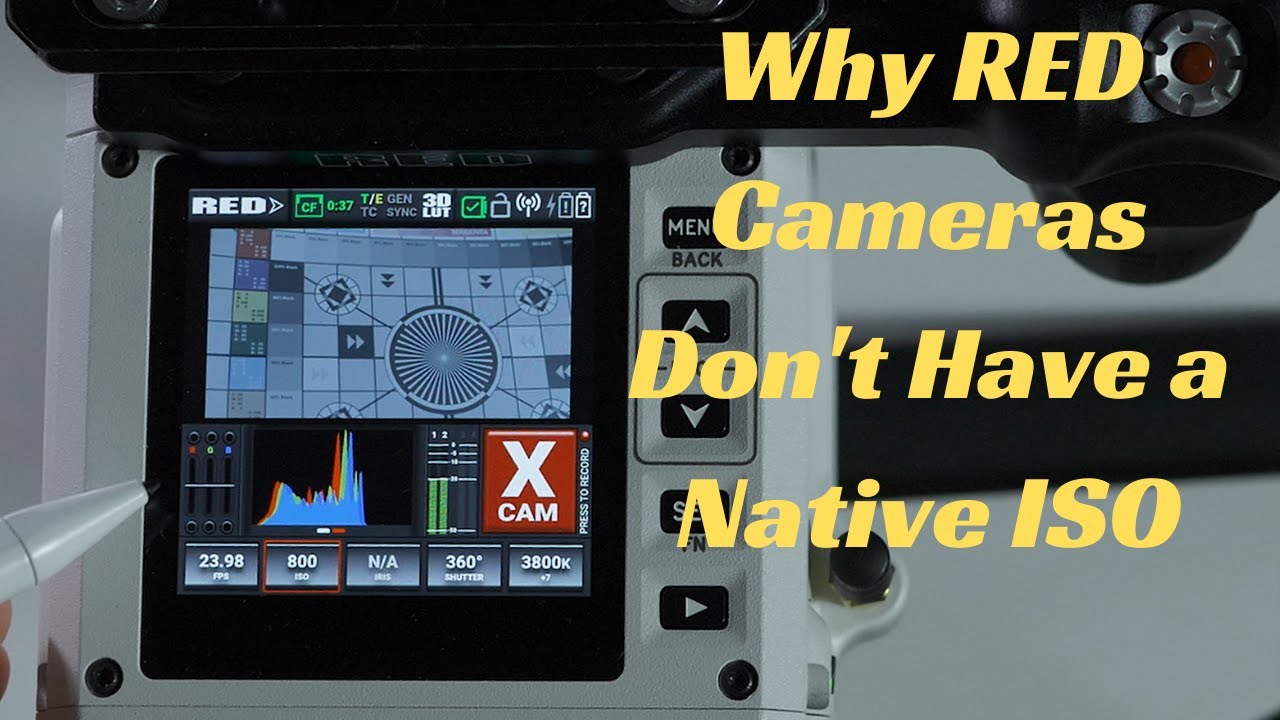
When capturing with RED, your camera’s ISO is set in the image’s metadata and can be adjusted without altering the original file. Similar to traditional image capture in film, adjusting a digital camera’s ISO modifies the sensor’s level of sensitivity to light. RED cameras let you use ISO the way you always have by sliding ISO down on sunny days and up in low-light conditions.
ISO and FLUT let you set the base line for your project while giving you the flexibility to dial in the image later if you decide the image was just a bit too bright.
More on ISO: http://www.red.com/learn/red-101/iso-...
► WATCH all the RED TECH videos here:
• RED TECH | Learn. Shoot. Create.
► SUBSCRIBE to RED Digital Cinema’s YouTube: https://www.youtube.com/user/shotonre...
► CONNECT with RED Digital Cinema online:
Visit the RED Digital Cinema WEBSITE: http://www.red.com/
Follow RED Digital Cinema on TWITTER: / red_cinema
Follow RED Digital Cinema on INSTAGRAM:
/ reddigitalcinema
Follow RED Digital Cinema on FACEBOOK: / reddigitalcinema
Повторяем попытку...
Доступные форматы для скачивания:
Скачать видео
-
Информация по загрузке:





![RED Black Shade Calibration [Road 2 RED]](https://imager.clipsaver.ru/LZ5fL8uVbRc/max.jpg)
![RED TECH | DSMC2 Camera Prep [Part 2]](https://imager.clipsaver.ru/tM-VV3AruwM/max.jpg)

![RED TECH | Image Processing Pipeline [IPP2] Overview](https://imager.clipsaver.ru/giOzn2y6_Q4/max.jpg)