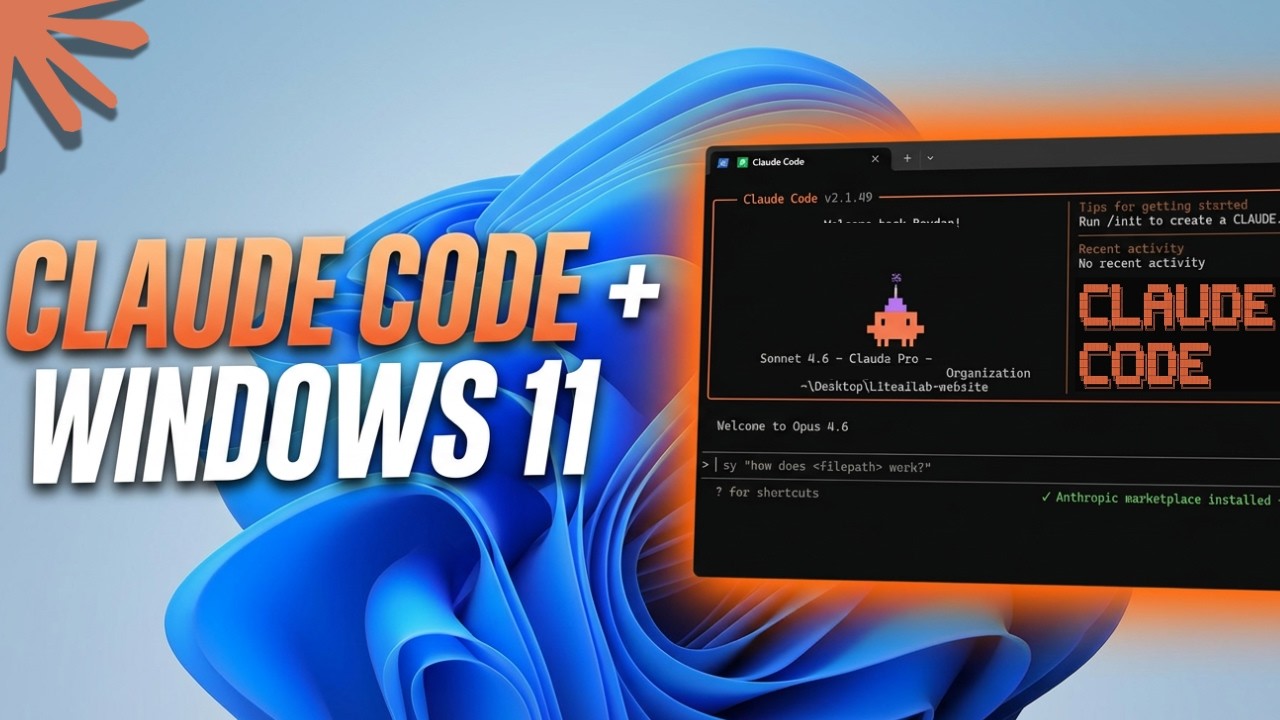
How to Install Claude Code on Windows 11 | Full Setup Guide (2026)
Автор: Lite AI Lab
Загружено: 2026-02-22
Просмотров: 90
Описание:
One PowerShell command. One PATH fix the installer skips. Claude Code running in your Windows terminal in under five minutes.
INSTALL COMMAND (copy into PowerShell)
irm https://claude.ai/install.ps1 | iex
WHAT'S COVERED
→ Why Claude Code requires Git Bash — and how to check before you run anything
→ The PATH warning the installer throws and how to fix it in 30 seconds
→ How to verify the install worked (claude --help in a fresh PowerShell window)
→ All three login methods: Claude.ai subscription, Anthropic Console (API key), enterprise (AWS / GCP)
→ Pricing: Claude Code is free to install — usage requires Claude.ai Pro ($20/mo) or Max ($100/mo)
────────────────────────────
DON'T HAVE GIT YET? INSTALL IT FIRST
→ How to Install Git on Windows 11 & First-Time Setup (2026): • Git Tutorial: Push Your First Project to G...
DEMO PROJECT USED IN THIS VIDEO
→ Build with AI, Host for Free — static site with dark mode, search, and contact form: • Build with AI, Host for Free
────────────────────────────
TIMESTAMPS
0:00 — What the installer doesn't do for you
0:30 — Git prerequisite check
1:02 — Run the install command
1:31 — The PATH warning explained
2:01 — Fix PATH in System Properties
2:45 — Verify the install with claude --help
2:59 — Launch Claude Code on a real project
3:11 — Theme selection + login methods + pricing
4:45 — Ask your first question
────────────────────────────
Claude Code is an AI coding assistant from Anthropic that runs directly in your terminal. You can ask it questions about any file in your project and get plain-English answers on demand.
#claudecode #aitools #windows11 #anthropic #aiassistant #codingtools #claudeai #aiforbeginners
Повторяем попытку...
Доступные форматы для скачивания:
Скачать видео
-
Информация по загрузке:

![Как установить Claude Code на Windows 11 [Обновление 2026 года] Как настроить локальное программи...](https://imager.clipsaver.ru/W-_Y3021OPY/max.jpg)