Java NetBeans Tutorial: Create a Passcode Program using JFrame
Автор: khevin limosinero
Загружено: 2025-11-10
Просмотров: 13
Описание:
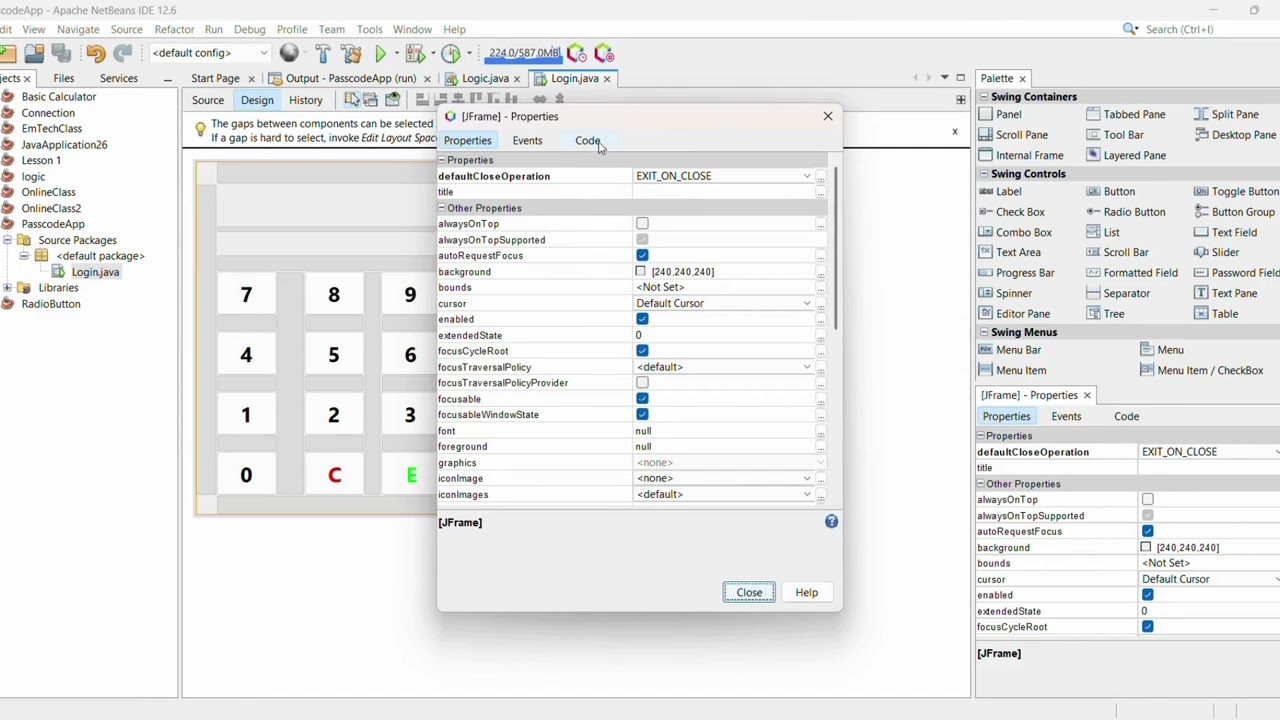
Learn how to create a simple Passcode Program in Java NetBeans using JFrame! 💻
In this step-by-step tutorial, we’ll design a keypad with number buttons (0–9) and make them display numbers on the screen.
When the correct passcode is entered, the program opens a new JFrame — if incorrect, it shows “Incorrect password.”
🎯 What You’ll Learn:
✅ How to use JFrame in Java NetBeans
✅ How to add number buttons (0–9) and display output using setText()
✅ How to check a passcode using if statements
✅ How to connect one JFrame to another
✅ How to handle button click events
Source Code Includes:
label.setText(label.getText() + "1");
and
if (input.equals("1234")) {
new HomeFrame().setVisible(true);
this.dispose();
} else {
lblMessage.setText("Incorrect password!");
}
Ideal For:
ICT / Computer Programming Students
Java Beginners
Teachers demonstrating GUI-based login systems
Don’t forget to Like, Subscribe, and Comment your questions below!
#Java #NetBeans #JFrame #JavaTutorial #ProgrammingForBeginners #StudentProject #JavaGUI
Повторяем попытку...
Доступные форматы для скачивания:
Скачать видео
-
Информация по загрузке: