How to code sign an iOS app
Автор: Progress Telerik
Загружено: 2014-09-09
Просмотров: 11384
Описание:
http://www.telerik.com
http://www.telerik.com/appbuilder
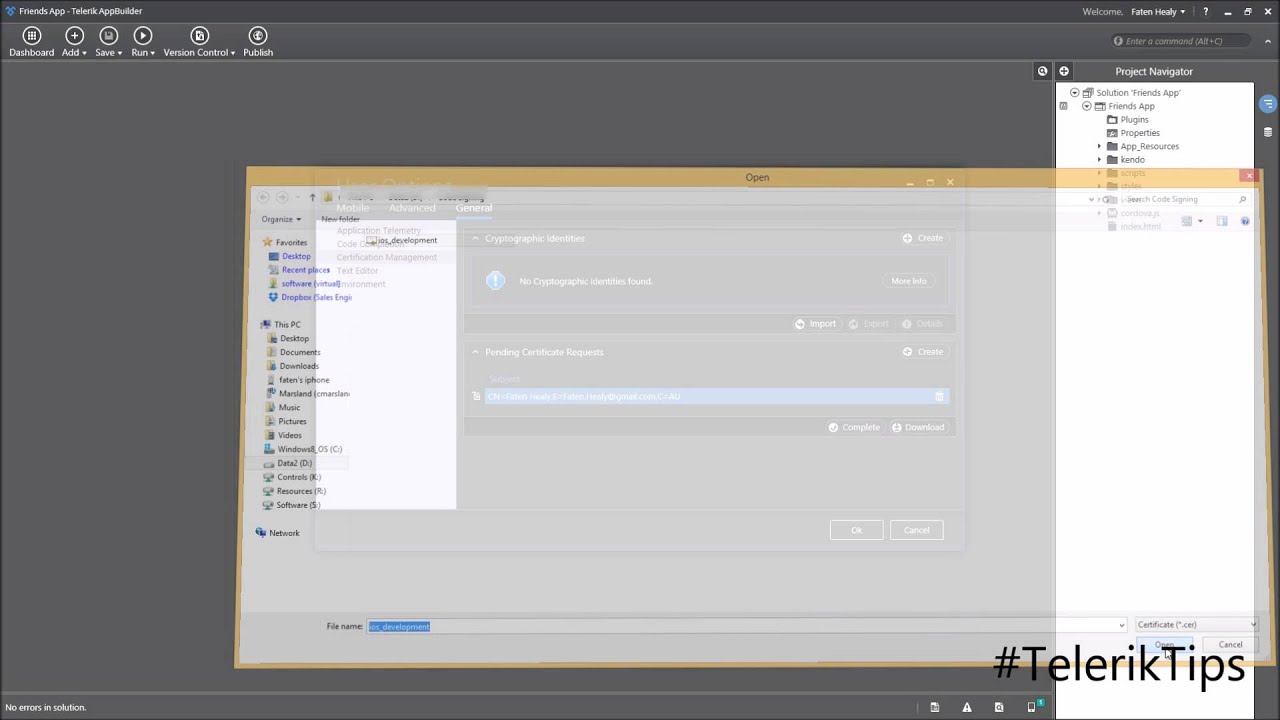
This video will show you how to code sign an iOS app.
Mobile app code signing process ( AppBuilder - iOS) steps:
1-Create a Certificate Signing Request (.CSR)
2-Generate/Download a Certificate (.CER)
3-Complete the CSR
4-Register an App ID
5-Register your Device
6-Generate/Download an iOS Provisioning Profile
7-Import your Provisioning Profile
8-Publish your mobile app via AppManager
Additional links used in the video:
Adding custom plugins : • How to add custom Cordova plugins
How to distribue apps with AppManager: • How to distribute apps with AppManager
This video was recorded using AppBuilder 2.4.1 released on the 7th of August 2014.
Using a newer version, creating a certificate request can be found under:
Options: Mobile Tab: iOS: Cryptographic Identities
instead of
Options: General Tab: Certification Management.
This is affecting the video at 0:46 and 3:10
Повторяем попытку...
Доступные форматы для скачивания:
Скачать видео
-
Информация по загрузке: