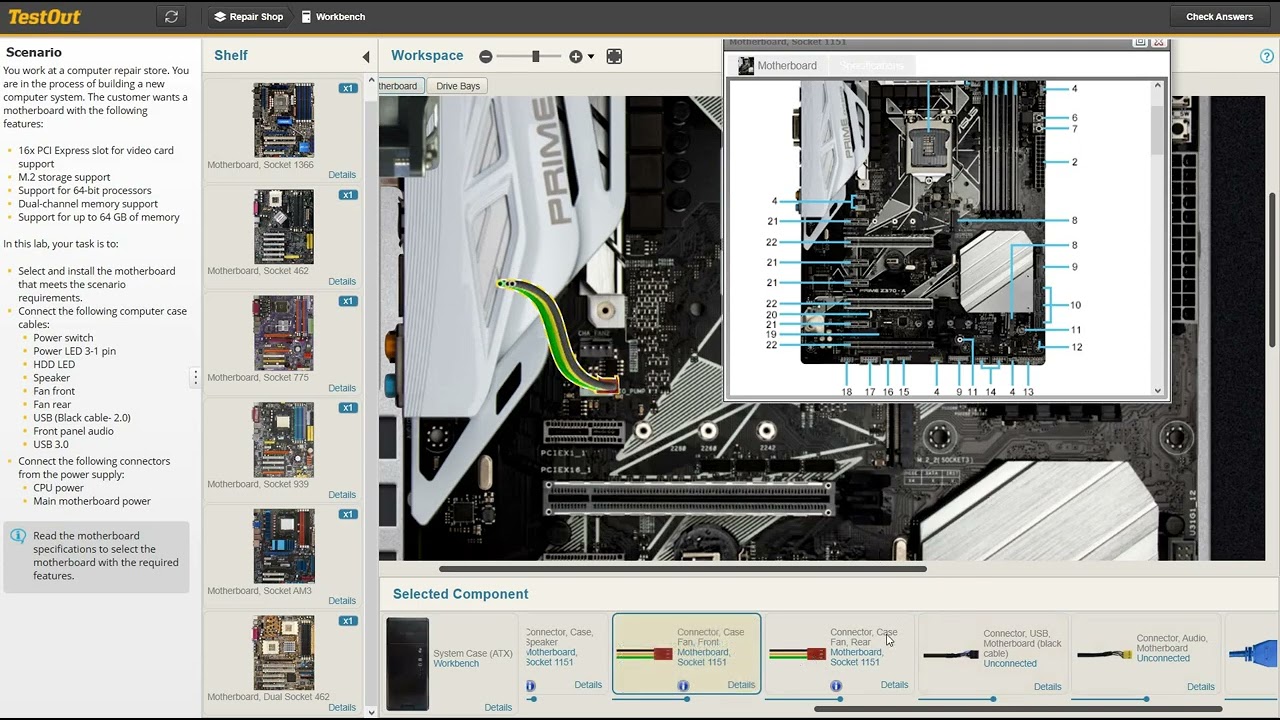
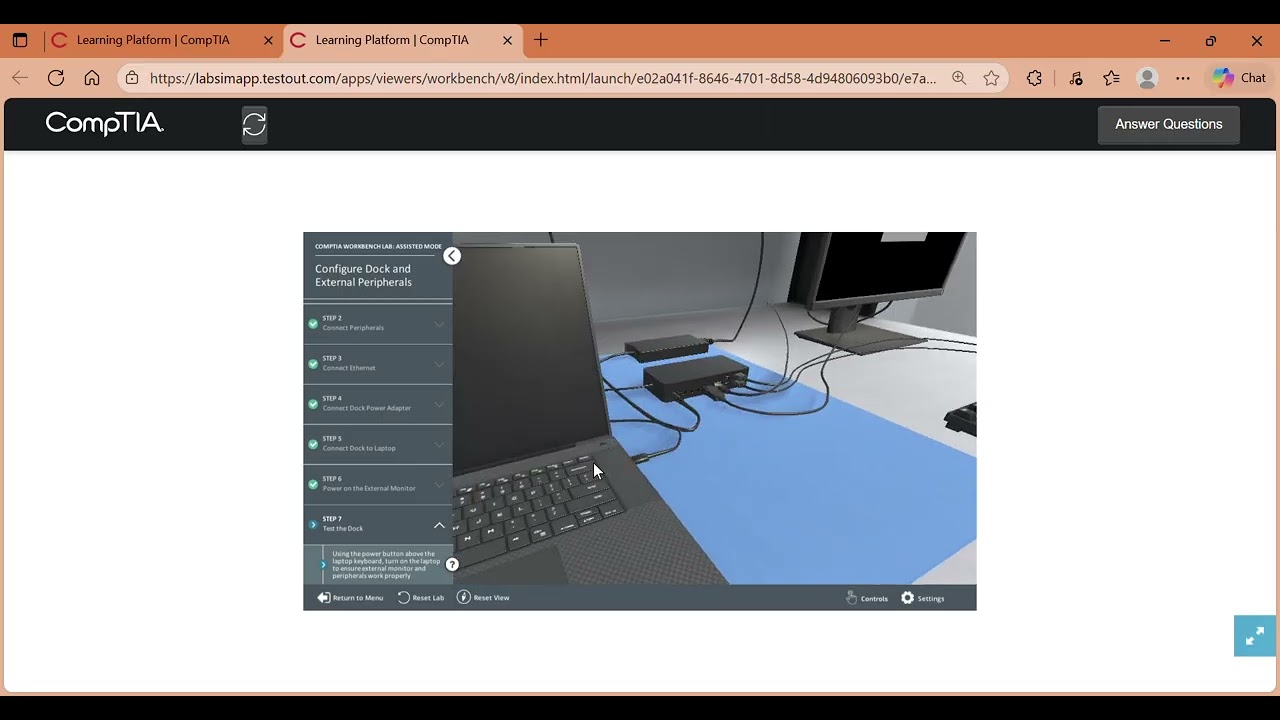
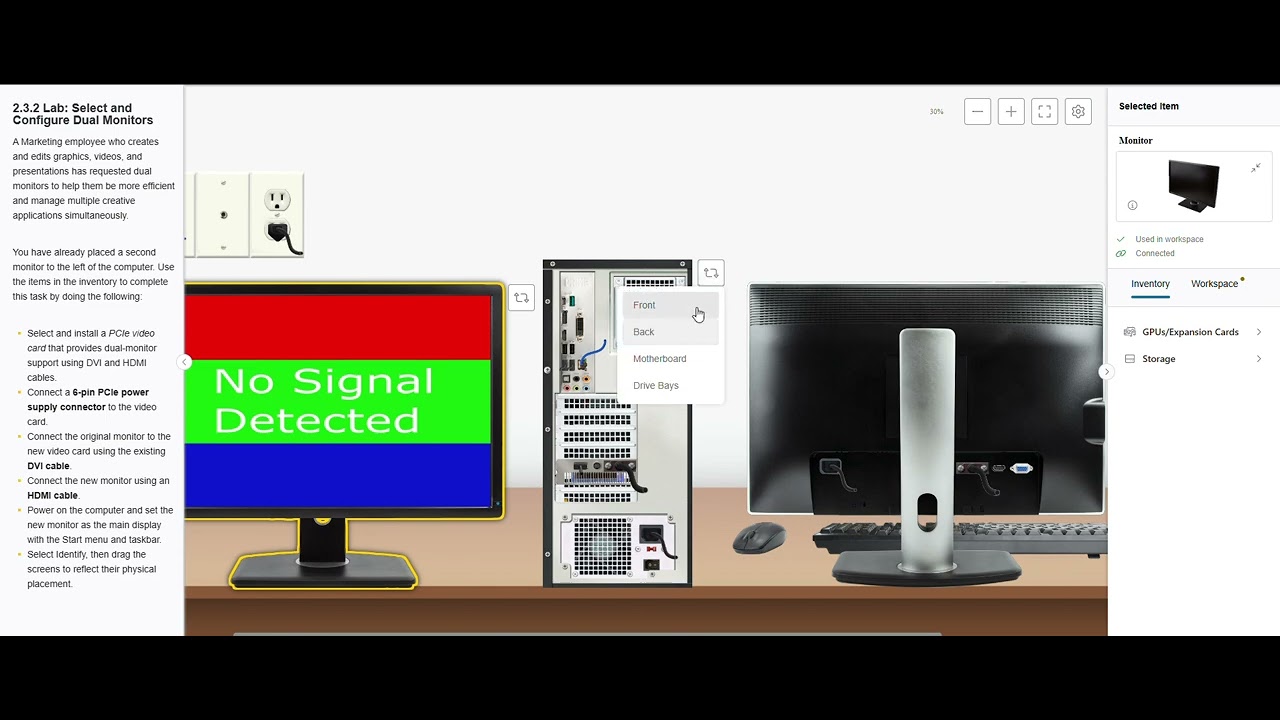
CompTIA A+ 2.3.2 - Dual Monitor Setup Lab (No Talking/Silent WalkThrough)
Автор: Taylor McKnight
Загружено: 2025-09-02
Просмотров: 789
Описание:
This silent, step-by-step tutorial demonstrates how to set up dual monitors for the CompTIA A+ Core 1 220-1101. Follow along to install a PCIe video card, connect DVI and HDMI cables, and configure your displays efficiently for a workstation.
In this video you’ll learn:
• How to install a PCIe video card with dual-monitor support
• How to connect existing and new monitors using DVI and HDMI cables
• How to set the main display and arrange monitors correctly
• Tips for completing the dual-monitor setup according to CompTIA A+ objectives
This video is for educational purposes and does not contain actual exam questions.
Subscribe for more silent, no-fluff CompTIA A+ lab walkthroughs.
Повторяем попытку...
Доступные форматы для скачивания:
Скачать видео
-
Информация по загрузке:


![[4K FULL HD] Relaxing Water Background | 1 HOUR | Calm Water Wallpaper (No Sound)](https://imager.clipsaver.ru/y9PTNTSpGJs/max.jpg)