REDMI Note 15 Pro 5G - How to Change Date & Time
Автор: HardReset.Info
Загружено: 2026-01-16
Просмотров: 6
Описание:
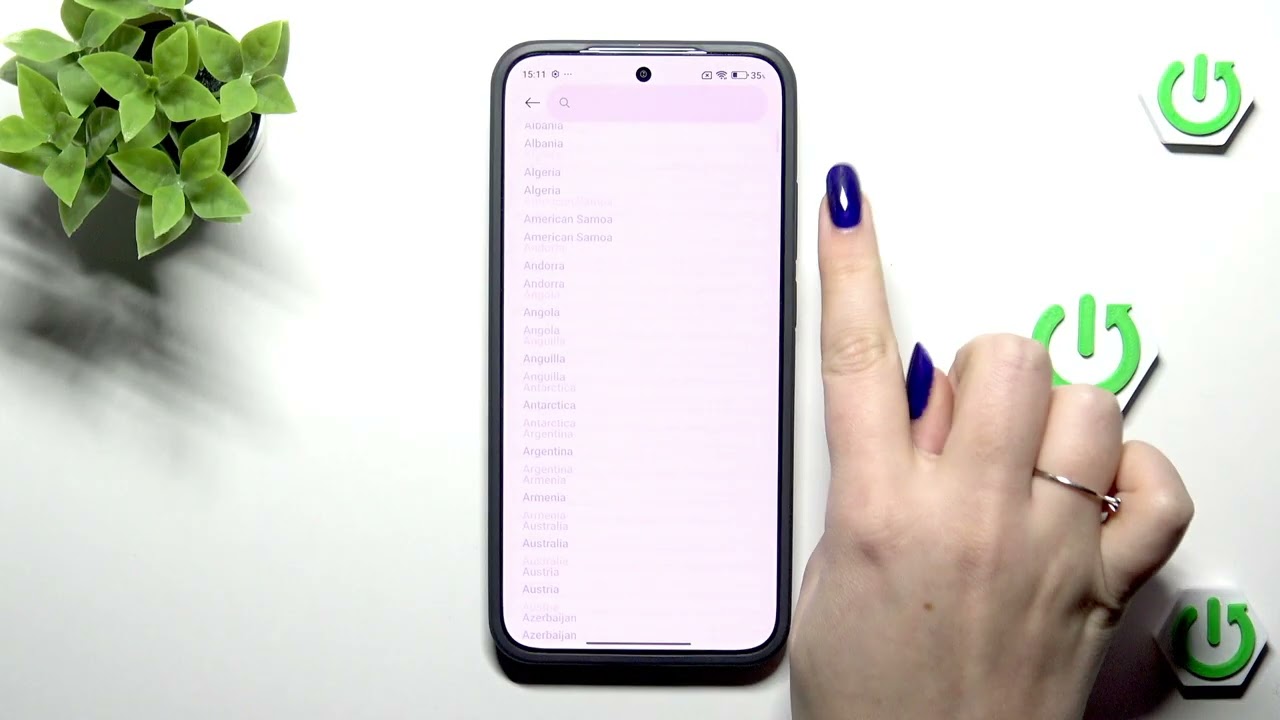
Learn how to change the date and time on your REDMI Note 15 Pro 5G quickly and easily. In this video we'll open Settings, go to Additional settings, show why Automatic date & time and Automatic time zone can lock options, and how to turn those off to set the date, time and time zone manually. You will also learn how to enable the dual clock, switch between 24-hour and 12-hour formats, and how to go back to automatic time if you prefer. This step-by-step walkthrough is perfect if your clock is wrong, you need a second clock, or you want to force a specific time zone on your device.
How to change date and time on REDMI Note 15 Pro 5G?
How to set time zone on REDMI Note 15 Pro 5G?
How to enable dual clock on REDMI Note 15 Pro 5G?
0:00 Introduction
0:08 Open Settings → Additional settings
0:21 Date & time screen overview
0:33 Turn off Automatic date & time & time zone
0:43 Set Date manually
0:46 Set Time manually
0:52 Choose Time Zone from the list
1:01 Enable or disable Dual clock
1:14 Switch 24-hour / 12-hour format and finish
#REDMINote15Pro5G #Redmi #DateTime #AndroidTips
Find out more:
https://www.hardreset.info/devices/re...
Follow us on Instagram ► / hardreset.info
Like us on Facebook ► / hardresetinfo
Tweet us on Twitter ► / hardreseti
Support us on TikTok ► / hardreset.info
Use Reset Guides for many popular Apps ► https://www.hardreset.info/apps/apps/
Повторяем попытку...
Доступные форматы для скачивания:
Скачать видео
-
Информация по загрузке: