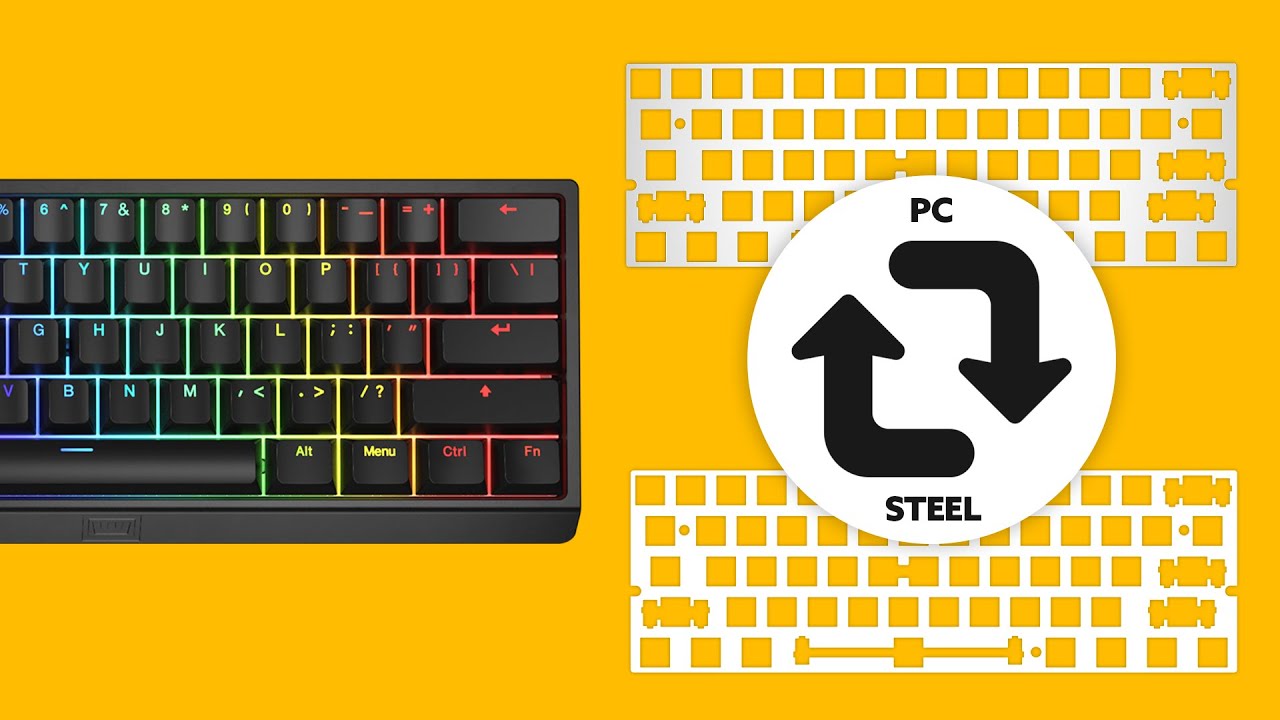
Wooting 60HE - How to Swap the PC Switch Plate
Автор: Wooting
Загружено: 2023-10-25
Просмотров: 37154
Описание:
Swapping out your switch plate can seem a bit challenging, especially if you're new to the world of keyboards. Don't worry; just follow this tutorial, and you'll be good to go in no time!
Lekker Switches Swap tutorial: • How to Swap Lekker Switches in your Wootin...
PC Switch Plate kit: https://wooting.io/product/60he-pc-sw...
Switch tool kit: https://wooting.io/product/blank-swit...
➤ Follow our socials!
🧑🤝🧑 Discord https://wooting.io/discord
🐤 Twitter / wootingkb
📸 Instagram / wootingkb
🎥 Twitch / wooting_live
📘 Facebook / wootingkb
➤ Support over at [email protected]
➤ Check out our products
60HE https://next.wooting.io/wooting-60he
Two HE https://next.wooting.io/wooting-two-he
UwU https://next.wooting.io/uwu
Wrist rest https://wooting.io/wrist_rest
Keycaps https://wooting.store/collections/key...
Accessories https://wooting.store/collections/acc...
0:00 Intro
0:26 Tools required
0:46 1. Remove all keycaps
0:56 2. Unscrew the 5 white screws
1:06 3/4. Lift the module & Remove the 8 silver screwsRemove the 8 silver screws
1:23 5. Separate the PCB
1:34 6. Remove the stock poron foam
1:44 7. Remove all switches
2:00 8. Remove the stabilizers
2:22 9. Put the poron foam onto the plate
2:49 10. Put the PCB on the PC plate
3:00 11. Screw in the 8 silver screws
3:10 12. Place the stabilizers back
3:35 13. Insert the switches
3:56 14. Insert the module in the case
4:11 15. Screw in the module
4:22 16. Put the keycaps back on
4:30 Outro
4:55 Alumaze + PC plate sound test
Повторяем попытку...
Доступные форматы для скачивания:
Скачать видео
-
Информация по загрузке: