Send REAL RF APRS Packets From Your Phone Over WiFi
Автор: KM4ACK
Загружено: 2026-03-17
Просмотров: 3089
Описание:
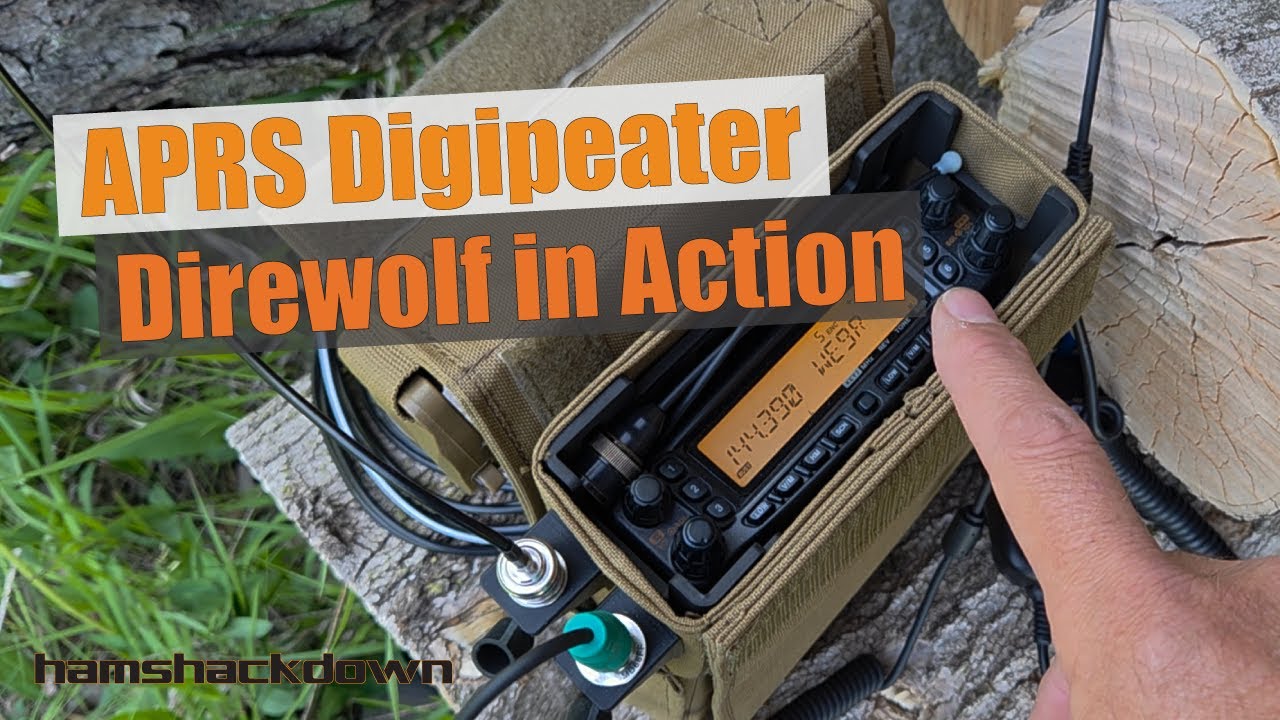
In this tutorial I demonstrate how to connect a computer or Android phone to an APRS digipeater over Wi-Fi using a KISS TNC port. We’ll configure YAAC (Yet Another APRS Client) on a laptop and APRSdroid on Android so they can send and receive APRS packets through a Dire Wolf software TNC running on a digipeater.
This setup allows you to use APRS messaging, position beacons, and packet monitoring over Wi-Fi without needing a second radio or hardware TNC. The digipeater is already connected to a high-power mobile amateur radio, so once your device connects over the network it can transmit APRS packets through the digipeater just like a normal RF station.
In the video you’ll learn:
• How to configure YAAC APRS software to connect to a KISS TNC over Wi-Fi• How to configure APRSdroid network TNC settings for Dire Wolf• How to send APRS messages and position packets over Wi-Fi• Practical uses for local Wi-Fi APRS access points at ham radio stations, clubs, and events
This approach is great for:
• Ham radio operators experimenting with APRS
• Emergency communications groups (ARES, RACES)
• Field day or event stations
• Local APRS digipeater operators
• Portable or home APRS setups
By the end of this tutorial you’ll know how to bridge APRS RF and Wi-Fi using Dire Wolf, allowing YAAC and APRSdroid to operate as networked APRS clients without additional radios.
🔹My Favorite Gear - https://www.amazon.com/shop/km4ack
🔹Links mentioned in the video
k8mrdiswrong.com
🔹Weekly Newsletter - https://mailchi.mp/40da1fe472e3/km4ac...
🔹Follow Me
Twitter @km4ack
🔹FREE Get Started Guide - http://tiny.cc/getstartedguide
🔹Cool Ham Gear - http://km4ack.com
🔹Support the channel through Patreon - / km4ack
🔹🔹🔹🔹🔹
As an Amazon Associate I earn from qualifying purchases
Повторяем попытку...

Доступные форматы для скачивания:
Скачать видео
-
Информация по загрузке: