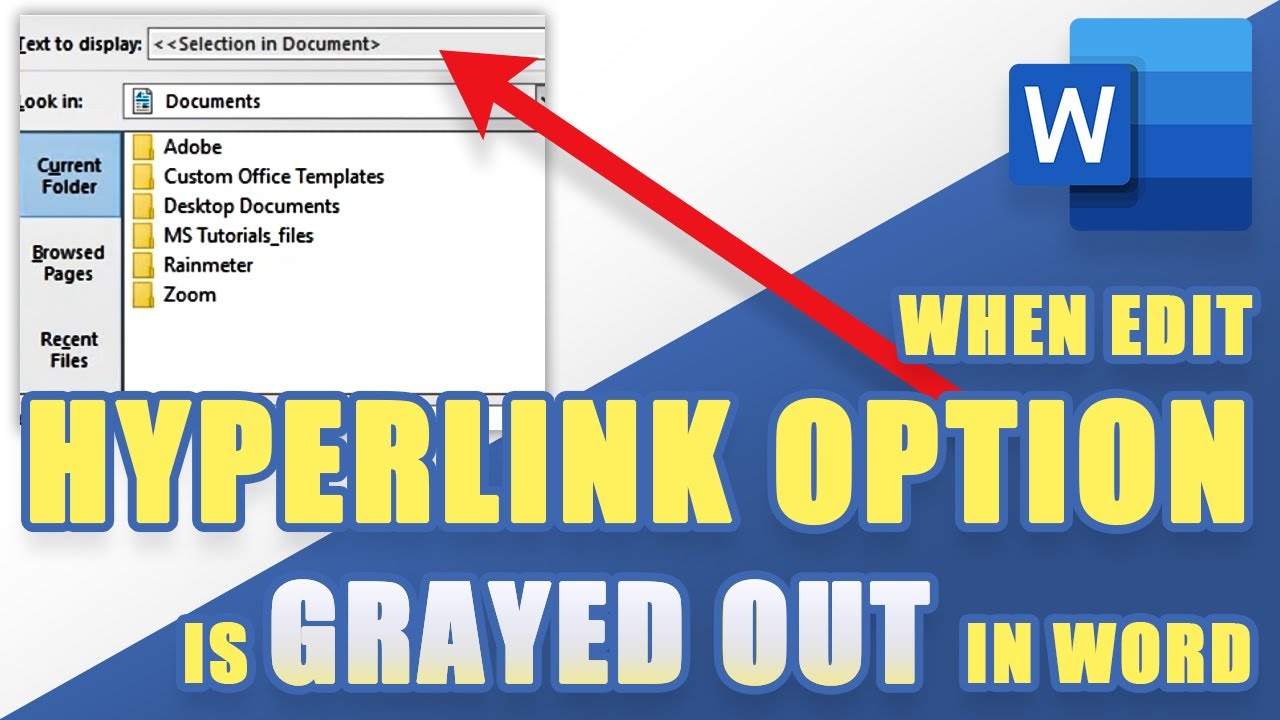
FIX: Edit Hyperlink (Text to Display) Option is Grayed Out in WORD (Outlook, etc.)
Автор: Office Tutorials
Загружено: 2021-11-20
Просмотров: 35511
Описание:
➤➤ Social Media JOB OPPORTUNITIES! (Work from home | No experience required): Click here to learn more: shorturl.at/jKSX2
➤ SUBSCRIBE to get NEW Tutorials Every Week ! Click here: ➜ shorturl.at/jnozH
--- If the "Selection in Document" is grayed out in the "Text do Display" section in Edit Hyperlink, you can resolve that pretty easily by following these instructions in the video. This works for Microsoft Word, Outlook, and other MS Office programs.
Summary of how to edit hyperlinks whenever the option is grayed out:
Place your cursor in the middle of the hyperlink without selecting or highlighting it. Now, right click and select "Edit Hyperlink". You should now be able to edit the Text to display, and it should no longer be grayed out. Select OK to save your changes. ---
*We may earn a commission from products purchased through our links. The cost to you is the same whether you use our links or not. We gladly put the money back into creating helpful content for our channel.
Повторяем попытку...
Доступные форматы для скачивания:
Скачать видео
-
Информация по загрузке: