Save, Name, and Find a File | DigiPath50+
Автор: DigiPath50plus
Загружено: 2026-06-22
Просмотров: 8
Описание:
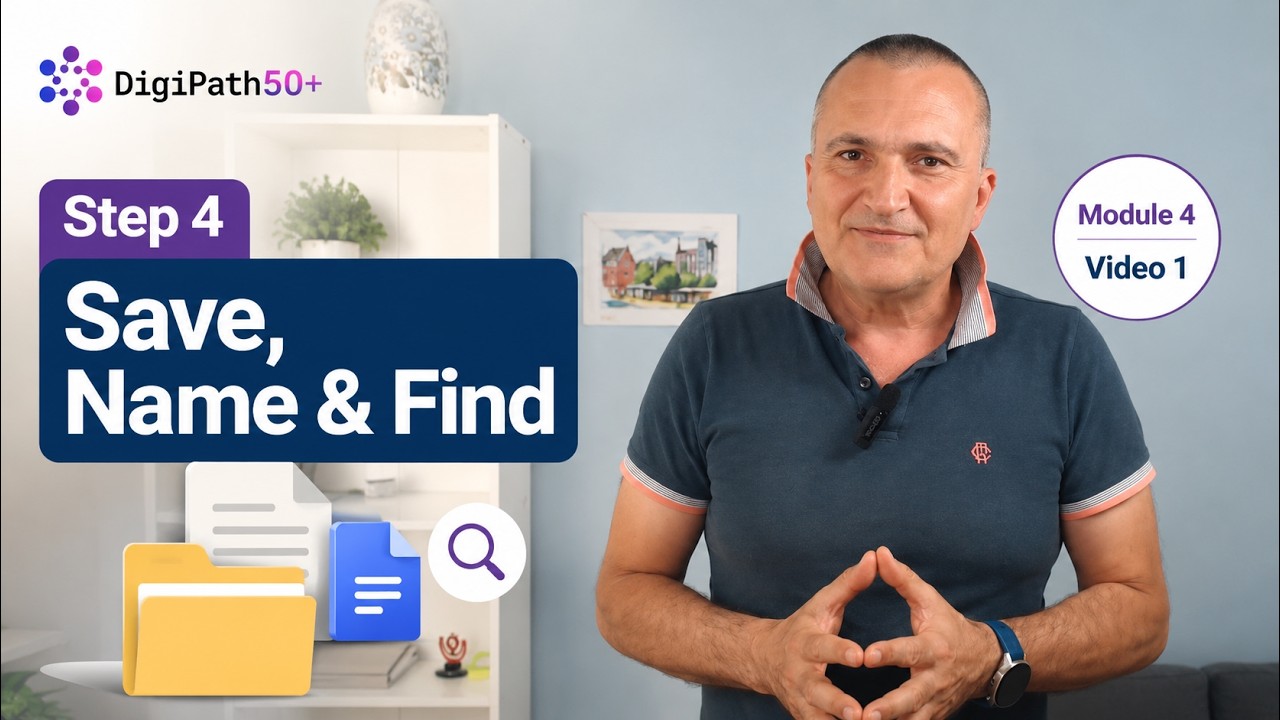
This short video shows how to work with one digital item, give it a clear name, check where it is saved, and find it again.
This video is part of DigiPath50+ – Step 4: Digital Content and File Management.
It supports Lesson 1 – Recognizing Files and Digital Content, Lesson 2 – Saving and Naming a File, and Lesson 3 – Finding and Organizing Files. It helps learners practice one simple file-management action: save or name one item, check where it is saved, and find it again before moving on.
In this video, you will:
• recognize one digital item;
• give it a clear name if needed;
• check where it is saved;
• find the same item again.
After watching, complete the related lesson activity or worksheet task.
DigiPath50+ supports adults 50+ in building practical digital confidence through simple, everyday digital tasks.
Disclaimer:
Funded by the European Union. Views and opinions expressed are however those of the author(s) only and do not necessarily reflect those of the European Union or the European Education and Culture Executive Agency (EACEA). Neither the European Union nor EACEA can be held responsible for them.
#DigiPath50Plus #DigitalSkills #AdultLearning #DigitalConfidence #ErasmusPlus
Повторяем попытку...
Доступные форматы для скачивания:
Скачать видео
-
Информация по загрузке: