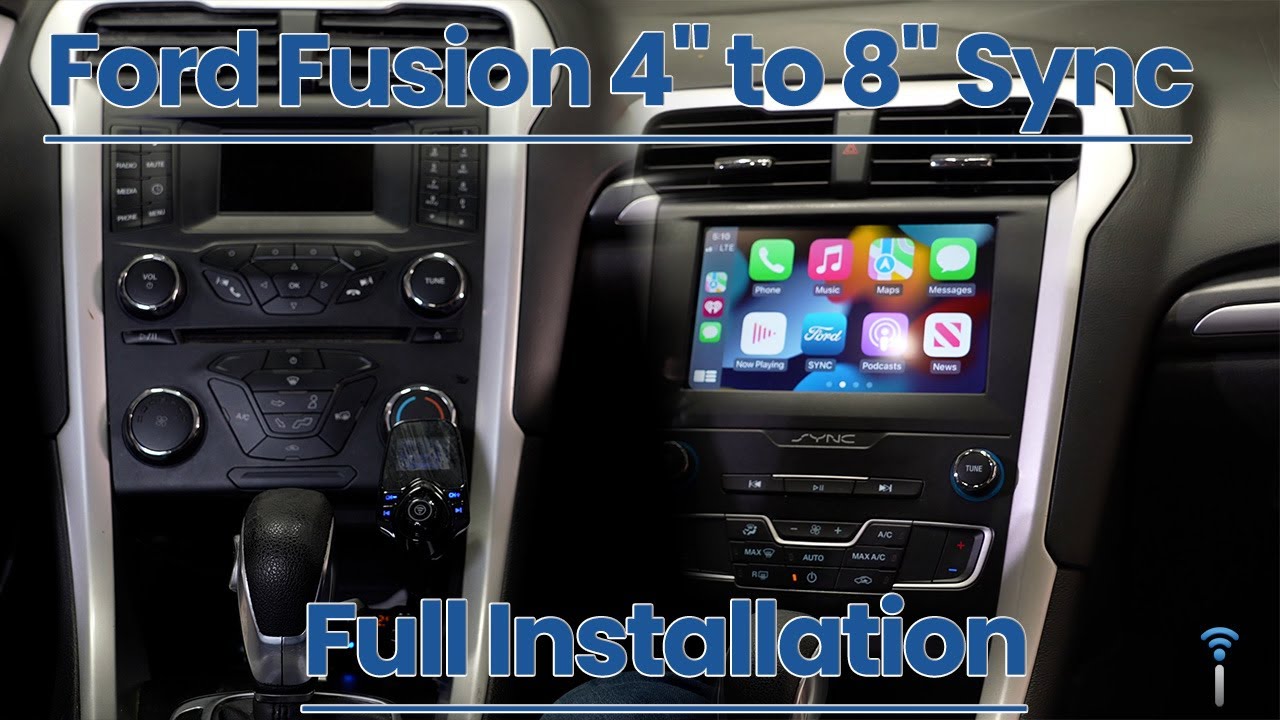
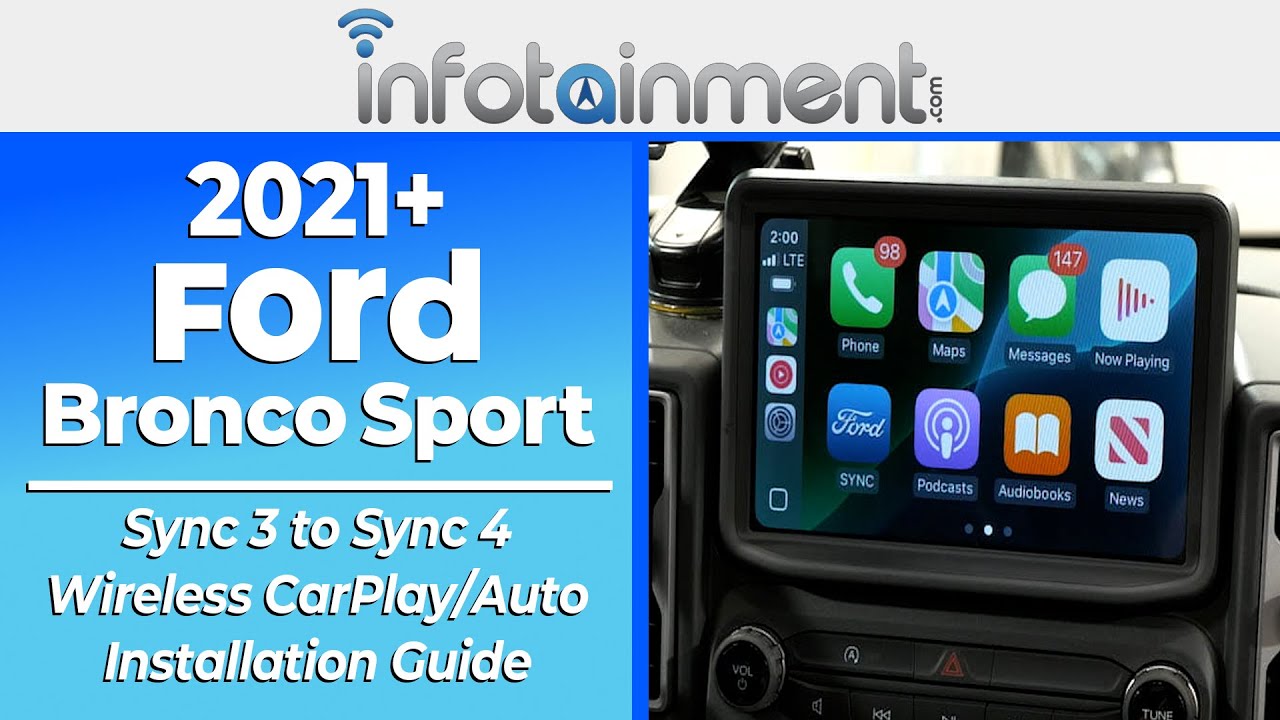
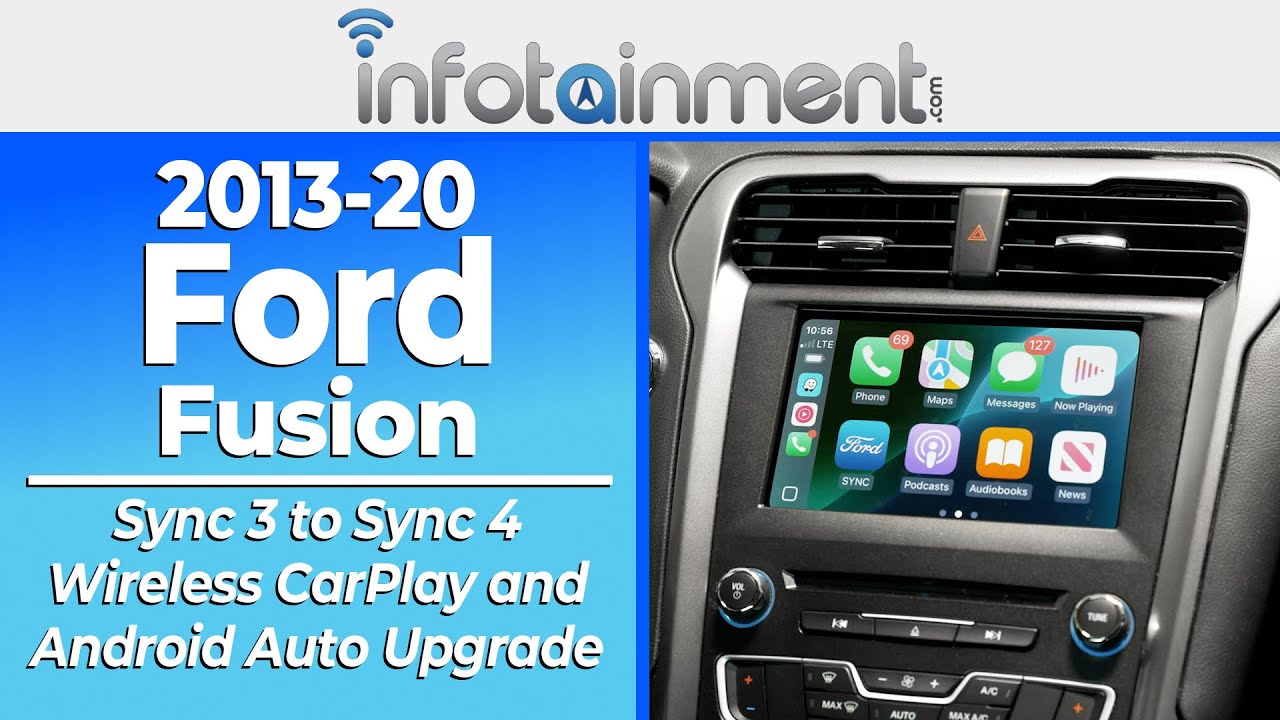
2013-20 Ford Fusion Sync 3 to Sync 4 Upgrade | Wireless CarPlay & Android Auto - Infotainment.com
Автор: Infotainment
Загружено: 2026-02-27
Просмотров: 444
Описание:
PRODUCT LINKS-
8" to 8" Upgrade: https://infotainment.com/shop/interio...
4" to 8" Upgrade: https://infotainment.com/shop/interio...
💡 UPGRADE HIGHLIGHTS 💡
In today's installation video, we cover-
1. Product Features Overview:
This Ford Fusion Sync 4 upgrade is compatible with 2013–2020 models across all trims. It delivers the newest Ford technology including embedded maps, 3D navigation views, a high-definition display, and the latest user interface. Best of all, it enables wireless Apple CarPlay and Android Auto, letting you access your favorite apps and streaming services seamlessly. The upgrade is fully pre-programmed using your VIN, meaning no wire splicing, coding, or complicated setup—just a true plug-and-play solution that retains factory functionality like SiriusXM, presets, and OEM controls.
2. Step-by-Step Installation:
The installation begins by removing the side trim panels, secured with simple retaining clips and screws. Next, the center trim bezel and radio components are unclipped, with only the necessary brackets transferred from the original setup. The included AIM and ACM harnesses are designed for a straightforward connection with lever-style locks, ensuring a secure fit. If your vehicle lacks factory GPS, an easy-to-mount antenna is provided. Once the components are swapped and connected, the new Sync 4 screen is mounted in place, panels are reinstalled in reverse order, and the system powers on like factory. This entire process is plug-and-play and can be done without cutting or splicing any wires.
3. OEM Appearance Showcase:
Once installed, the upgraded Sync 4 screen integrates seamlessly with the factory dash for a clean OEM look. The new high-definition display and modern user interface elevate the driving experience while retaining all original functions. Wireless Apple CarPlay and Android Auto connect instantly, giving you access to navigation apps, music, podcasts, and more—all without plugging in your phone. This is a premium upgrade that not only modernizes your Fusion but can also increase its overall value.
Subscribe 🔔 to our channel for updates on our newest releases and give this video a Like 👍 If you found this upgrade installation video helpful.
♻️ Trade In & Save!
https://trade-in.infotainment.com/
Get paid for your old unit! Send us your old factory radio, audio equipment, or OEM parts to get an instant quote for quick cash. It’s easy, fast, and eco-friendly.
✅ Save money on your upgrade
✅ Hassle-free process
✅ Help reduce waste
** Have a Question? **
Call: 855-636-6287 to Speak to a LIVE rep.
Live Chat: https://infotainment.com/contact-us/
Email: [email protected]
WHO IS INFOTAINMENT.COM?
=========================
We're an OEM in-vehicle infotainment engineering and design company.
We deliver easy DIY plug-and-play solutions that protect your vehicle warranty, come with a compatibility guarantee and increase the capabilities of your existing in-vehicle system.
Infotainment.com offers a full selection of OEM Navigation Radio Upgrades and Accessories. We want to help you find the right infotainment solution for your car or truck. One of our knowledgeable Sales Techs can answer your questions, and help you make the right purchase.
90-Day Warranty (Up to 2-Year Warranty available)
DIY Plug-And-Play Installation
Compatibility Guarantee
90 Days Live Phone Install Support
Click Below to View Our Complete Catalog of OEM Upgrades:
https://www.infotainment.com/
********************************************************
Get More Information About Our Return, Support, and Warranty:
https://infotainment.com/warranty-terms/
********************************************************
Follow Us on Social Media:
Twitter/X - / infotainmentcom
Facebook - / infotainmentcom
Instagram - / infotainment_com
YouTube - / @infotainment_nav
Visit Our Website:
https://www.infotainment.com
Повторяем попытку...
Доступные форматы для скачивания:
Скачать видео
-
Информация по загрузке: