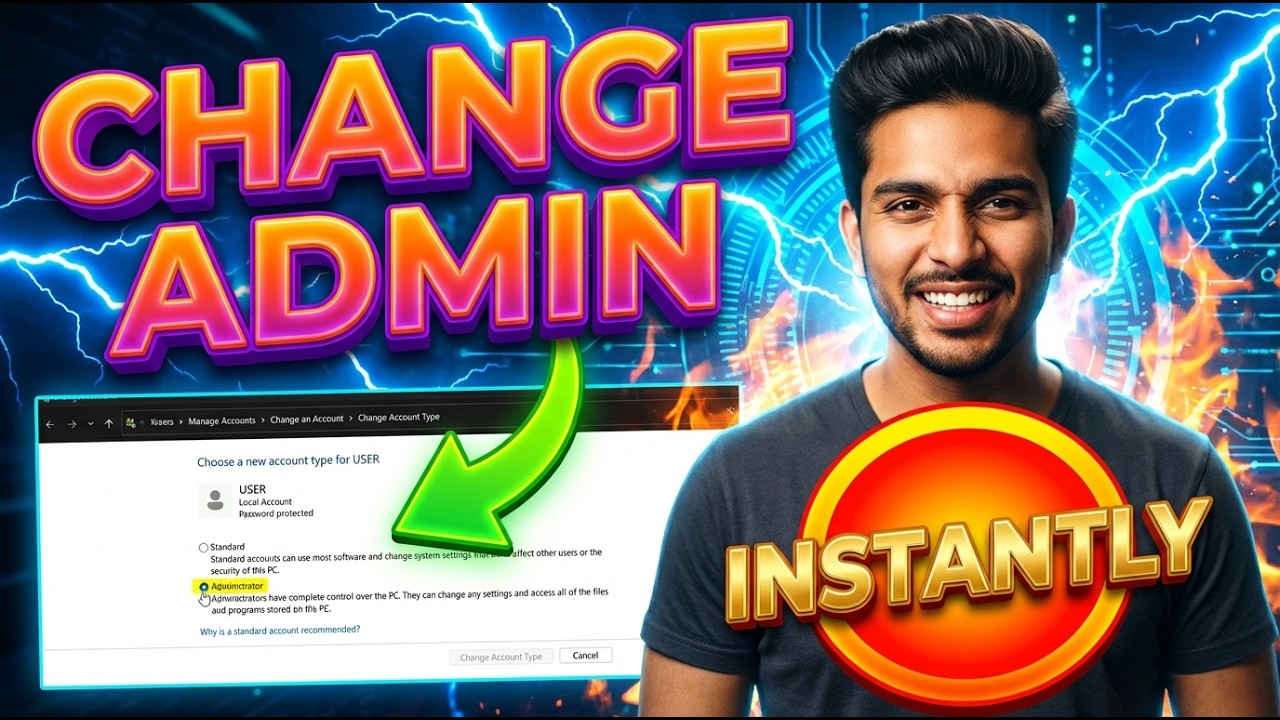
How To Change Admin On Windows 11 | Step-by-Step Guide
Автор: Touch To Click
Загружено: 2026-07-22
Просмотров: 4
Описание:
#️⃣Windows11 #AdminAccount #TechTutorial
📝 In this video from Touch to Click, I provide a complete step-by-step guide on how to change admin on Windows 11. You'll learn the exact process to modify user account permissions and grant administrator rights to another user. I walk you through accessing the necessary settings in the Control Panel and managing user accounts. This tutorial is designed for anyone needing to update account types on their Windows 11 PC. Follow along to successfully change an account to an administrator with full system access.
⏱️ -- TIMESTAMPS --
0:00 - Introduction
0:08 - Step 1: Open the Start Menu
0:16 - Step 2: Switch to an Admin Account
0:24 - Step 3: Open Control Panel
0:32 - Step 4: Click User Accounts
0:40 - Step 5: Open More Account Options
0:47 - Step 6: Manage Another Account
0:55 - Step 7: Select the Account to Change
1:02 - Step 8: Click Change Account Type
1:07 - Step 9: Select Administrator
1:12 - Step 10: Confirm Change
➡️ Related Searches:
• How to make someone admin on Windows 11
• Change user account type to administrator
• Windows 11 give admin rights to user
• Manage user accounts in Windows 11 Control Panel
• Switch from standard user to admin Windows 11
Повторяем попытку...
Доступные форматы для скачивания:
Скачать видео
-
Информация по загрузке: