How to TRADE on KUCOIN Exchange mobile app for BEGINNERS | Spot Trading Tutorial
Автор: SwiftFixer
Загружено: 2025-02-05
Просмотров: 189
Описание:
If you’re new to trading on the KuCoin mobile app, this step-by-step guide will help you get started easily. KuCoin is a popular cryptocurrency exchange that allows users to trade various digital assets, including Bitcoin, Ethereum, and altcoins. To begin, download the KuCoin mobile app from the Google Play Store or Apple App Store and install it. Open the app and log in to your account. If you don’t have an account yet, you’ll need to sign up and complete identity verification (KYC) to access full trading features.
Before you start trading, you’ll need to deposit funds into your KuCoin account. Tap on the ‘Assets’ tab at the bottom of the screen and select ‘Deposit.’ You can either transfer crypto from another wallet or buy crypto directly within the app. Once your funds are available, you can explore the different markets by tapping on the ‘Markets’ tab. KuCoin offers several trading options, including spot trading, futures trading, and margin trading. For beginners, spot trading is the easiest way to start.
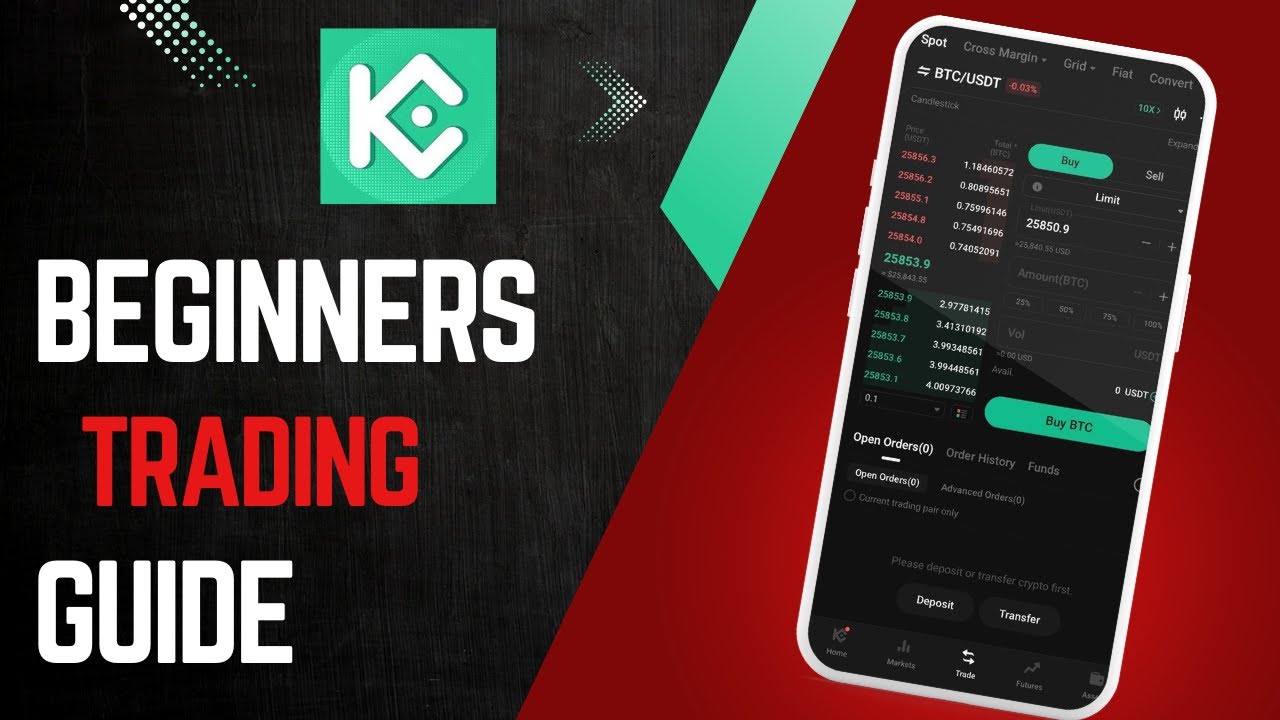
To place a trade, tap on the ‘Trade’ button at the bottom of the screen. Choose a trading pair, such as BTC/USDT, and select between ‘Limit’ and ‘Market’ orders. A limit order lets you set a specific price for buying or selling, while a market order executes immediately at the current market price. After setting your desired order type, enter the amount you wish to trade and confirm your transaction. Once the trade is executed, you can monitor your positions under the ‘Orders’ tab.
If you want to withdraw funds, go back to the ‘Assets’ section and select ‘Withdraw.’ Choose the cryptocurrency you want to withdraw, enter your wallet address, and confirm the transaction. KuCoin may require additional security verification, such as two-factor authentication (2FA), before processing withdrawals.
By following these steps, you can easily trade crypto on the KuCoin mobile app. Always review your trades and be mindful of market risks. If you have any questions, leave a comment below for further assistance.
Timestamps:
0:00 Introduction
0:10 Downloading and installing the KuCoin app
0:27 Logging in or signing up for an account
0:39 Depositing funds into KuCoin
0:57 Exploring the KuCoin markets
1:11 Choosing a trading pair and placing an order
1:28 Understanding limit and market orders
1:42 Monitoring trades and positions
1:50 Withdrawing funds from KuCoin
2:00 Conclusion
Hashtags: #KuCoin #CryptoTrading #Bitcoin #Ethereum #Blockchain #KuCoinExchange #CryptoGuide #CryptoInvesting #TradingTips #Finance
Повторяем попытку...
Доступные форматы для скачивания:
Скачать видео
-
Информация по загрузке: