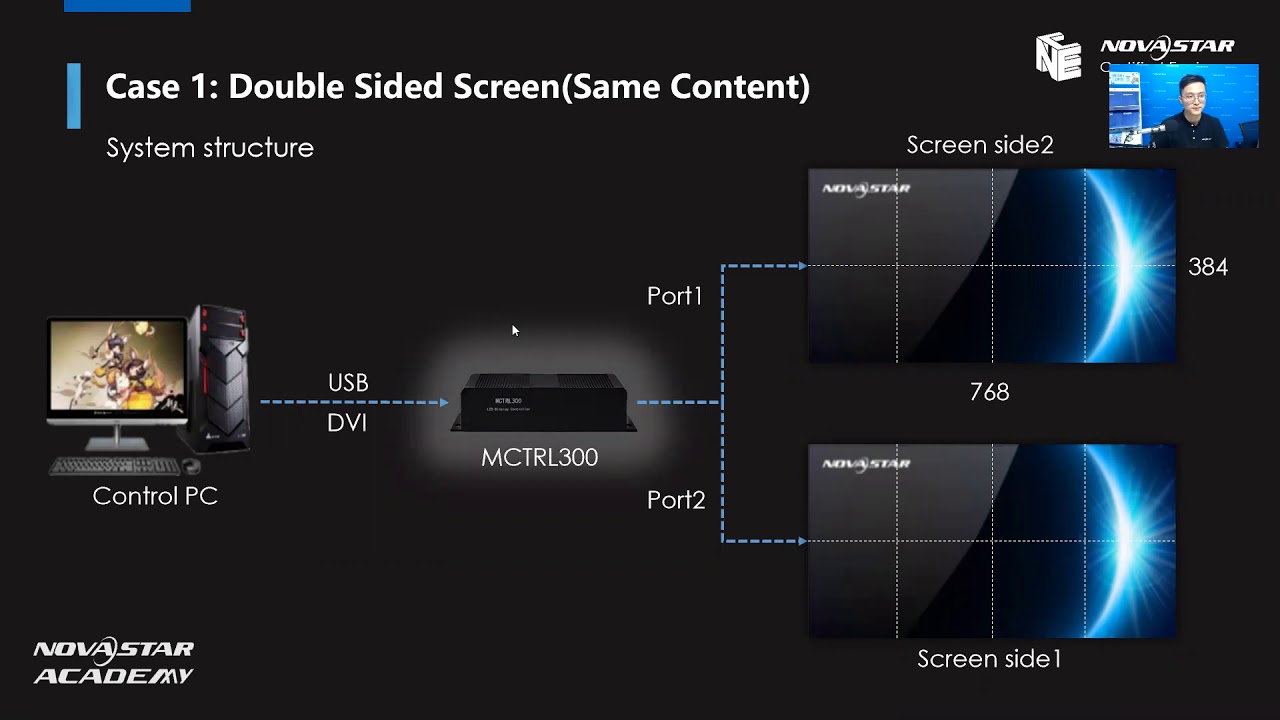
Novastar NCE Online Training | 02. NovaLCT Basic Configuration
Автор: LEDSCREENPARTS
Загружено: 2020-11-18
Просмотров: 77
Описание:
🛠️ Master the Basic LED Display Configuration in NovaLCT Software
New to NovaLCT? Struggling with configuring your LED display system? This comprehensive tutorial walks you through the complete basic configuration process using NovaStar’s NovaLCT control software — covering everything from sending card settings to cabinet mapping.
This is the second course in the NovaStar Certified Engineer (NCE) training series and is designed for LED display engineers, integrators, and AV professionals looking to master the pixel-perfect setup of LED screens.
📘 What You’ll Learn in This Video:
🔹1. Introduction to the NCE Program
Overview of the NovaStar Certified Engineer (NCE) training
Course structure: 8 modules + final exam
Certification requirements and benefits
Expert support during live sessions
🔹2. Overview of NovaLCT Software Interface
How to log in using admin credentials
Identifying connected hardware: Sending card, receiving cards, firmware versions
Difference between standard firmware and custom firmware
Important notes on avoiding firmware mismatches
🔹3. Step-by-Step LED Screen Configuration Process
The configuration process consists of 4 key steps:
🔸 Step 1: Graphics Card Settings
Ensures pixel-to-pixel image mapping
Set PC display scaling to 100% via system settings
Common mistake: Incorrect desktop scaling can cause poor calibration results
🔸 Step 2: Sending Card Settings
Access the Sending Card tab in NovaLCT
Set input source, resolution, and refresh rate
Match sending card resolution with video source or graphics output
Click Send and Save to Hardware to apply settings
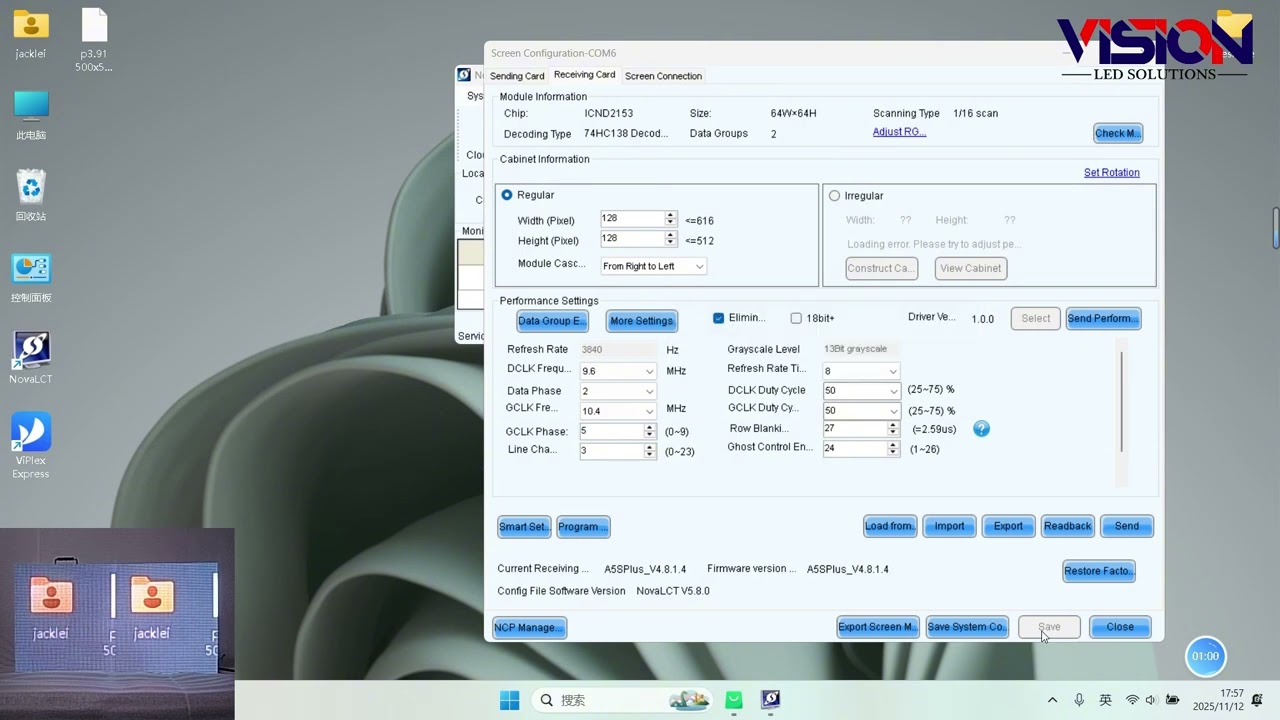
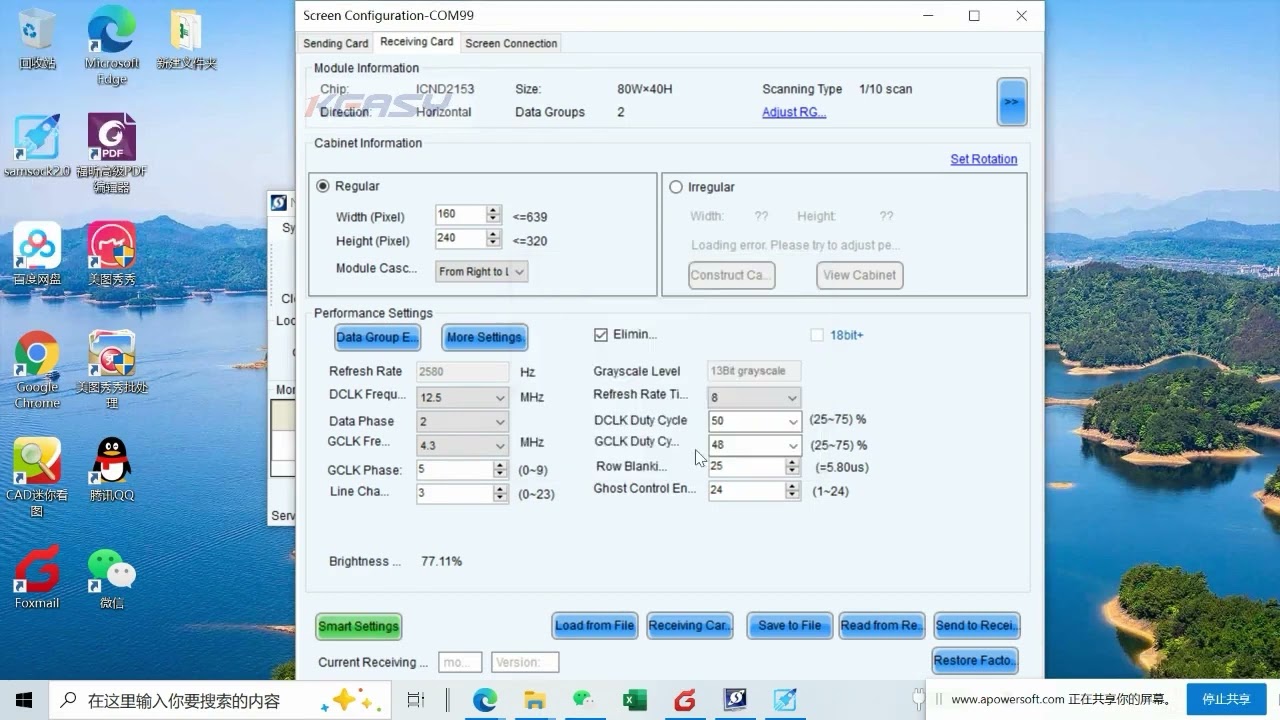
🔸 Step 3: Receiving Card Settings
Load RCFGX files (receiving card configuration files)
Options: Load from file, send to all receiving cards, send to specific cards
Handle mixed cabinet projects using separate configurations
Retrieve existing configurations from cabinet using Read from Card
Save RCFGX for future reuse
Important tip: Always confirm the firmware version and don’t overwrite custom firmware without consulting manufacturer
🔸 Step 4: Screen Connection
Tell the software how cabinets are physically arranged
Set screen quantity, rows, and columns
Input cabinet dimensions (height × width in pixels)
Use manual or quick connection to assign cabinet positions
Finalize by clicking Save to Hardware
🔹4. Extra Tools and Pro Tips
✅ Mapping Function
Displays port and cabinet ID on each panel — ideal for large-scale or mixed-model setups
Only supported on some A-series and MRV cards
✅ Read from Hardware
Save the entire current configuration to an SCR file for backup
✅ Connection Status Check
Use Detect Communication to verify real-time port and device connectivity
📌 Key Topics Covered:
NovaLCT software tutorial, sending card setup, receiving card configuration, RCFGX files, screen connection, LED control software, cabinet mapping, pixel alignment, LED display setup, NovaStar NCE course
👥 Who Should Watch This Video:
LED display technicians and system integrators
AV professionals working with rental or permanent LED setups
NovaStar control system users and new trainees
Anyone seeking NovaLCT hands-on guidance
Whether you're configuring a small screen or managing a large installation, mastering the basic configuration workflow in NovaLCT is essential to ensure seamless and stable LED display performance.
Learn how to configure your LED screen in NovaLCT from start to finish — including sending card setup, RCFGX file loading, and pixel-accurate cabinet mapping. Perfect for LED technicians and NovaStar users.
Need to make your LED screens work pixel-by-pixel with zero signal issues?
This NovaLCT tutorial shows you how — from firmware verification to cabinet mapping.
💬 Questions about configuration files or sending card compatibility? Get in touch for tailored solutions.
📧 Contact us today for a quote or expert consultation:
🌐 Website: www.ledscreenparts.com
✉️ Email: [email protected]
📲 WhatsApp: +86 13316541431
Повторяем попытку...
Доступные форматы для скачивания:
Скачать видео
-
Информация по загрузке: