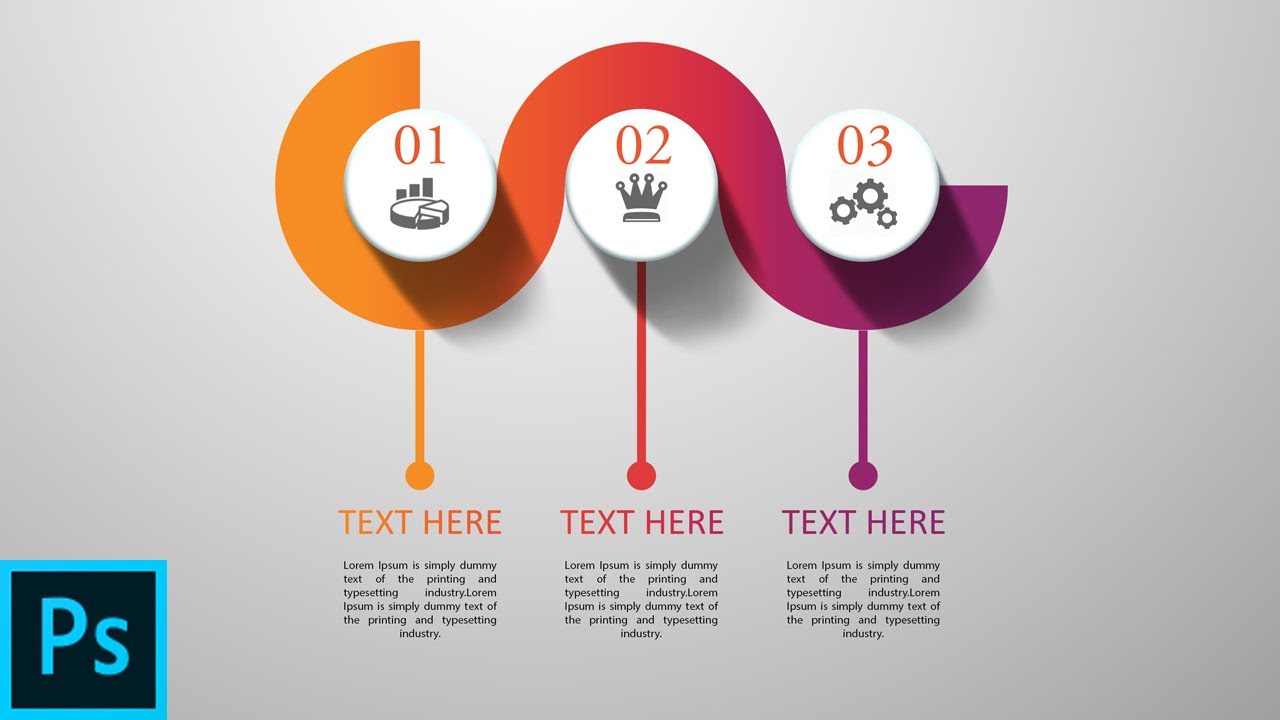
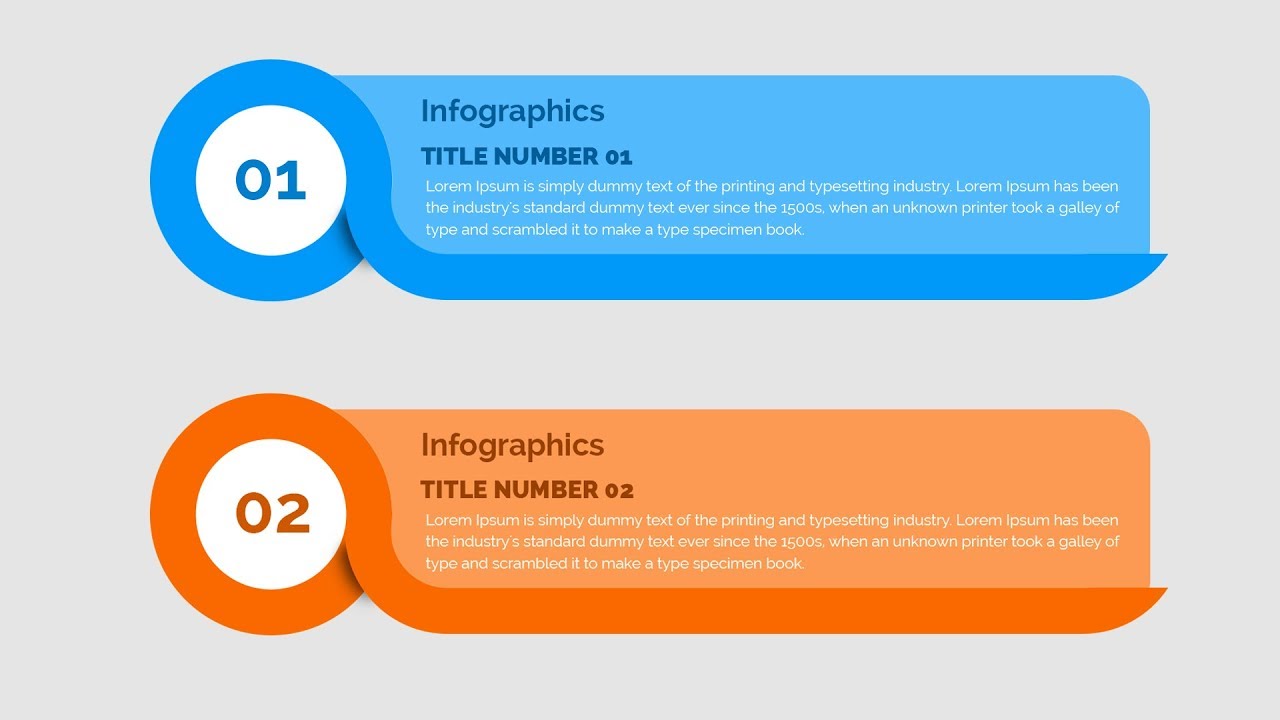
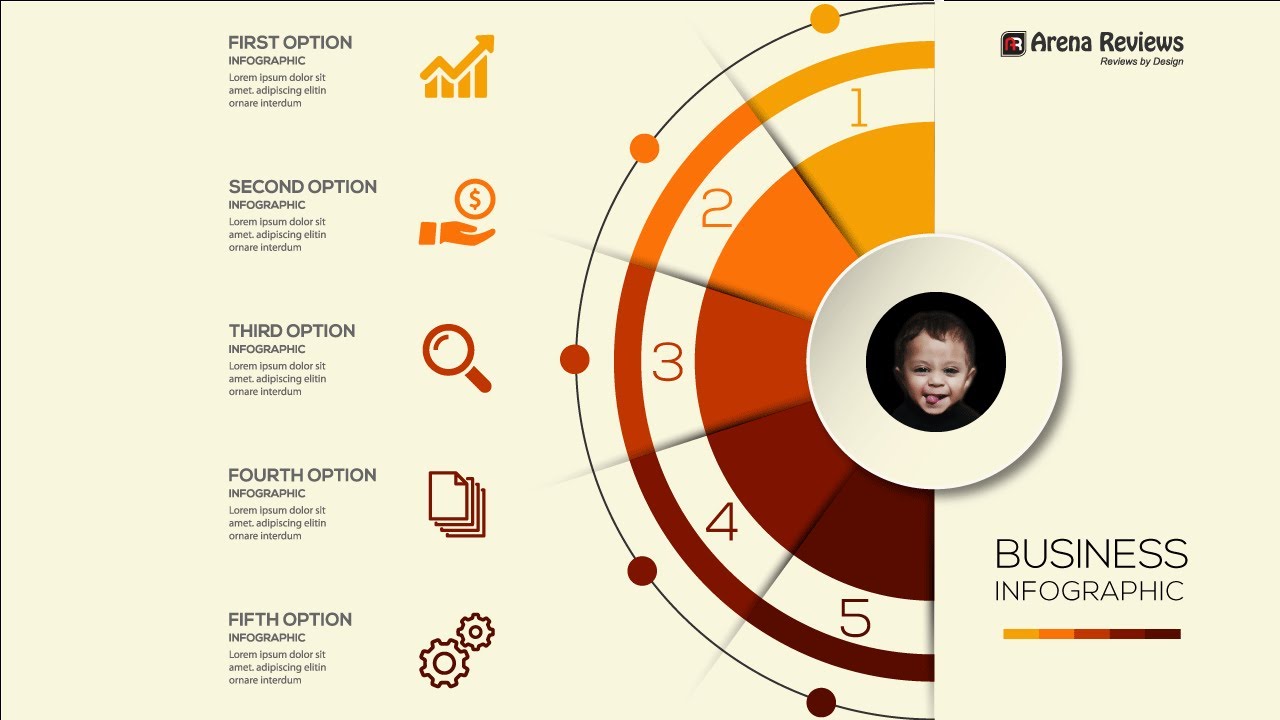
InfoGraphic Tutorial in Photoshop #06 - Polygon sides multiple colors
Автор: Tutorial Web Design
Загружено: 2016-03-08
Просмотров: 13487
Описание:
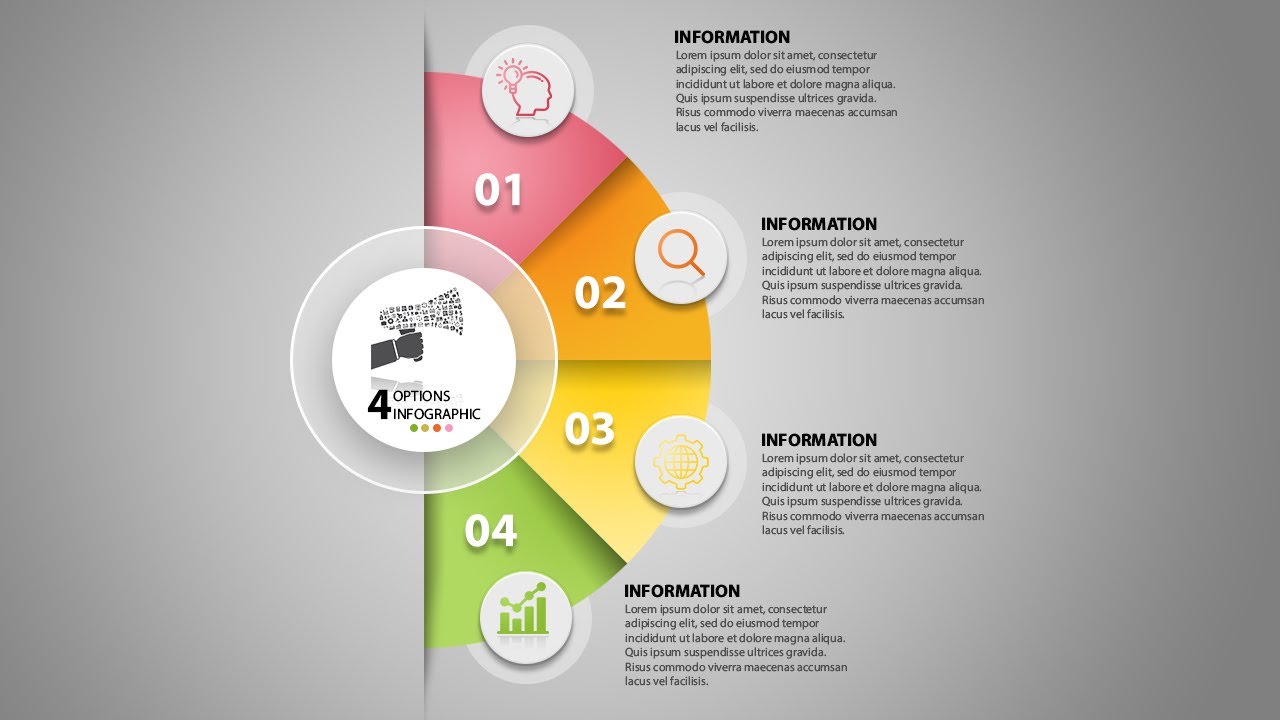
Welcome to our channel TutorialWebDesign, In this section of Photoshop Infographics tutorial, you will learn how to divide the polygon in to equal segments to make it circle like infographic. Learn how to break 8 sides polygon to 8 equal separated sides so that you can edit each side and give different color to each side.
Category: Photoshop Tutorials
Version : Photoshop CC, Photoshop CS6
Level : Beginner, Intermediate
Subcategory : InfoGraphic/Graphic Design Tutorial
Subject : Polygon shape infographic tutorial in Photoshop
Connect with us :
Web site: http://tutorialwebdesign.com/
Twitter : / tutorialweb
Facebook: / tutorialwebdesign
In this Photoshop banner design tutorial, you will learn
1. How to make 8 sides polygon in Photoshop?
2. Break polygon sides to different vector shapes?
3. Give different color each side to plygon?
4. How to edit each side of Polygon?
5. How to create circle shape infographic with polygon tool?
~-~~-~~~-~~-~
Please watch: "How to Design Cool Website Header in Photoshop | Web Design Tutorials"
• How to Design Cool Website Header in Photo...
~-~~-~~~-~~-~
Повторяем попытку...

Доступные форматы для скачивания:
Скачать видео
-
Информация по загрузке: