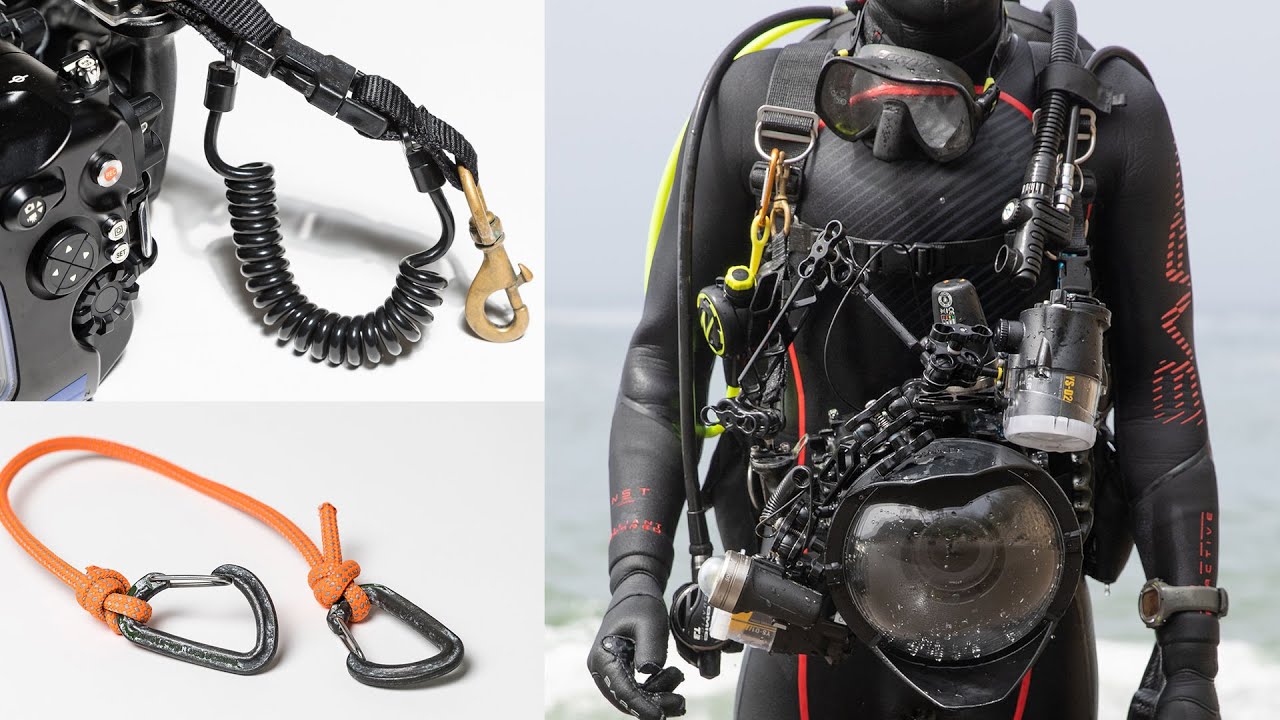
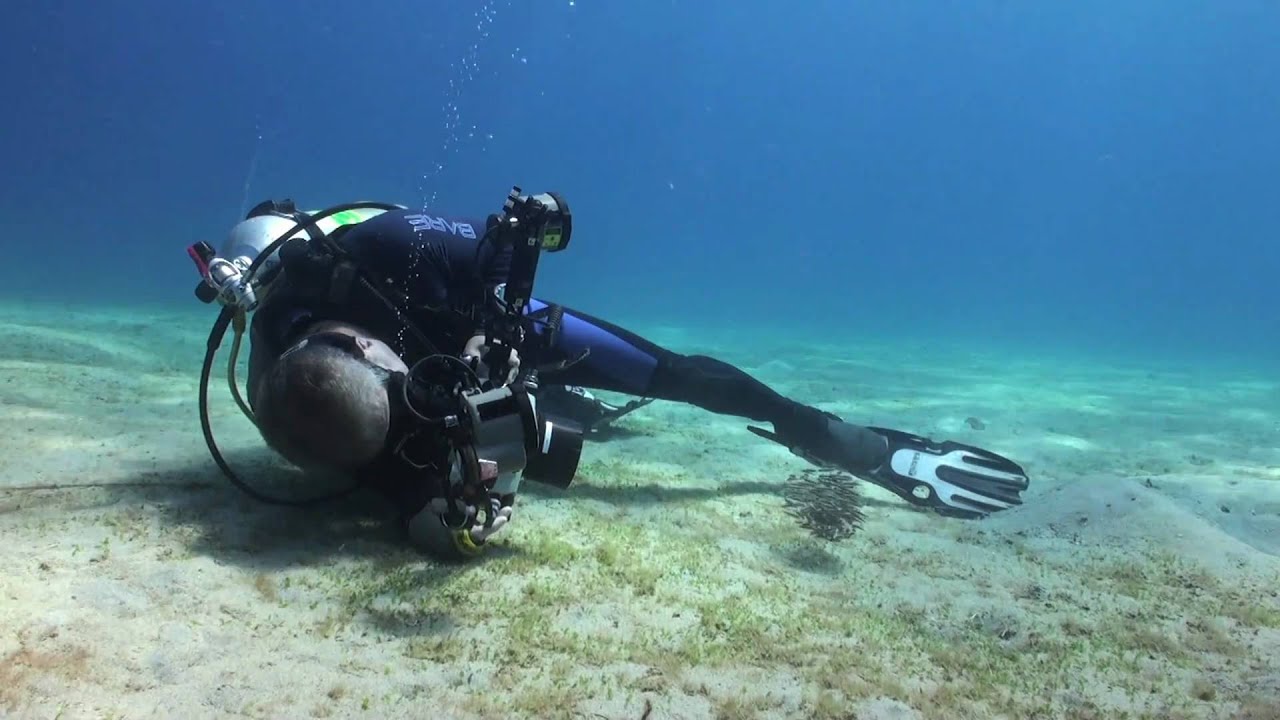
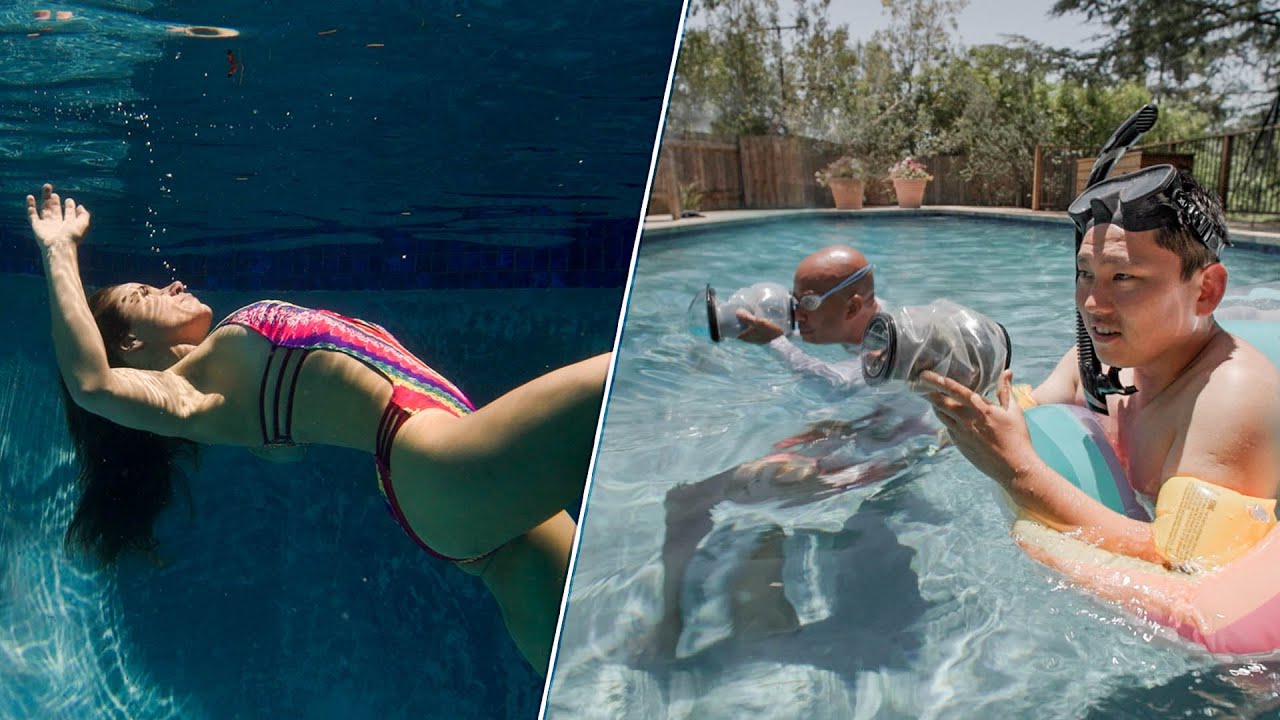
5 Underwater Photo HACKS in 120 SECONDS!!
Автор: Tom Park
Загружено: 2018-10-18
Просмотров: 9768
Описание:
The first video in a new series of tutorials/ tips and tricks videos that I plan on making sharing what I know about underwater photography with you! If you enjoyed this video please hit that subscribe button and let me know what you want to learn next!
I get this question almost every day along with another very popular "what camera do you use". I plan on answering all of these and any other topics you all want covered! Feel free to let me know in the comments.
Check out my website at www.tomparkphotography.com
or my underwater photography and travel instagram: / tomsunderwaterphotography
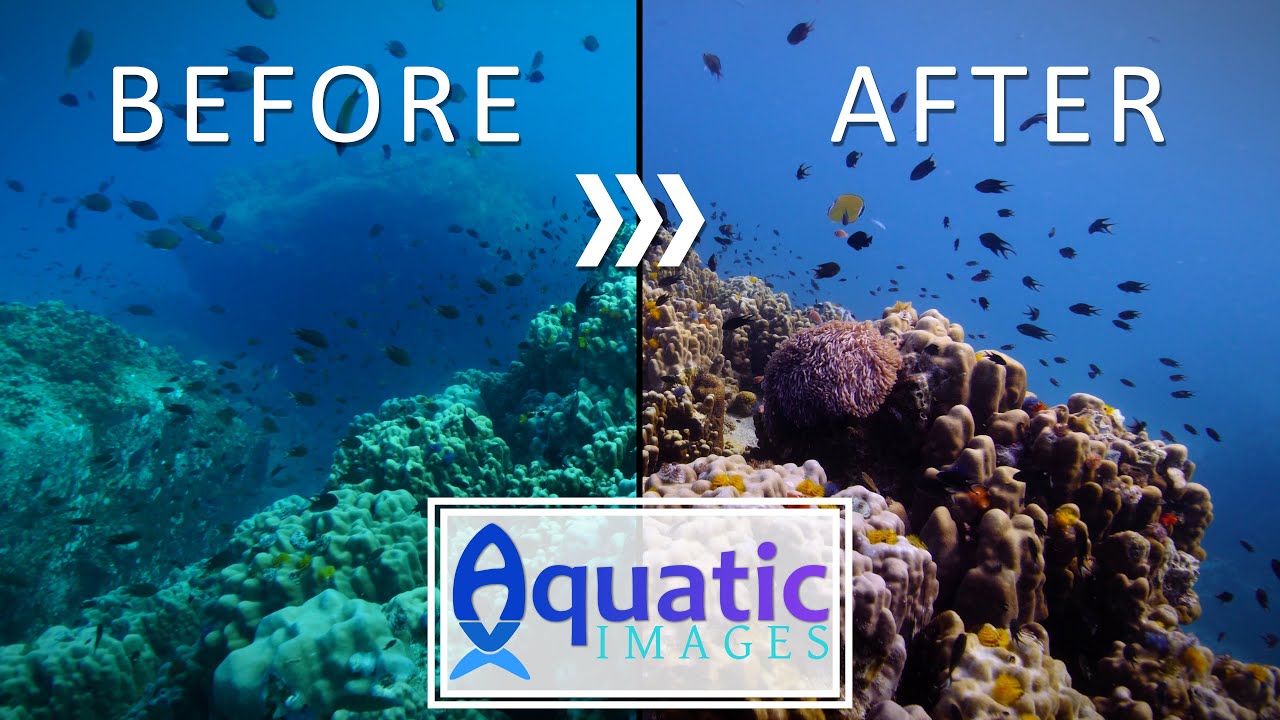
I skimmed over white balance a fair bit. To set a custom white balance, hit the white balance button and scroll all the way over to the custom slots. Here you will be prompted to take a photo of something white or grey. If you use lights make sure they're on and take a photo. This should set your white balance. While underwater your screen will appear very red. Do Not worry about it. It should look very red because of how your eyes interpret that information at depth. This is normal (and if your photos dont look red underwater something is not right).
Look at gumtree , craigslist and or Kijiji for second hand lights, they're hard to damage and are very durable. You'll also pick them up for a steal!
Gear used:
Filmed on: Sony A7III , Sony 16-35mm f4, Sony 50mm f1.8
(I'm soon putting this underwater in an Isotta Housing)
Rode Video Mic Pro
Underwater Kit:
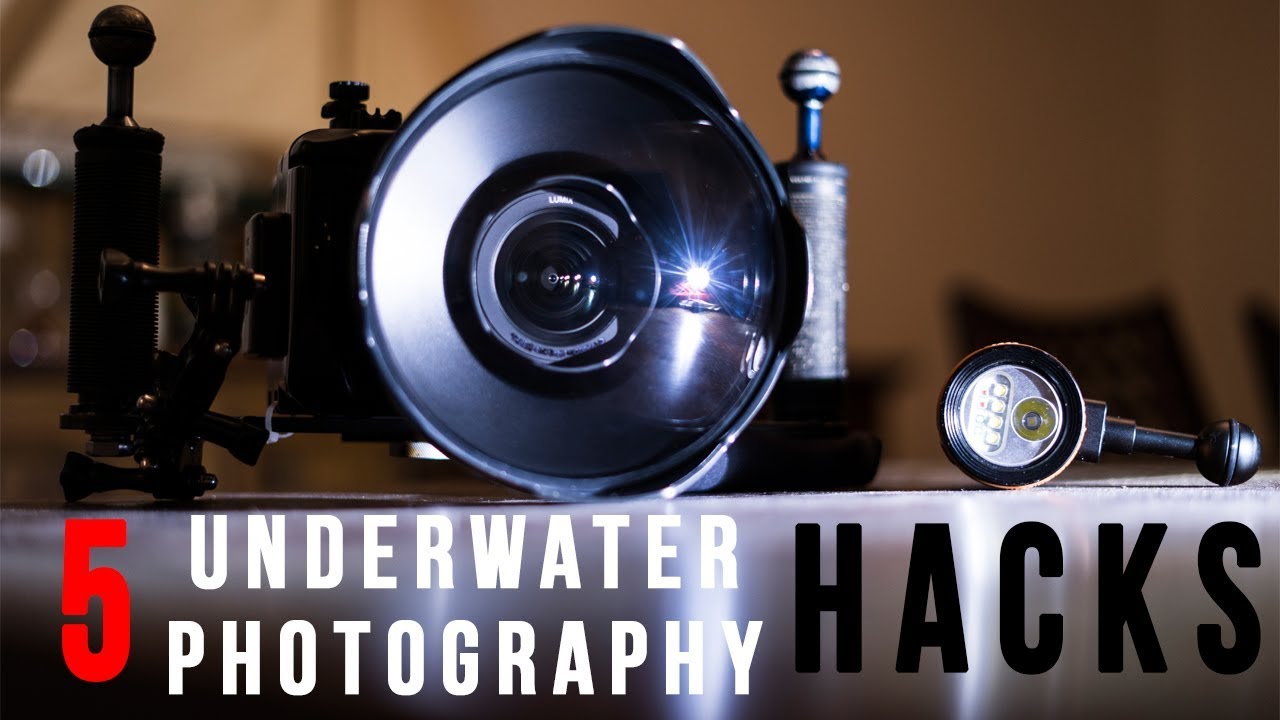
Panasonic Gx7
Panasonic 7-14mm wide angle lens
Nauticam housing with 6" Dome Port
Twin OrcaTorch D900V video lights
Inon D2000 Strobe (Photo)
Sea and Sea YS - 60 Strobe (photo)
Edited on:
Adobe Premiere Pro
Adobe Lightroom
Повторяем попытку...
Доступные форматы для скачивания:
Скачать видео
-
Информация по загрузке: